

Fail2Ban Logs
Where this lives now: this screen is part of Logs on the fail2ban tab. Its address is
/admin/logs?area=system&tab=fail2ban, and the old one redirects there.
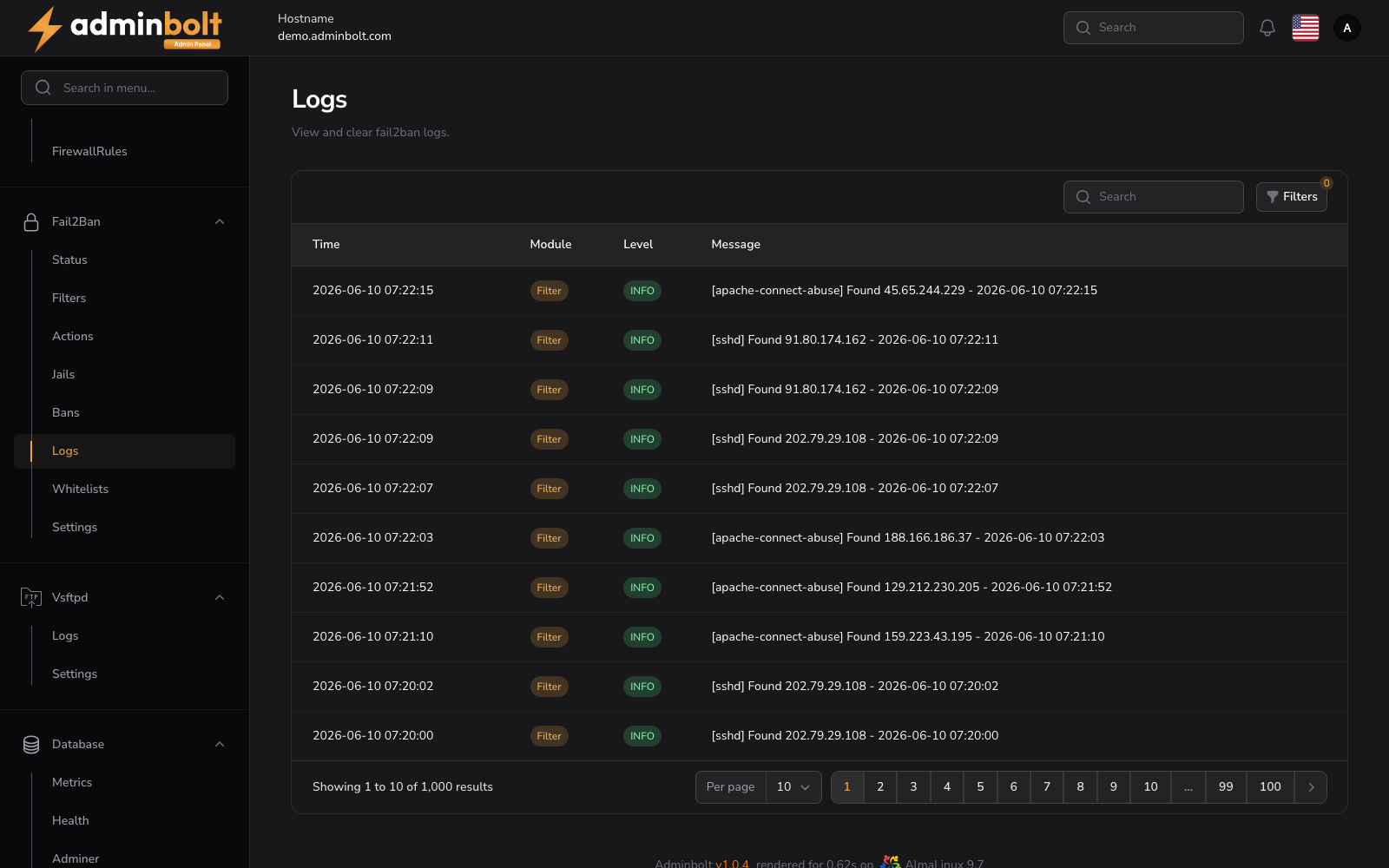
The Logs page displays the Fail2Ban daemon log, showing ban events, filter matches, and other Fail2Ban activity.
Overview
URL: /admin/logs?area=system&tab=fail2ban
The page header reads: "View and clear fail2ban logs."
This page displays a searchable, filterable, and paginated table of Fail2Ban log entries.
Log Table
Columns
- Time - The timestamp of the log entry (e.g.,
2026-04-23 09:02:27). - Module - The Fail2Ban module that generated the entry, displayed as a badge (e.g., Filter).
- Level - The log level, displayed as a color-coded badge (e.g., INFO).
- Message - The log message content, including jail name, action, and IP address (e.g.,
[apache-connect-abuse] Found 203.0.113.25 - 2026-04-23 09:02:19).
Search
The search bar filters log entries by message content.
Filters
Click the Filters button to open the filter panel with the following controls:
- Level - Filter by severity level (All, EMERGENCY, ALERT, CRITICAL, ERROR, WARNING, NOTICE, INFO, DEBUG).
- From - Start date for the log range.
- Until - End date for the log range.
A Reset button clears all active filters.
Pagination
Results per page can be set to: 5, 10, 25, 50, or All.