

Roundcube Logs
Where this lives now: this screen is part of Logs on the roundcube tab. Its address is
/admin/logs?area=system&tab=roundcube, and the old one redirects there.
ℹ️ Legacy / hidden from navigation - this page works by direct URL but is intentionally not shown in the panel sidebar. Treat it as a legacy or rarely used screen.
The Roundcube Logs page provides an overview of recent Roundcube webmail activity and errors. This log interface is primarily used for identifying mail-related issues, especially within the Roundcube webmail client, and is helpful during debugging or support scenarios.
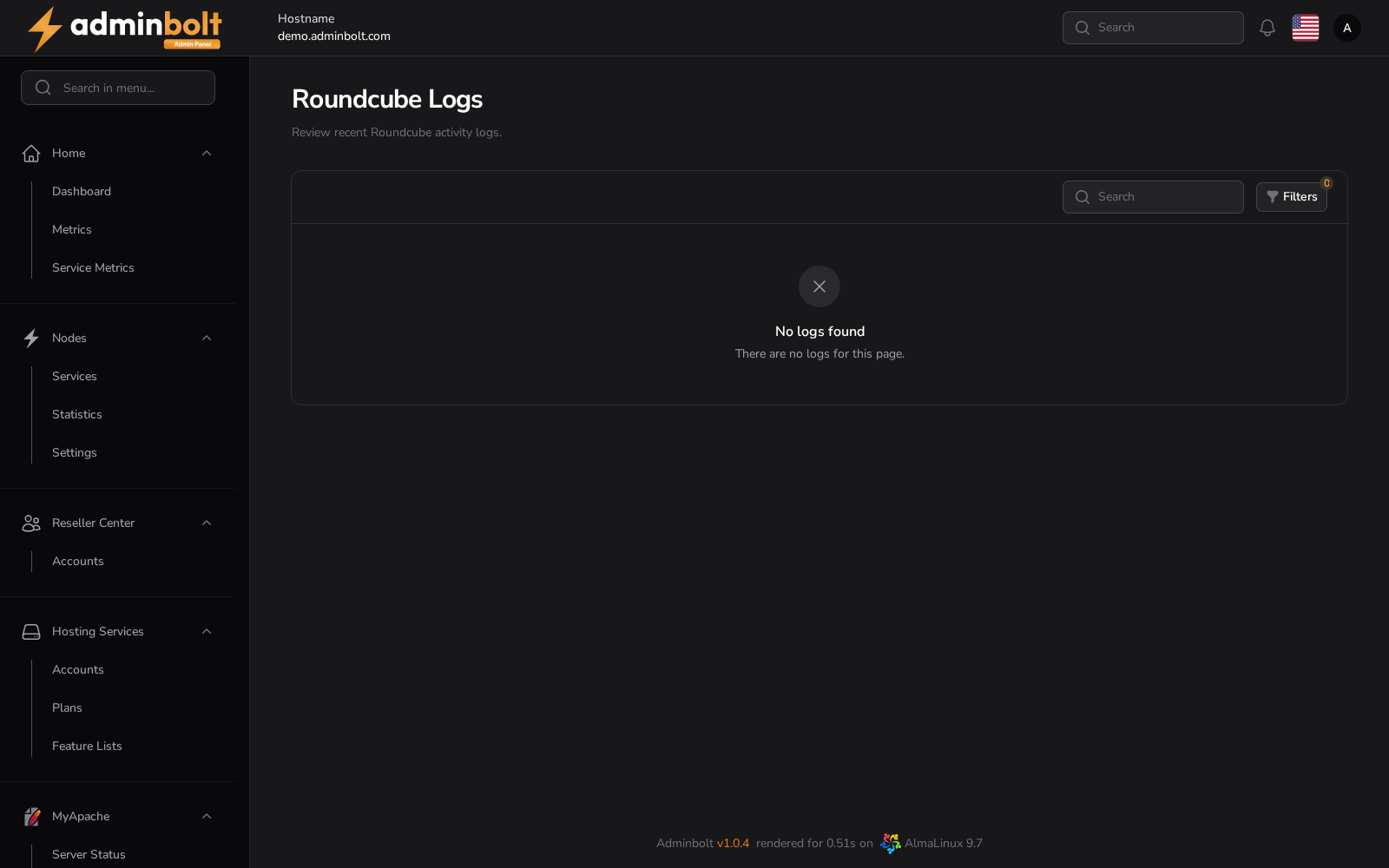
Overview
URL: /admin/logs?area=system&tab=roundcube
This page displays a list of all recorded Roundcube log entries, including detailed error messages, timestamps, and severity levels.
Table Columns
- Time - The exact timestamp when the log entry occurred.
- Level - The severity level of the log message (e.g., ERROR, WARNING, INFO).
- Message - The content of the log message, typically including the error type, description, and endpoint details.
- View - Opens a modal with complete log details.
Log Detail Modal
Clicking the “View” icon opens a modal with full log entry data.
Displayed data includes:
- Created at - Full timestamp
- Source - Always shown as
Roundcube - Level - Log severity level (e.g., ERROR)
- Message - Raw log text with full error detail
Search and Pagination
You can search log entries by:
- Time
- Level
- Message
Pagination options allow you to control the number of entries per page. Available limits:
- 5
- 10
- 25
- 50
- All
Filters
The Filters panel enables narrowing down results by:
- Level - Dropdown with options:
- All
- EMERGENCY
- ALERT
- CRITICAL
- ERROR
- WARNING
- NOTICE
- INFO
- DEBUG
- From Date - Filter logs from a selected start date.
- Until Date - Filter logs up to a selected end date.
The filter drawer can be reset at any time by clicking Reset.
Actions
- Search Bar - Live filter log entries.
- Filters - Open advanced filter drawer.
- Truncate Logs - Permanently deletes all Roundcube logs from the system (irreversible action).