

Rspamd Logs
Where this lives now: this screen is part of Logs on the rspamd tab. Its address is
/admin/logs?area=system&tab=rspamd, and the old one redirects there.
ℹ️ Legacy / hidden from navigation - this page works by direct URL but is intentionally not shown in the panel sidebar. Treat it as a legacy or rarely used screen.
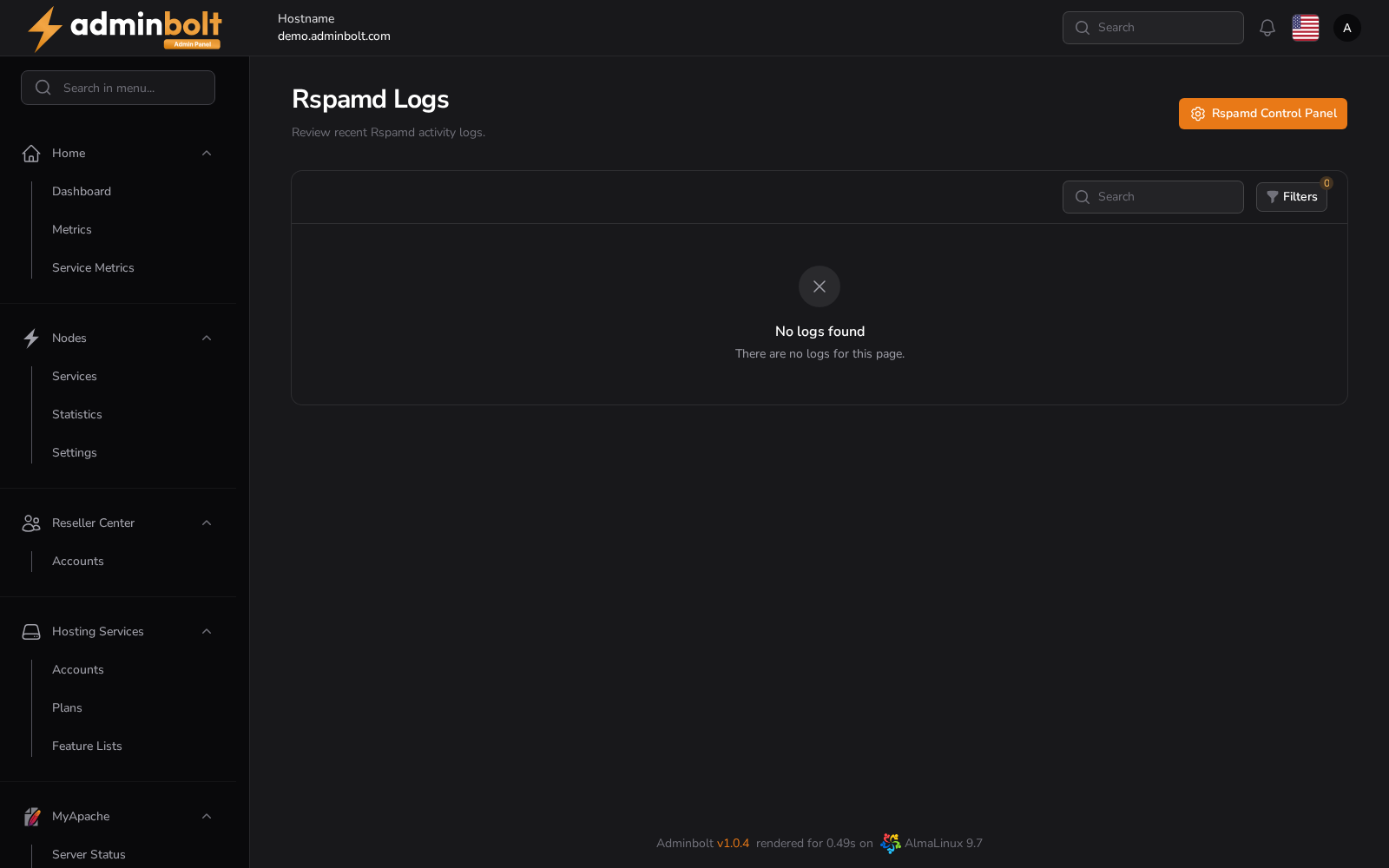
The Rspamd Logs page provides an interface to view recent Rspamd activity logs, including errors, warnings, and other events generated by the Rspamd controller.
Overview
URL: /admin/logs?area=system&tab=rspamd
This page allows administrators to:
- Review logs generated by the Rspamd service
- Filter logs based on severity or date
- Search through logs for specific keywords
- Access the Rspamd Control Panel directly
Each log entry includes the following information:
| Column | Description |
|---|---|
| Time | Timestamp when the log entry was created |
| Source | The source service or component that generated the log (e.g., rspamd:controller) |
| Level | Severity of the log (e.g., ERROR, WARNING, INFO) |
| Message | Detailed log message output |
Viewing Logs
Logs are listed in a table format. You can:
- Search logs using the search bar. It supports searching by values from the
Time,Source,Level, andMessagecolumns. - View a full log message by clicking the View button on the right-hand side of each entry.
The log modal displays:
- Exact timestamp
- Source of the log
- Severity level
- Full message content
Filtering Options
Click the Filters button to open the filtering panel. You can filter logs by:
- Level:
- All
- EMERGENCY
- ALERT
- CRITICAL
- ERROR
- WARNING
- NOTICE
- INFO
- DEBUG
- Date range:
- From (start date)
- Until (end date)
You can also reset all filters with the Reset button at the top.
Pagination
Rspamd logs support pagination at the bottom of the table. You can:
- Select the number of results per page (5, 10, 25, 50, All)
- Navigate between pages to browse older or newer entries
This helps in managing large volumes of logs effectively.
Rspamd Control Panel
Clicking the Rspamd Control Panel button in the top right corner will open the full Rspamd Web UI in a new tab. This panel provides advanced insights including:
- Filter statistics
- Throughput metrics
- Bayesian learning
- Symbol configuration
- Scan and learn interface
- Server-wide statistics and graphs
This UI is useful for debugging spam filtering issues and fine-tuning Rspamd behavior in your mail environment.