

Blacklist Domains
Where this lives now: this screen is part of Email on the domains tab. Its address is
/admin/email/blacklists?tab=domains, and the old one redirects there.
The Blacklist Domains page allows administrators to block specific domains from communicating via email. This is essential for preventing unwanted or malicious messages, enhancing security, and ensuring compliance within the email system.
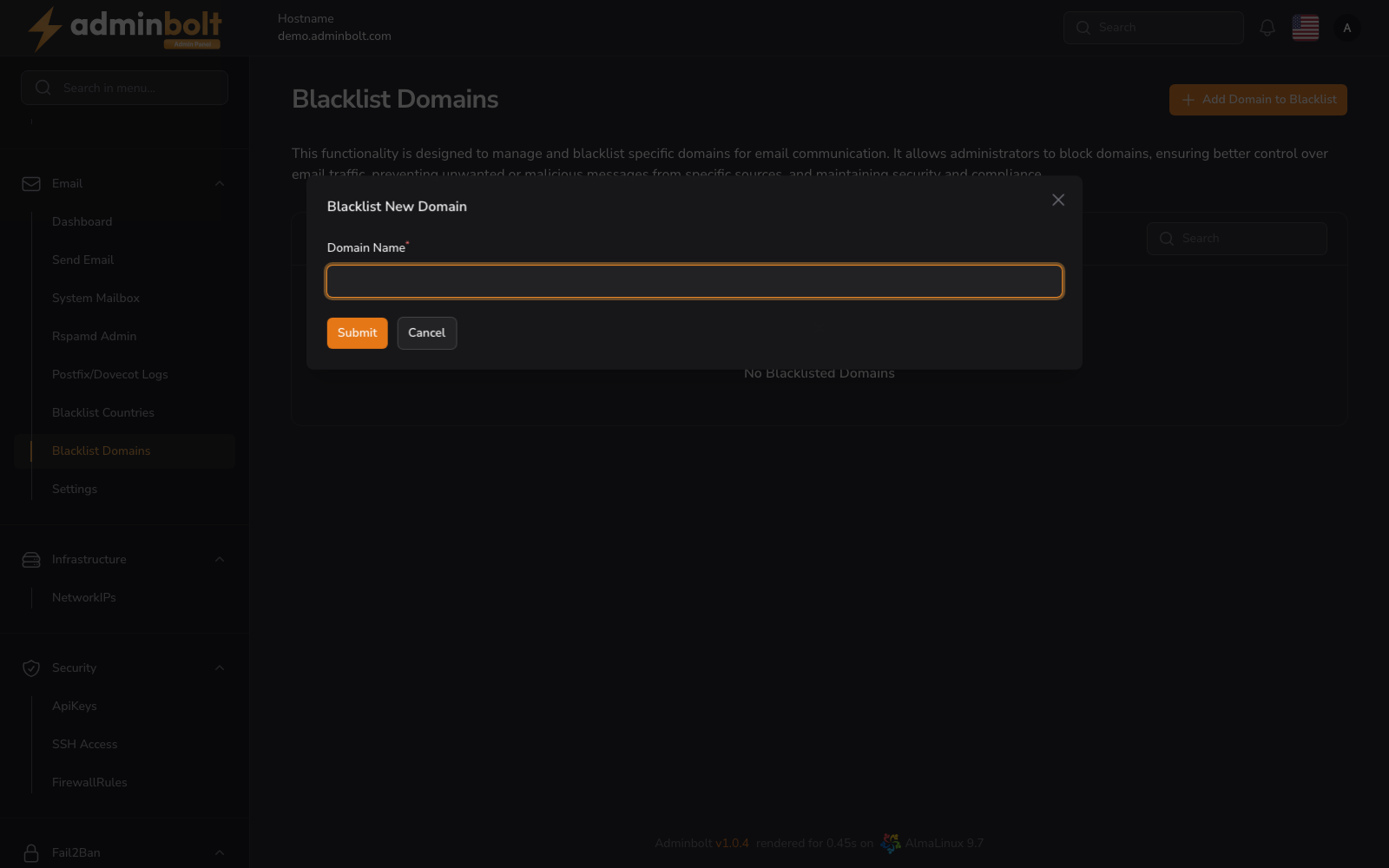
Overview
Former address: /admin/email-blacklist-domains (this page describes an earlier version of this screen)
This interface provides a clear overview of all currently blacklisted domains. Administrators can add or remove domains from the blacklist and search through existing entries.
Key Functionalities
- Add Domain to Blacklist - Opens a modal to submit a new domain name to be blacklisted.
- Search - A search input in the top right of the table allows filtering the list by Domain Name.
- Delete - Each listed domain has a trash icon button to remove it from the blacklist.
- Pagination - You can choose how many results to display per page (e.g., 5, 10, 25, 50, All).
Adding a New Domain to Blacklist
Clicking the Add Domain to Blacklist button opens a modal where administrators can input a domain name.
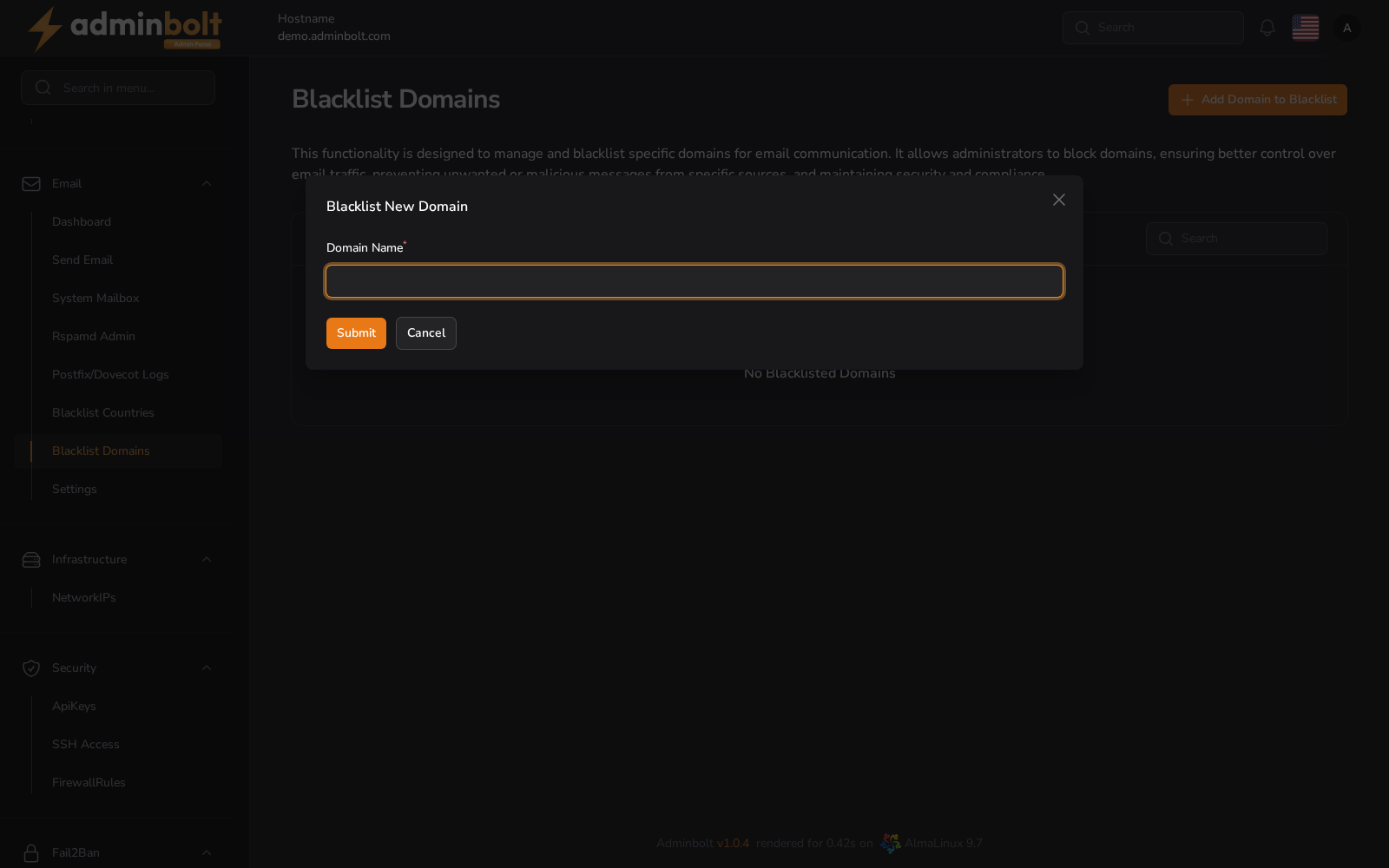
Modal Fields
- Domain Name - The full domain to be blocked (e.g.,
example.com). This field is required. - Submit - Adds the domain to the blacklist.
- Cancel - Closes the modal without saving.