

Watchdog Settings
Where this lives now: this screen is part of Watchdog on the settings tab. Its address is
/admin/settings/watchdog-dashboard?tab=settings, and the old one redirects there.
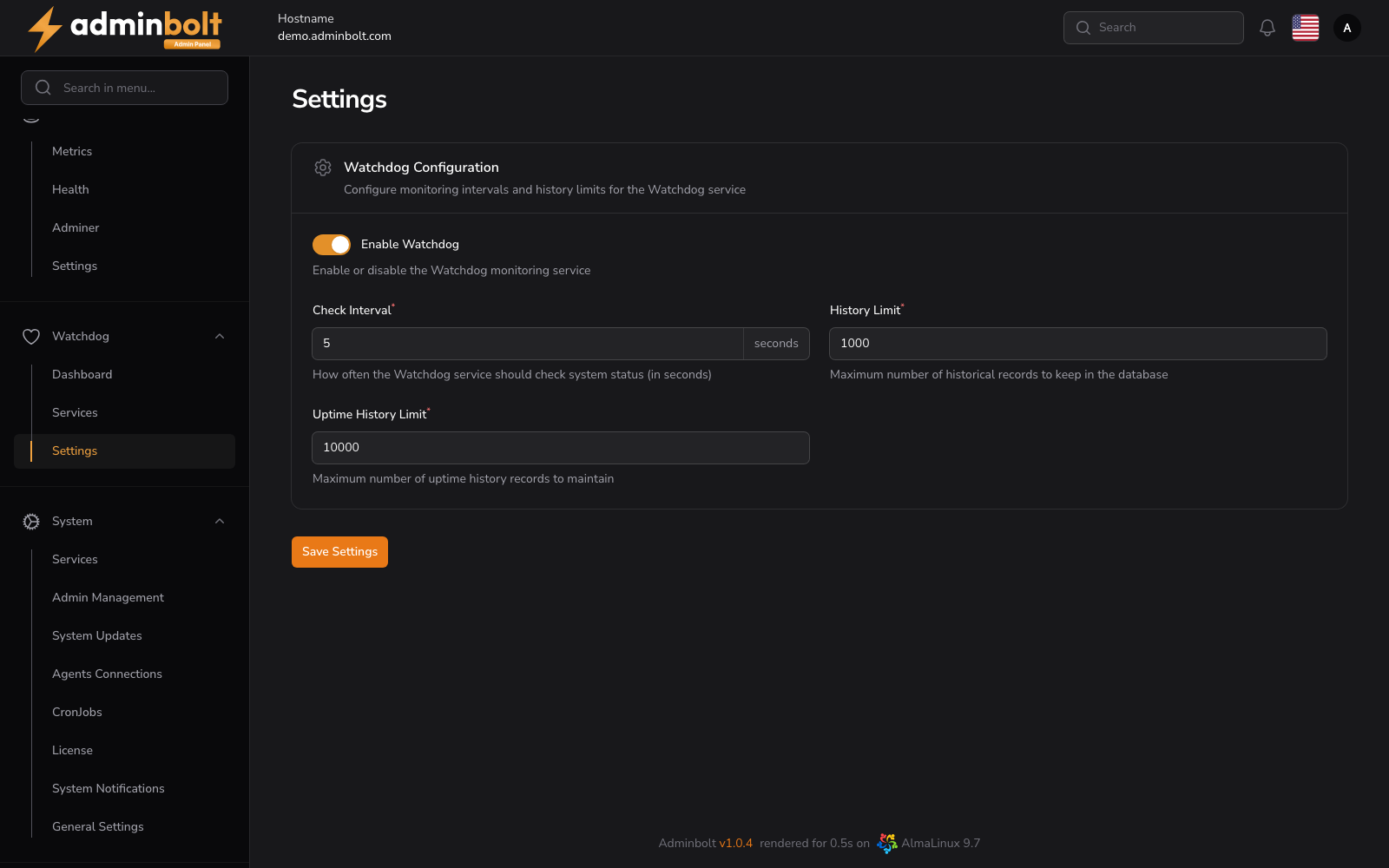
The Watchdog Settings page allows administrators to configure the Watchdog monitoring service, including check intervals and history retention limits.
Overview
URL: /admin/settings/watchdog-dashboard?tab=settings
Use this page to control how often the Watchdog runs its checks and how much historical data it keeps in the database. Changes apply globally to all monitored services.
Settings
Service Toggle
- Enable Watchdog - Enables or disables the Watchdog monitoring service. When disabled, no checks are performed and the dashboard stops updating.
Monitoring Intervals
- Check Interval (seconds) - How often the Watchdog service should check system status. Lower values give more accurate uptime data at the cost of additional system load.
History Retention
- History Limit - Maximum number of historical check records retained in the database.
- Uptime History Limit - Maximum number of uptime history records maintained.
When the limit is reached, the oldest records are pruned to keep the database size bounded.
Save Changes
Click the Save Settings button at the bottom of the page to apply the configuration. Changes take effect on the next Watchdog check cycle.
Related Pages
- Watchdog Dashboard - Live overview of monitored services.
- Watchdog Services - List and register monitored services.