

Watchdog Services
Where this lives now: this screen is part of Watchdog on the services tab. Its address is
/admin/settings/watchdog-dashboard?tab=services, and the old one redirects there.
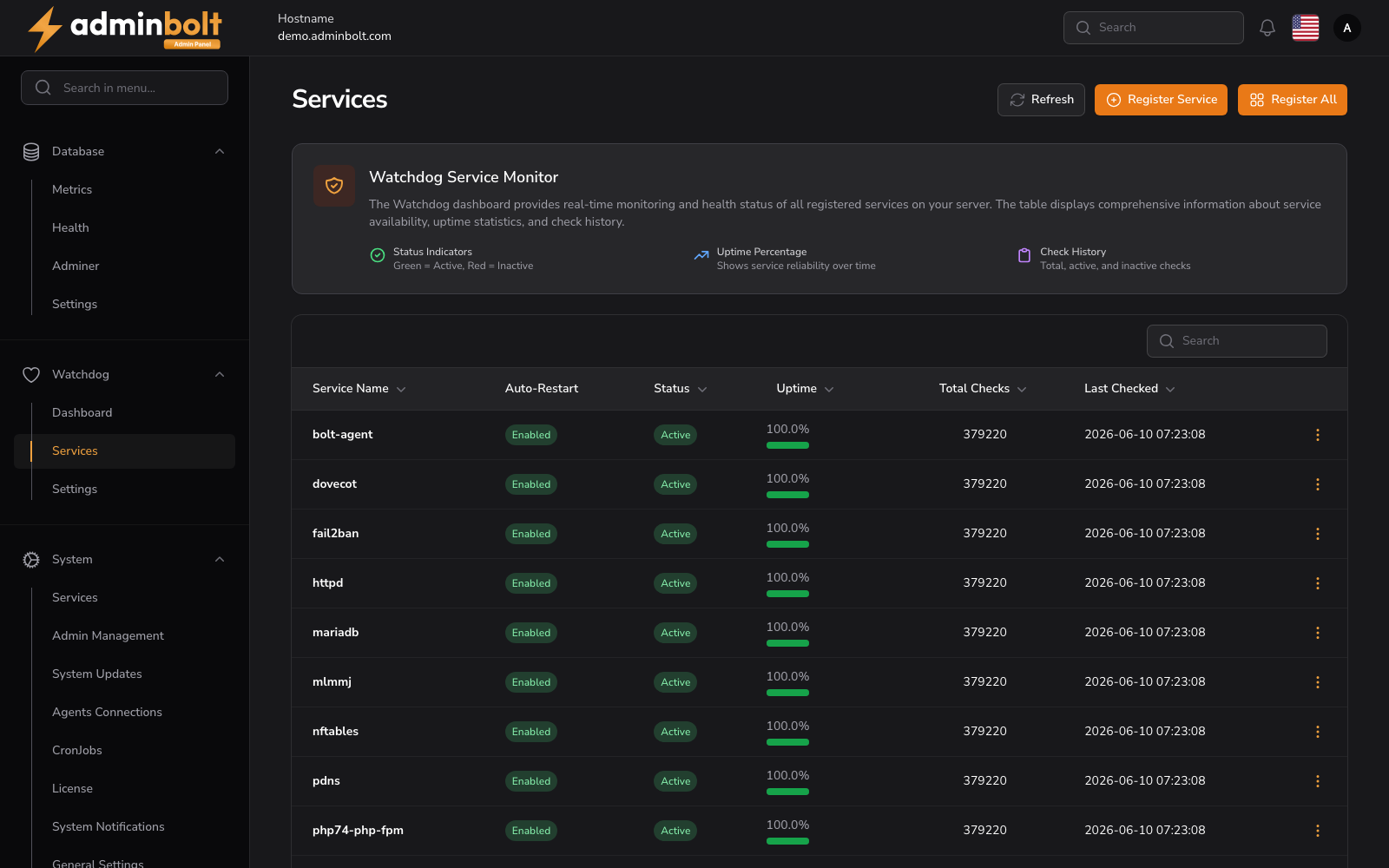
The Watchdog Services page lists all services registered with the Watchdog monitor and provides controls to register new services or enable bulk monitoring.
Overview
URL: /admin/settings/watchdog-dashboard?tab=services
The Watchdog dashboard provides real-time monitoring and health status of all registered services on your server. The table displays comprehensive information about service availability, uptime statistics, and check history.
Actions
- Refresh - Reloads the service status data.
- Register Service - Opens a form to register a new system service for Watchdog monitoring.
- Register All - Bulk-registers all detected system services in a single action.
Indicators
The page header explains the conventions used in the table:
- Status Indicators - Green =
Active, Red =Inactive. - Uptime Percentage - Shows service reliability over time.
- Check History - Total, active, and inactive checks.
Services Table
The table includes the following columns:
- Service Name - Name of the monitored service (e.g.,
httpd,mariadb,redis). - Auto-Restart - Whether the Watchdog will attempt to restart the service automatically if it goes down (
Enabled/Disabled). - Status - Current service state (
Active,Inactive). - Uptime - Uptime percentage over the tracked window.
- Total Checks - Cumulative count of health checks performed.
- Last Checked - Timestamp of the most recent health check.
Search
The Search field filters the list by service name for quick access.
Related Pages
- Watchdog Dashboard - Overview of overall health and monitored services.
- Watchdog Settings - Global Watchdog configuration.