

Webhost Manager
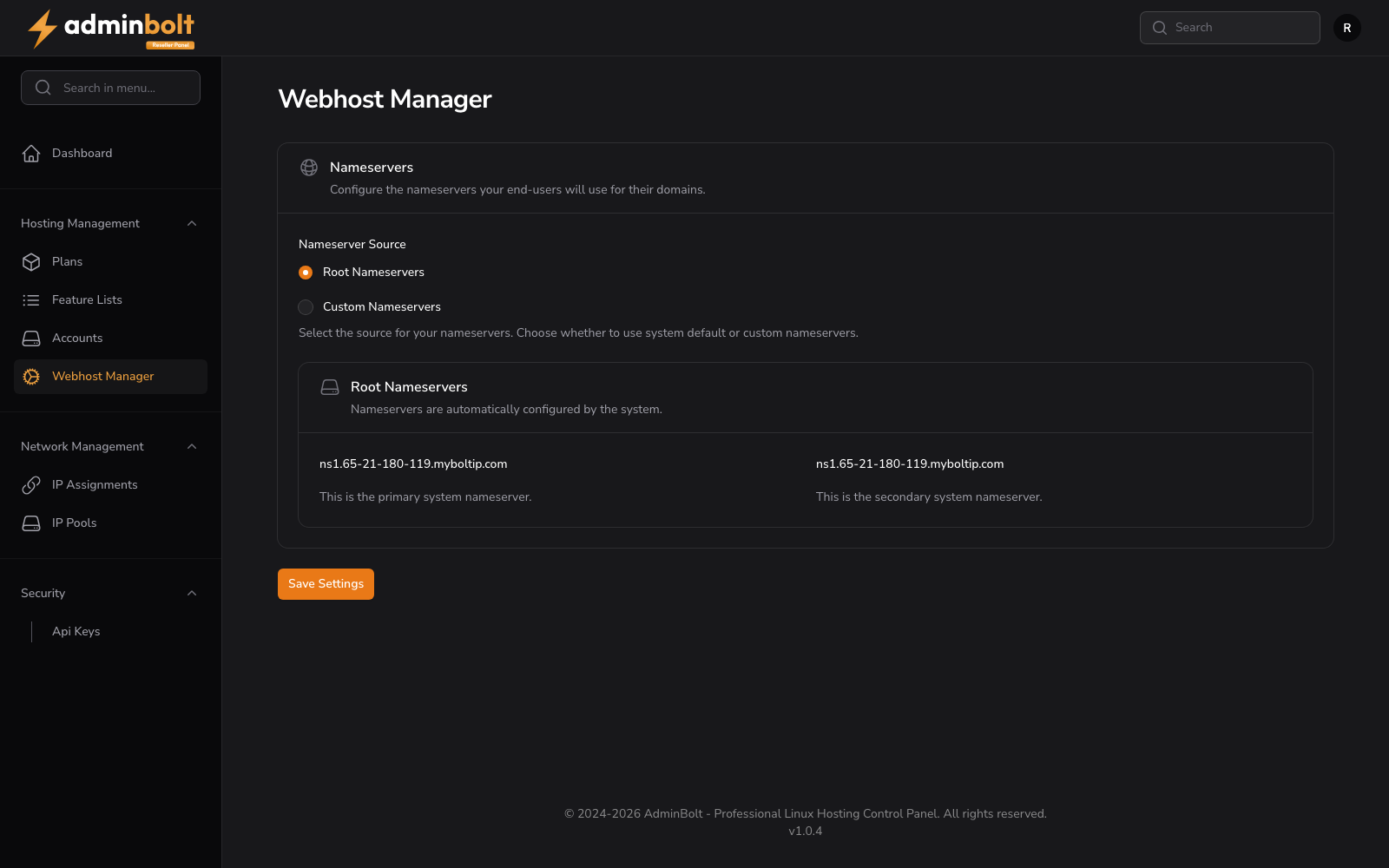
The Webhost Manager page allows resellers to configure the nameservers their end-users will use for their domains.
Overview
URL: /reseller/webhost-manager
The page contains a Nameservers section with the description: "Configure the nameservers your end-users will use for their domains."
Nameserver Source
A radio button selection allows choosing between two nameserver modes:
Root Nameservers
Uses the system default nameservers, automatically configured based on the hosting server's hostname and IP.
Custom Nameservers
Allows resellers to define their own branded nameservers (e.g., ns1.yourdomain.com, ns2.yourdomain.com). When selected, two input fields appear for Nameserver 1 (required) and Nameserver 2 (optional).
Save Settings
Click Save Settings to apply the chosen nameserver configuration. This setting affects all newly created domains under the reseller's accounts.