

Git SSH Keys
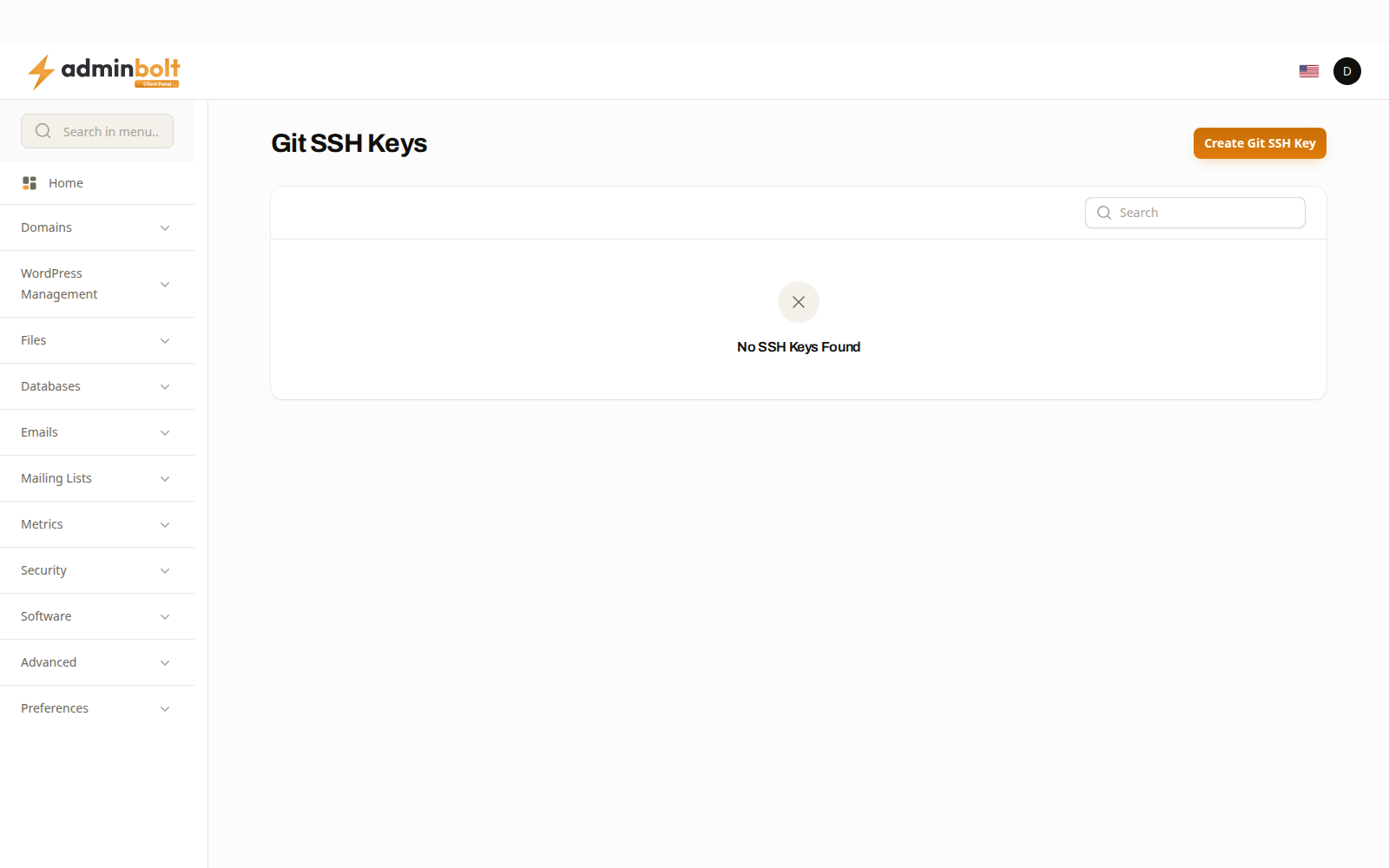
Git SSH Keys holds the key pairs your account uses to reach private Git repositories. A public repository needs no key; a private one on GitHub, GitLab, or your own server does.
Overview
URL: /client/git-ssh-keys
Location in Sidebar: Security > Git SSH Keys
Since panel 1.9.3 the page has its own entry under Security in the sidebar, and the menu search finds it, when your hosting plan includes the Git Version Control feature. Without that feature the entry is hidden and the page address is refused. You can also open it from Git Version Control (Files > Git™ Version Control): the SSH Access link in a repository's Related Links section opens it in a new tab.
The key list
The list shows the keys of the hosting account you are signed in to:
| Column | What it shows |
|---|---|
| Name | The label you gave the key. |
| Hosting Account | The domain of the hosting account the key belongs to. |
The search box matches the key name or that domain. You can sort by either column, and select keys to delete several at once.
Adding a key
Create Git SSH Key asks for a name and a key pair.
| Field | What it is |
|---|---|
| Name | A label, so you can tell one key from another later. |
| Private Key | The half that stays here. |
| Public Key | The half you give to the Git host. |
Generate creates a fresh pair for you and fills both fields. Use it unless you have a reason to reuse an existing key: a key generated here is used by this account only, so revoking it later affects nothing else you own.
After creating the key, copy the public half into your Git host, as a deploy key on the repository or as an account key. Never paste the private half anywhere outside this page.
Name keys after what they are for, such as the repository or the host. A list of keys called key1 and key2 is impossible to clean up safely a year later.
Removing a key
Removing a key stops this account reaching anything that trusted it. Remove the matching entry at the Git host as well, otherwise a key you have retired here is still listed as trusted there.
Related pages
- Git Version Control - the repositories these keys reach.
- SSH Terminal - shell access, which uses its own access settings.
- Applications - what you might deploy from a repository.