

Watchdog
ℹ️ Opened from Modules - this module page has no sidebar entry of its own. Open Modules in the sidebar, then the module's card on the Application Modules page (
/admin/modules).
Module page for Watchdog - automated service monitoring. Installing it enables the Watchdog dashboard, periodic health checks and automatic restarts of failed services.
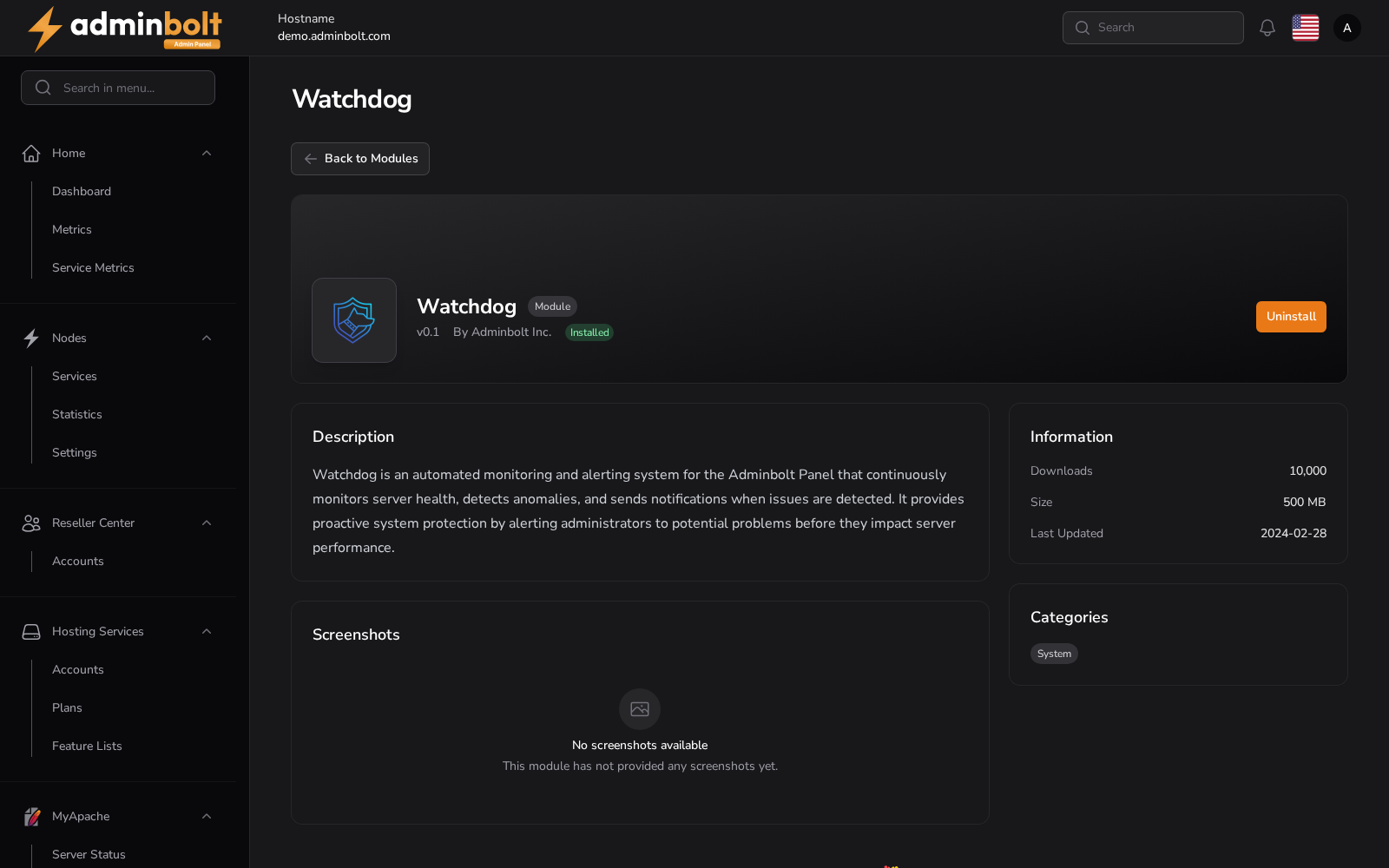
Overview
URL: /admin/modules/watchdog
In the panel: Modules > Watchdog
Once installed, Watchdog is managed on Settings > Tools > Watchdog (/admin/settings/watchdog-dashboard). See Watchdog Dashboard.
Available Actions
- Back to Modules - opens
/admin/modules - Uninstall
Installing, upgrading, and removing
Since panel 1.9.0:
- Watchdog is running and reported healthy right after installation. When installing or upgrading Watchdog leaves it installed but not running, the result is a warning that says so instead of a success. The module stays installed, so you can still uninstall it.
- Uninstalling removes its registered services and stored settings, so a later reinstall starts fresh.
bolt-watchdog --versionprints the installed version on the server's command line.