

Send Email
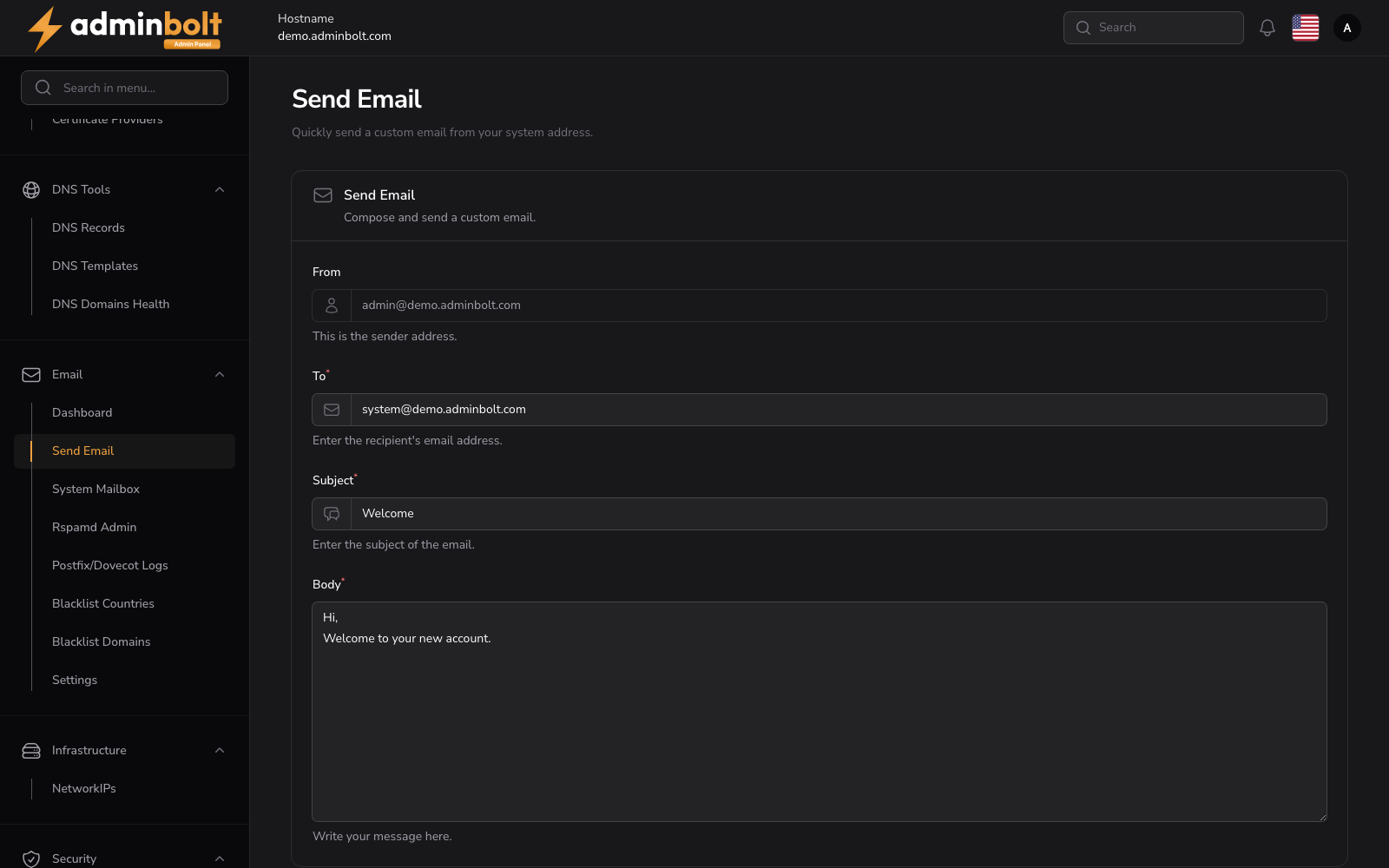
The Send Email page sends a custom message from the server's system address to any recipient. It is the quickest way to check that outbound mail leaves this server, and it is also useful for one-off notices and alerts.
Overview
URL: /admin/send-email
Open it from Email in the sidebar, then the Send Email tab. The header reads "Quickly send a custom email from your system address."
Form Fields
- From - The sender's system email address. This field is pre-filled and cannot be changed.
- To (required) - The recipient's email address. The configured system addresses are offered as the visible defaults, and the message is delivered to whatever address you type here.
- Subject (required) - The subject line of your message.
- Body (required) - The content of the message, as plain text.
- Send - Dispatches the email once the fields are filled.
Notification
After sending, if the email is delivered successfully, a notification appears at the top-right corner confirming:
Email Sent The email has been sent successfully.
The notification confirms that the panel handed the message to Postfix. Whether it then reaches the recipient is a delivery question: follow it up on Mail Queue and in Postfix and Dovecot Logs.