

Hotlink Protection
URL: /client/hotlink-protection
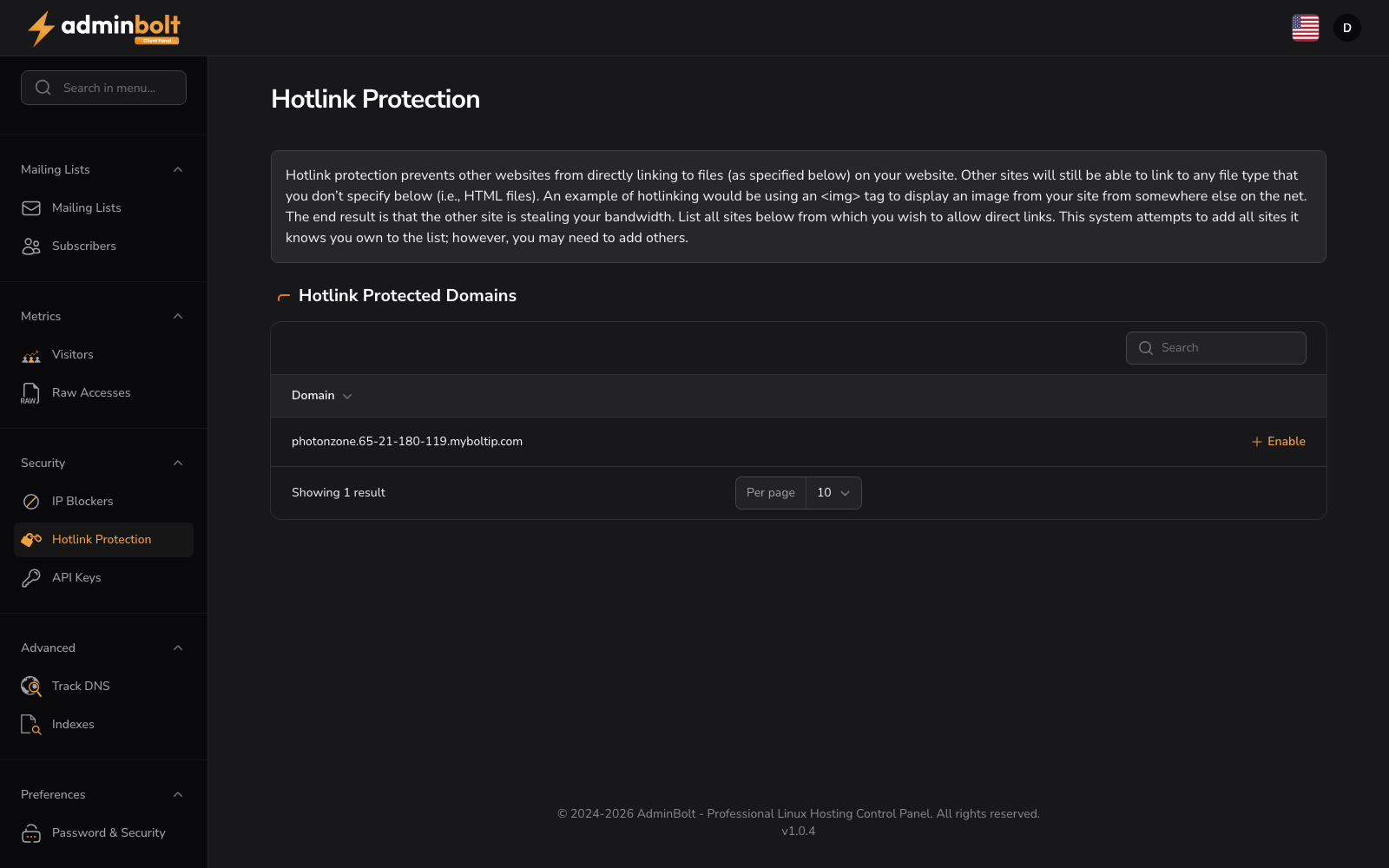
Hotlink protection prevents other websites from directly linking to files on your server. This protects your bandwidth and ensures only authorized sources can access your content.
Hotlink Protected Domains
Manage hotlink protection status for your domains. Use the search bar to find specific domains quickly.
The table displays:
- Domain: Your domain name
- Actions: Enable button to activate hotlink protection for each domain
Each domain can be toggled independently to enable or disable protection.
Use the pagination controls to select items per page and navigate through multiple pages.
Enable Hotlink Protection
When you click Enable for a domain, a configuration form appears with the following fields:
- URLs to allow access (list) - Add URLs that are allowed to link directly to your files (your own domain is included by default)
- Block extensions (text) - File extensions to protect from hotlinking (e.g. jpg, jpeg, gif, png, bmp)
- Allow direct requests (checkbox) - When enabled, visitors can access files by entering the URL directly in the browser
- Redirect URL (text) - The URL visitors are redirected to when hotlink protection blocks a request
Form buttons: Enable, Cancel