

Panel Settings
Panel Settings holds settings that govern the panel itself rather than a hosted service: how bulk actions behave, how often account usage is measured, and how long two kinds of history are kept.
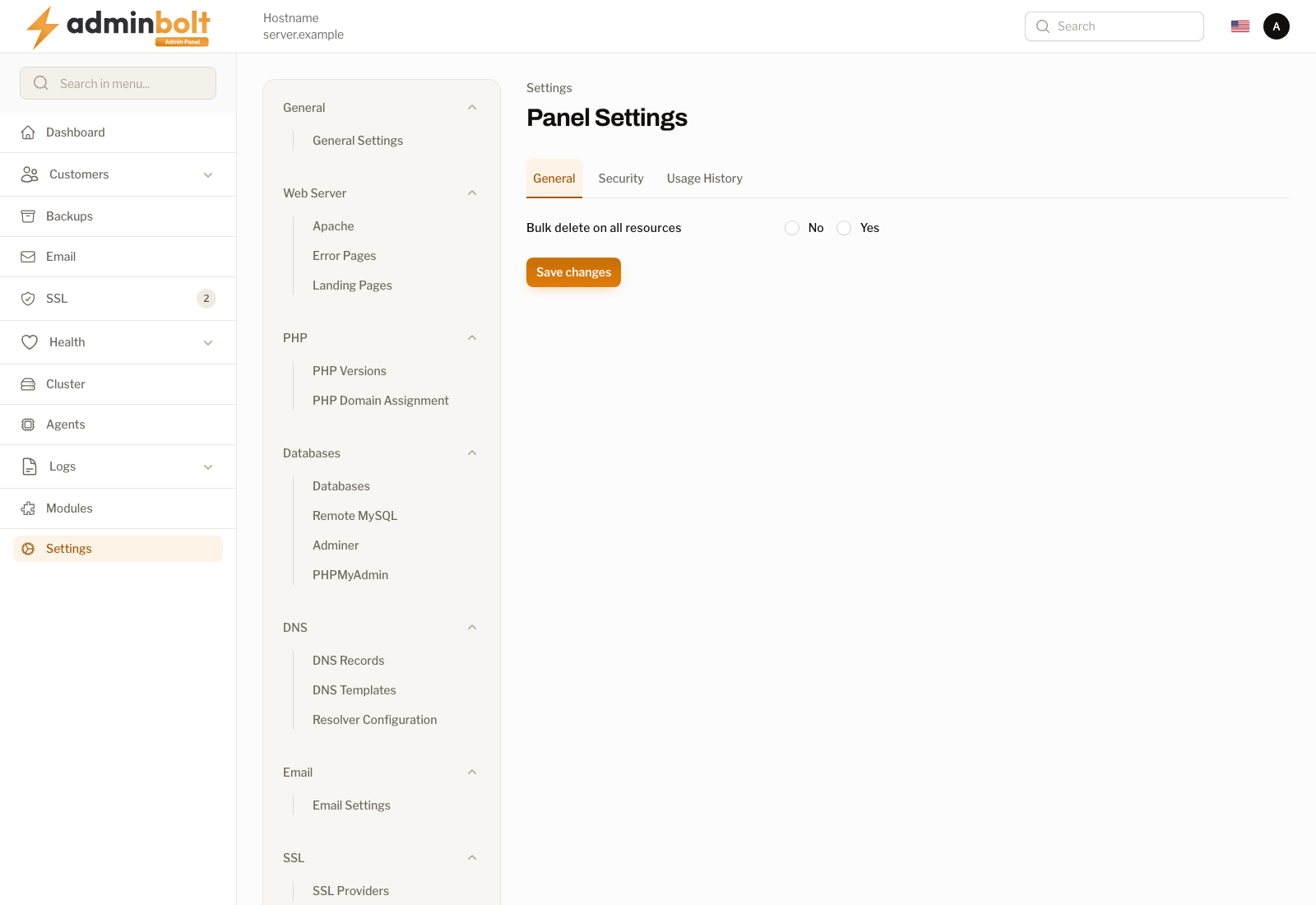
Overview
URL: /admin/settings/panel-settings
The page is reached by its address; it is not listed in the sidebar. For the settings that govern the server (hostname, branding, and its certificate), see General Settings.
It has four tabs, and Save changes applies whichever one you are on.
General
- Bulk delete on all resources - Yes or No. Decides whether list pages offer a bulk delete action alongside the per-row one.
Security
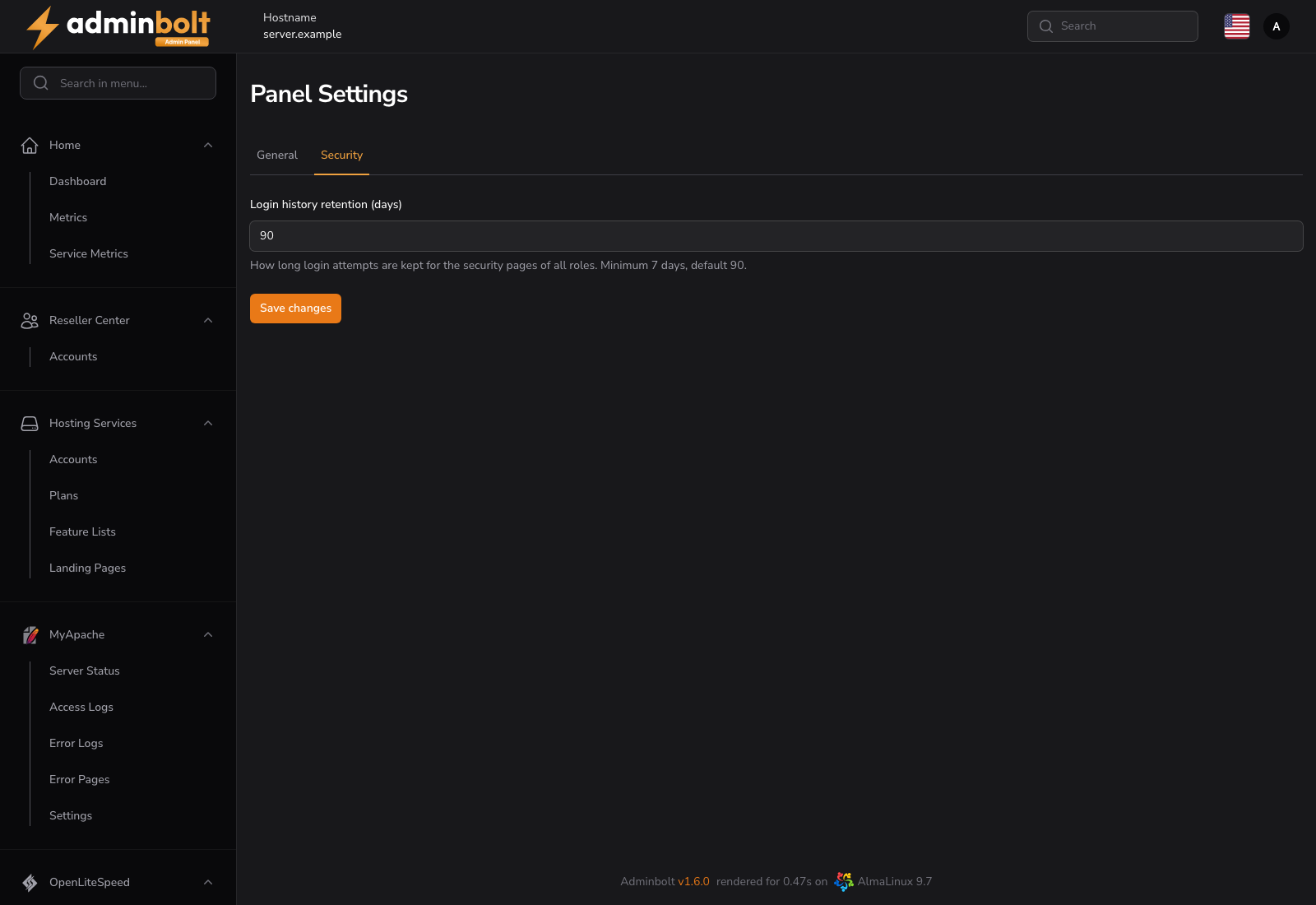
- Login history retention (days) - how long login attempts are kept for the security pages of all roles: the admin Edit Profile page, the client Password & Security page, and the reseller Security page. The minimum is 7 days and the default is 90.
Entries older than the retention window are removed by a nightly prune, so lowering the value shortens the stored history the next time it runs. The setting governs storage, not the page: each security section lists the 20 most recent attempts whatever the retention is. Active sessions are unaffected, since revoking a session is immediate and independent of how long its login attempt is remembered.
Scheduler
- Hosting account statistics refresh interval - how often the disk, mail, and bandwidth usage of every account is measured again: Automatic (by account count), or every 5, 10, 15, 20, 30, or 60 minutes. Available since panel 1.9.0; Automatic since panel 1.9.3, and it is the default.
With Automatic, the panel picks the interval from the number of hosting accounts on the server, so a server with more accounts is measured less often. The help text under the field shows the interval in force, for example "Automatic: every 15 minutes for 240 accounts.", or "In force: every 30 minutes." when you chose one yourself.
Each measurement reads every home directory on the server. On a small or mostly idle server, a longer interval keeps it quiet between passes. A shorter interval keeps the usage figures on the account pages and dashboards more current. Since panel 1.9.3, the regular measurement and the nightly usage snapshot behind the Usage History charts no longer run at the same time.
When a server is updated to 1.9.3, an interval chosen earlier carries over, except 15 minutes: that was the old default, which the page stored whenever it was saved, so a stored 15 becomes Automatic. Choose Every 15 minutes again if you want to keep it.
The same setting is on the admin REST API: GET /api/usage-stats/refresh-interval returns minutes, the interval in force, source, which is explicit or automatic, and accounts, the account count an automatic interval was picked for. PUT /api/usage-stats/refresh-interval with {"minutes": 30} sets an interval, and {"minutes": null} returns to Automatic. Any other value is refused with 422.
Usage History
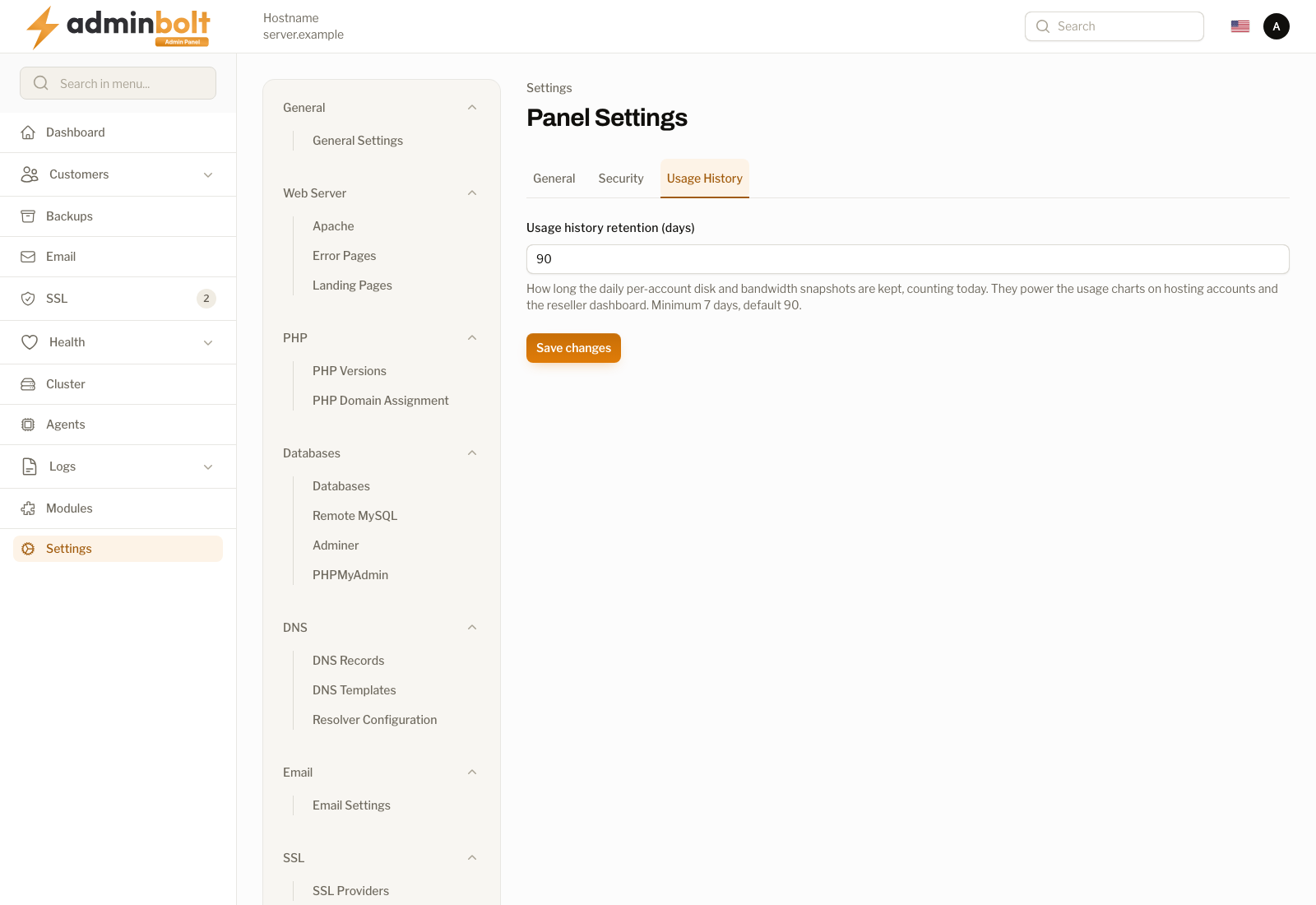
- Usage history retention (days) - how long the daily per-account disk and bandwidth snapshots are kept, counting today. They are what the usage charts on hosting accounts and on the reseller dashboard are drawn from. The minimum is 7 days and the default is 90.
Lowering this shortens the charts rather than changing any limit, so an account's quota and its current usage are unaffected. Raising it makes longer trends visible from the next snapshot onwards; it does not recover snapshots already pruned.
Both retention settings apply to history the panel stores. Neither governs the server's own log files, which are rotated separately (see Log Rotation).
Related pages
- General Settings - server identity, branding, and the hostname and its certificate.
- Admin Management - admin accounts, and where your own sessions and login history live.
- Log Rotation - retention of the server log files.