

DEPRECATED
This feature is no longer available in the current panel. The page is kept for reference and may be removed in a future release.
Email Catch All
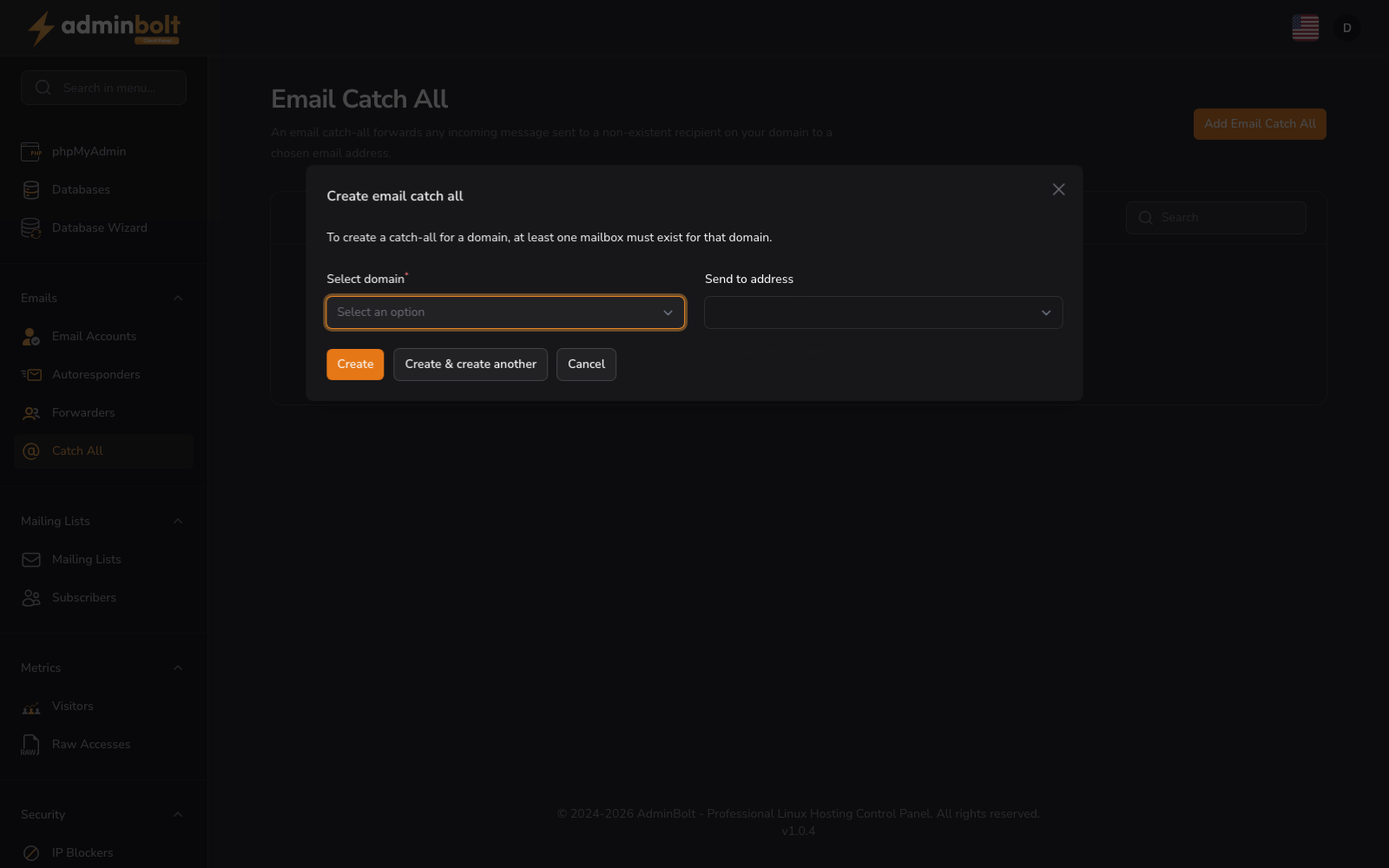
An email catch-all forwards any incoming message sent to a non-existent recipient on your domain to a specified address.
Configure Catch All
Set up email catch-all rules to ensure no incoming messages are lost.
- Add Email Catch All button - Create a new catch-all rule for a domain
- Search bar - Find existing catch-all rules
- Empty state - "No email catch alls" displays when no rules are configured
A catch-all rule captures all email sent to any address on your domain that doesn’t have a dedicated mailbox and forwards it to a destination address you specify.
Add Email Catch All
- Select domain (dropdown, required) - Select which domain this catch-all rule applies to
- Send to address (searchable dropdown, required) - Choose the email address that should receive all unmatched messages. The dropdown lists existing email accounts on the selected domain
Form buttons: Create, Create & create another, Cancel