

Database Wizard
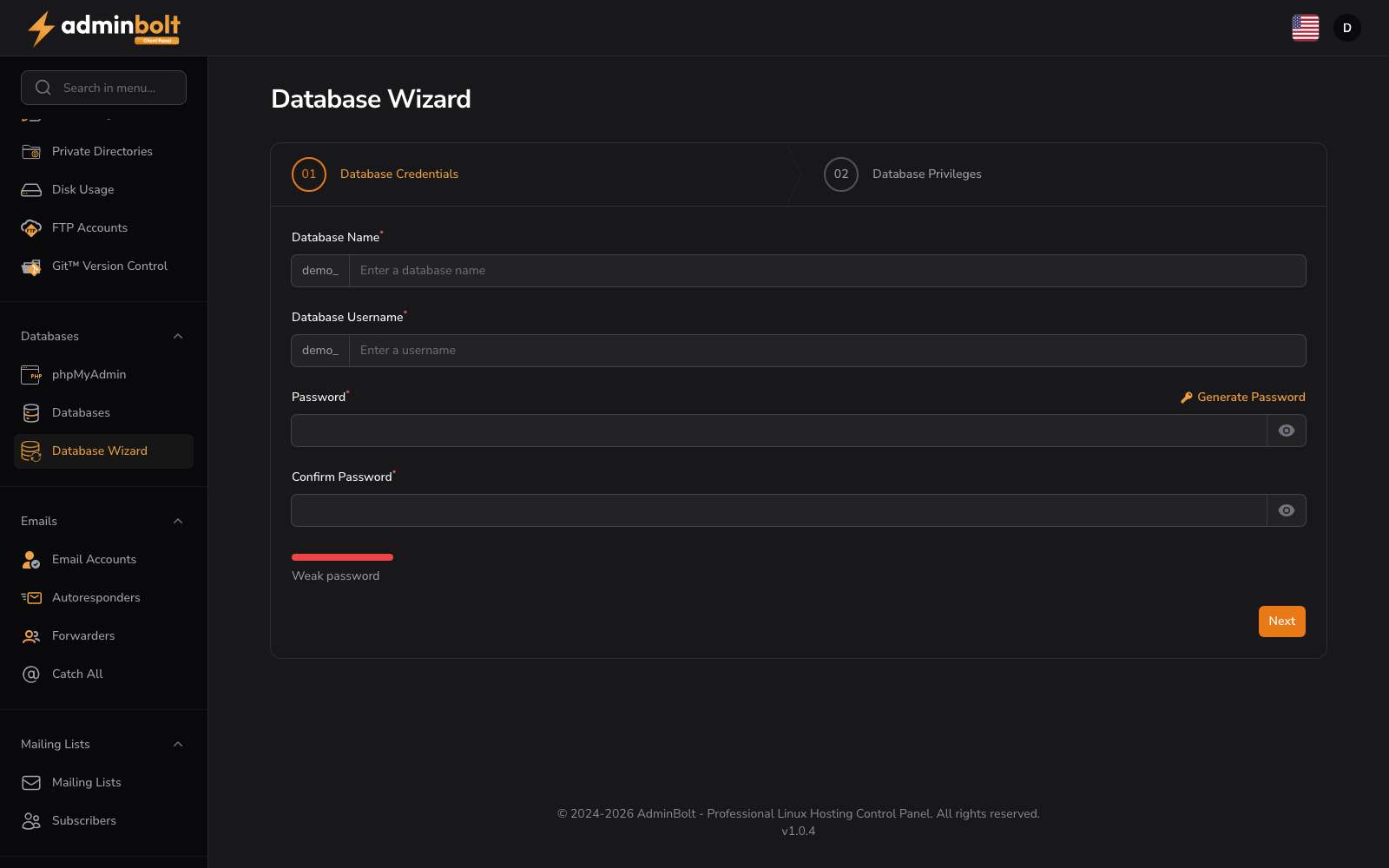
URL: /client/database-wizard
The Database Wizard is a guided setup process that walks you through creating a complete database environment in two steps.
Overview
The wizard simplifies database setup by combining database creation, user creation, and privilege assignment into a single two-step workflow. Use the Back, Next and Finish buttons to navigate.
Step 01: Database Credentials
Define the database and its user in one form:
- Database Name (required) - The identifier for the new database.
- Database Username (required) - The user account that will access the database.
- Password / Confirm Password (required) - Credentials for the user. A Generate Password button creates a strong random password, and Show password toggles its visibility.
Click Next to proceed.
Step 02: Database Privileges
Select which privileges the user should have. An ALL PRIVILEGES checkbox grants everything; individual permissions include ALTER, CREATE, CREATE TEMPORARY TABLES, DELETE, EVENT, INDEX, LOCK TABLES, SELECT, TRIGGER, ALTER ROUTINE, CREATE ROUTINE, CREATE VIEW, DROP, EXECUTE, INSERT, REFERENCES, SHOW VIEW and UPDATE.
Click Finish to complete the setup.
Navigation
- Back - Return to the previous step.
- Next - Proceed to the next step.
- Finish - Complete the wizard and create the database, user and privileges.
Once the wizard completes, your database is ready to use.