

Malware
Malware lists every malicious file found in a hosting account on this server and what was done with it, whichever engine found it: ImunifyAV, Imunify360, cPGuard, or bolt-livescan. From the same list you move a file to quarantine, put it back, or delete it. Available since panel 1.9.3.
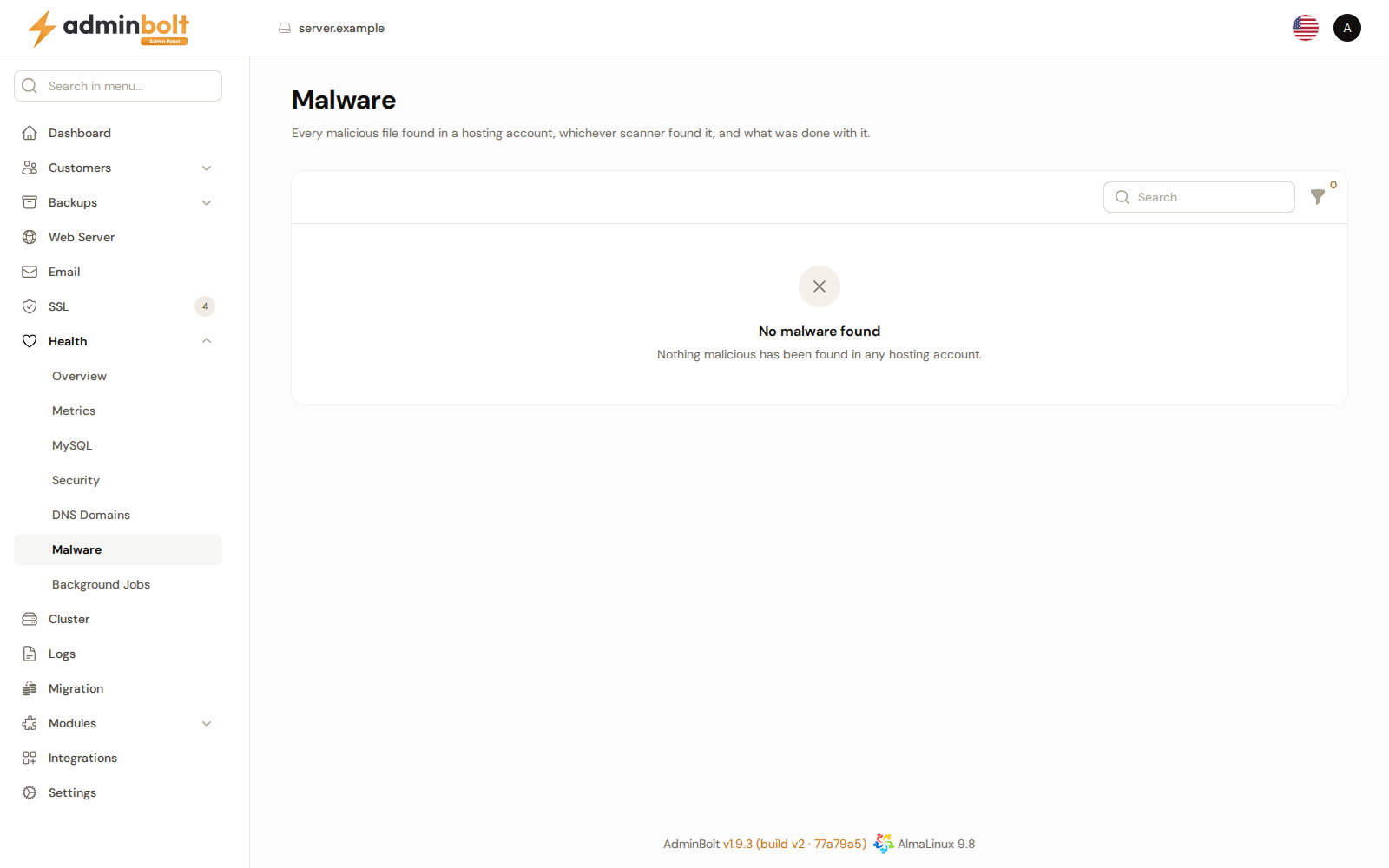
Overview
URL: /admin/health/malware
Open it from Health > Malware in the sidebar. The page subheading reads "Every malicious file found in a hosting account, whichever scanner found it, and what was done with it."
The list fills as the malware engine shown on Health > Security reports files. When nothing has been found, the list reads No malware found. Clients see the same records for their own account on Security > Malware in the client panel, when their hosting plan includes it.
Each file of an account has one row, however often and by however many engines it is reported. A file that was restored or deleted and is then found in the website again goes back to In the website, with the new detection time.
Only files inside a hosting account are listed here. Files flagged outside any hosting account go to the administrators as a notification instead, see Threat notifications to clients.
The list
| Column | What it shows |
|---|---|
| Account | The hosting account the file belongs to. |
| File | The full path of the file. |
| Found by | The engine that reported the file. |
| Detection | What the engine found, when it named it. |
| Status | Where the file is now, see the table below. |
| Detected | When the file was found. The list is sorted by it, newest first. |
The Search box searches the account and the file. The Status filter shows only the rows with one status.
| Status | Meaning |
|---|---|
| In the website | The file is where it was found. |
| In quarantine | The file was moved out of the website into the panel's own quarantine. A copy is kept, so it can be restored. |
| In engine quarantine | The engine moved the file into its own quarantine, for example In cPGuard quarantine. |
| Restored | The file was put back from quarantine. |
| Deleted | The file is gone for good. |
Quarantine, restore, and delete
Each row offers the actions that fit its status, and each one asks for a confirmation first:
| Action | Shown when | What it does |
|---|---|---|
| Quarantine | The file is In the website or Restored. | Moves the file out of the website into quarantine. You can restore it later. |
| Restore | The file is in quarantine. | Puts the file back where it was. |
| Delete | Until the file is Deleted. | Deletes the file for good. A file still in the website is moved out of it first. It cannot be restored afterwards. A file in an engine's own quarantine is not deleted from this list, see below. |
To act on several files at once, select their rows and choose Quarantine, Restore, or Delete from the bulk actions. A message reports the result for each file.
The panel keeps its quarantine itself, so it works the same whichever engine found the file, and it stays when you switch engines. Files the engine moved into its own quarantine stay there:
- A file In cPGuard quarantine is restored through cPGuard, from this list as from any other. The restore fails with a message when cPGuard no longer keeps a copy of it. It is not deleted from this list: Delete answers that cPGuard keeps the file in its own quarantine. Remove it in cPGuard's App Portal, see The CPGuard App Portal.
- A file in the quarantine of another engine is neither restored nor deleted from this list: the message says that the engine keeps it in its own quarantine. Use that engine's own interface, for example on the Imunify360 page.
Restore a file only if you are sure it is safe. The scanner still detects it, so the file is reported again.
When an action cannot be carried out, the message says why, for example that a file is already at the original path (move or delete it first), that the folder the file was in no longer exists, or that the account's quarantine is full. A file that is already gone from the website when you quarantine it is marked Deleted.
When an account is deleted
Deleting a hosting account removes its files from the quarantine and its rows from this list.
Related pages
- Health > Security - the engine that guards the server and real-time scanning of uploads.
- Malware in the client panel - the client's own list.
- Feature Lists - the Malware feature that gives clients their list.