

Linux Packages
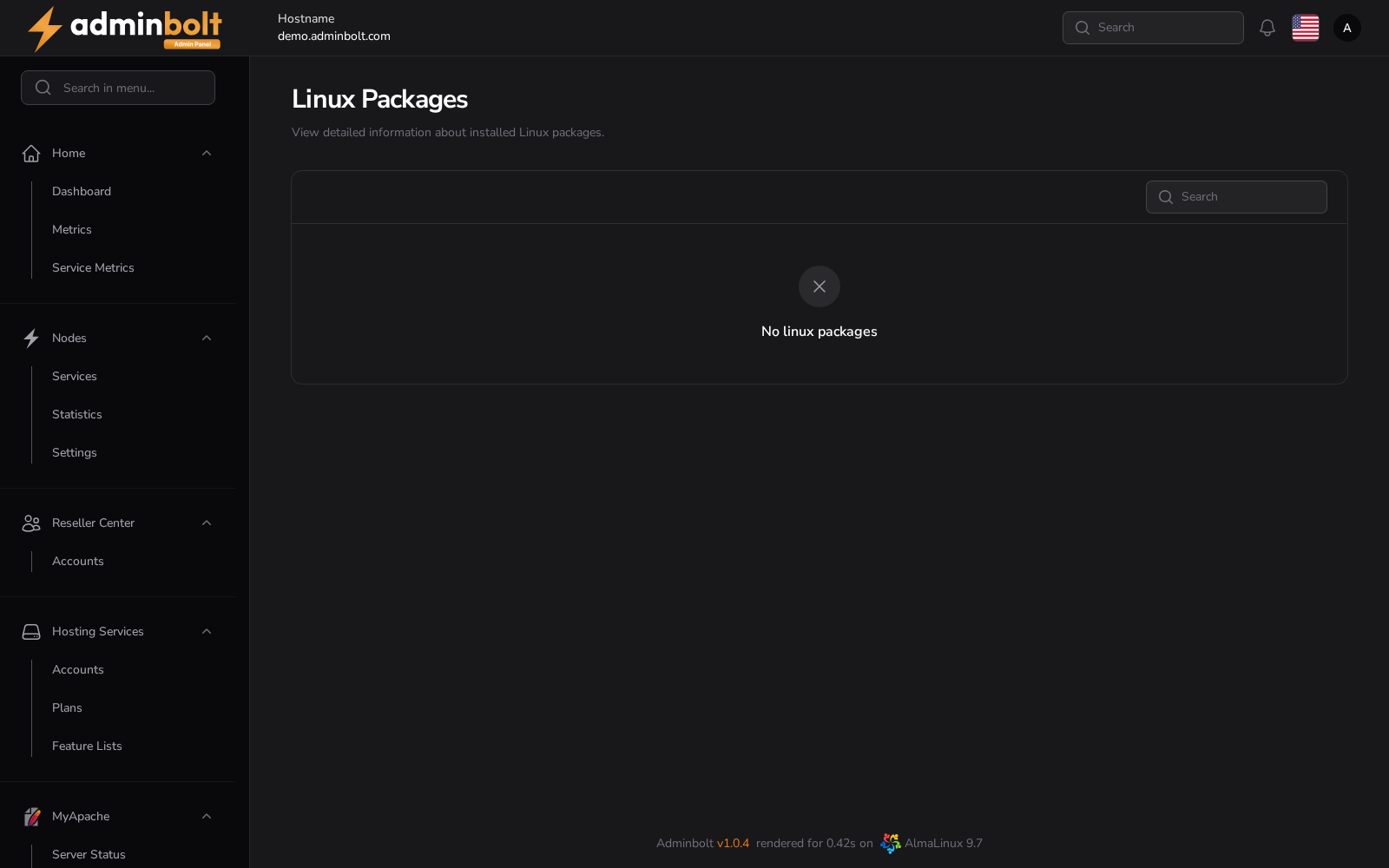
Linux Packages is a read-only inventory of the software installed on the server, with the version, repository, and licence of each package.
Overview
URL: /admin/settings/linux-packages
The page is reached by its address; it is not listed in the sidebar. It reads the server's own package database, so a server whose inventory has not been collected shows No linux packages rather than an error.
Nothing on this page installs, removes, or upgrades anything. For panel and module updates, see System Updates.
The package list
| Column | Meaning |
|---|---|
| Name | The package name, for example php82 or php74-php-common. |
| Version | The version, for example 8.2. |
| Release | The release tag, which also identifies the build, for example 3.el9.remi. |
| Architecture | The architecture it was built for, for example x86_64. |
| Source | The source package it came from. |
| Repository | Where it was installed from, for example remi-safe. |
| Summary | A one-line description. |
| License | The licence it is distributed under. |
Every column sorts. The search box covers all of them, so you can look up a package by name, by repository, or by licence. The page size can be set to 5, 10, 25, 50, or All.
What it is useful for
- Confirming which version of a runtime or library a server actually has, rather than which one you expect.
- Finding every package that came from one repository before changing that repository.
- Answering a licence question about what is installed.
Related pages
- System Updates - the panel version and how updates are applied.
- PHP Versions - the PHP builds available to hosted sites.