

Manage WordPress
Centralized management for all WordPress installations on your account. Available from the client panel sidebar under Manage WordPress.
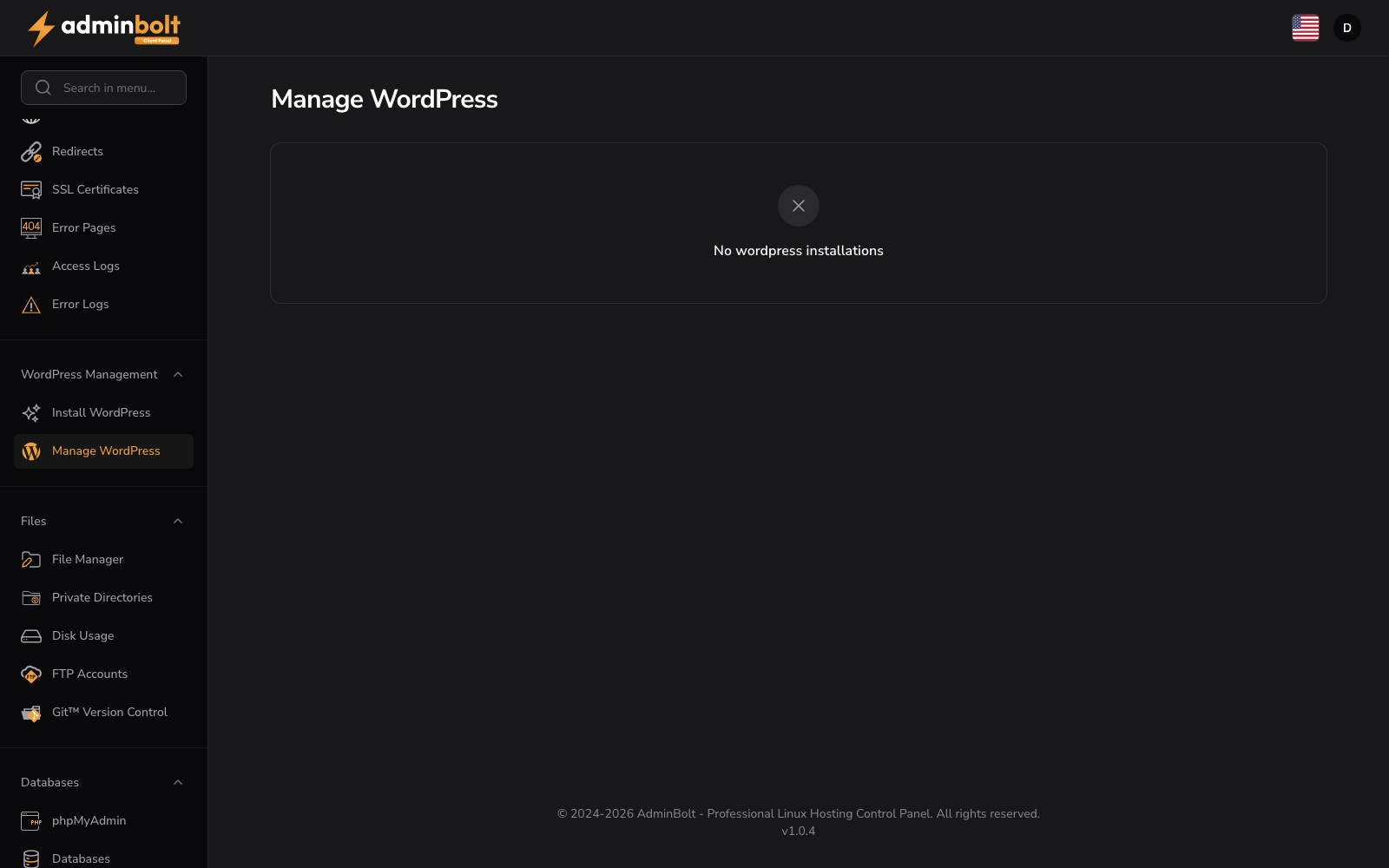
Overview
URL: /client/wordpress-installations
Lists every WordPress installation created via Install WordPress. When the list is empty you'll see "No wordpress installations".
Per-installation actions
Each installation row shows its Domain and Path, with these actions:
- Visit - opens the WordPress site in a new tab.
- Go to Admin / Login to Admin (SSO) - open the WordPress admin signed in via single sign-on (the first SSO login may take up to a minute).
- Manage - opens WordPress Management for that installation, where you manage plugins, themes, posts, and core.
- Uninstall - removes the WordPress installation.
Internationalization
The management UI is fully localized - strings are translated to the panel's interface language.
TIP
To install a new WordPress, go to Install WordPress.