

PHPMyAdmin
ℹ️ Opened from Modules - this module page has no sidebar entry of its own. Open Modules in the sidebar, then the module's card on the Application Modules page (
/admin/modules).
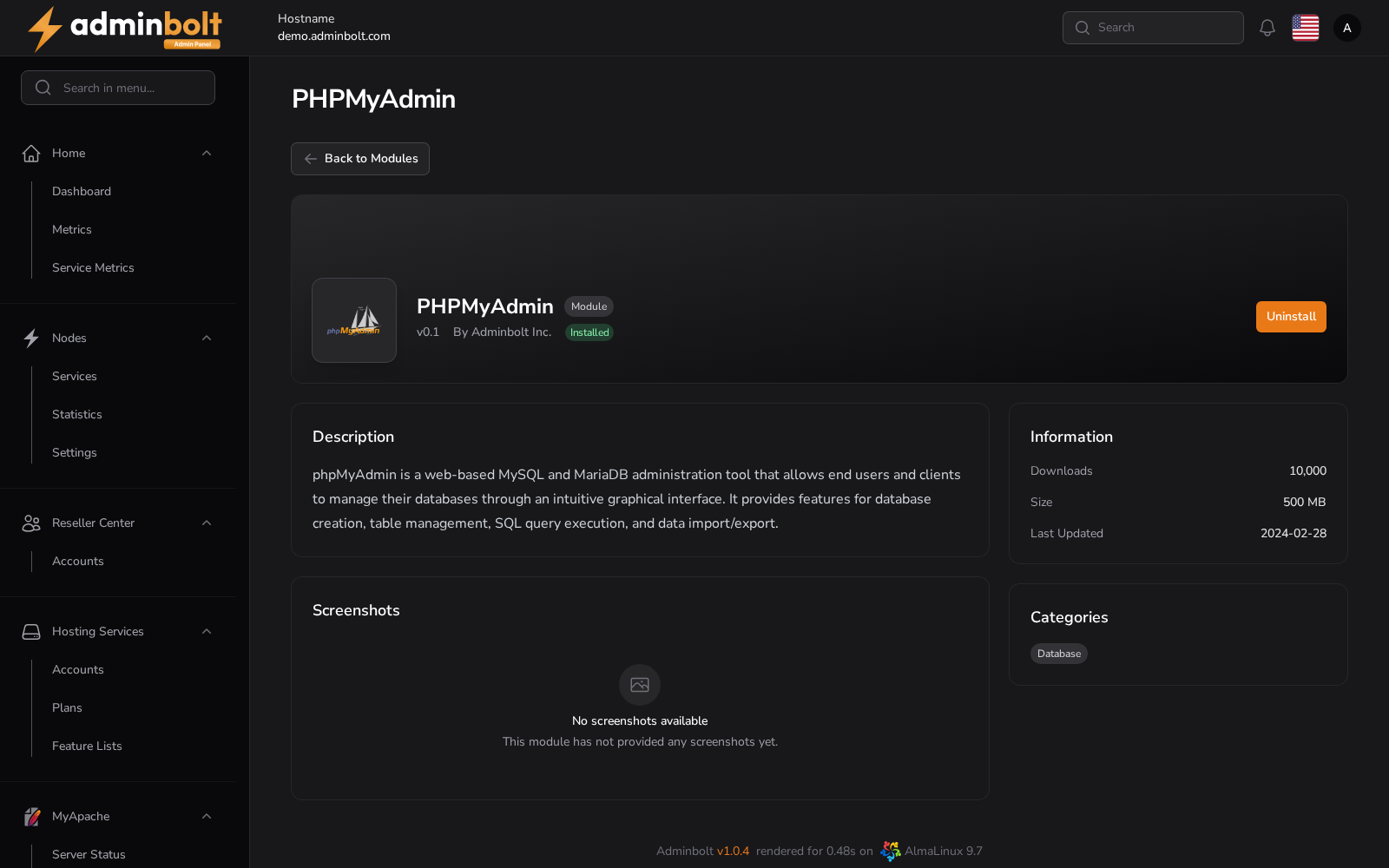
Module page for PHPMyAdmin - web-based MySQL and MariaDB administration for your customers. Installing it gives every hosting account phpMyAdmin in the client panel, signed in to the account's own databases.
Overview
URL: /admin/modules/phpmyadmin
In the panel: Modules > PHPMyAdmin
No settings page
phpMyAdmin is the customers' database tool. Since panel 1.9.2 it has no settings page in the admin panel, only this module page:
- Settings > Databases > PHPMyAdmin and its address,
/admin/settings/phpmyadmin, are removed. - Neither this page nor the module's card in Modules offers Manage, which opened the removed page.
To open the server's databases as an administrator, including the panel, mail server, and PowerDNS databases that the removed page offered, use Adminer under Settings > Databases > Adminer.
When the module is removed
Since panel 1.9.2, once the module is uninstalled, a customer who opens phpMyAdmin from the client panel gets a page-not-found answer, and nothing is changed for the account.
Available Actions
- Back to Modules - opens
/admin/modules - Uninstall - removes phpMyAdmin from the server, and with it the customers' phpMyAdmin
Embedded tool
This view embeds an external application. Its internal interface is documented by the tool's own documentation.