

Adminer
Adminer is a database management tool integrated into AdminBolt. It provides a web-based interface for managing databases directly from the admin panel.
Overview
URL: /admin/settings/adminer
Navigate to Settings > Databases > Adminer.
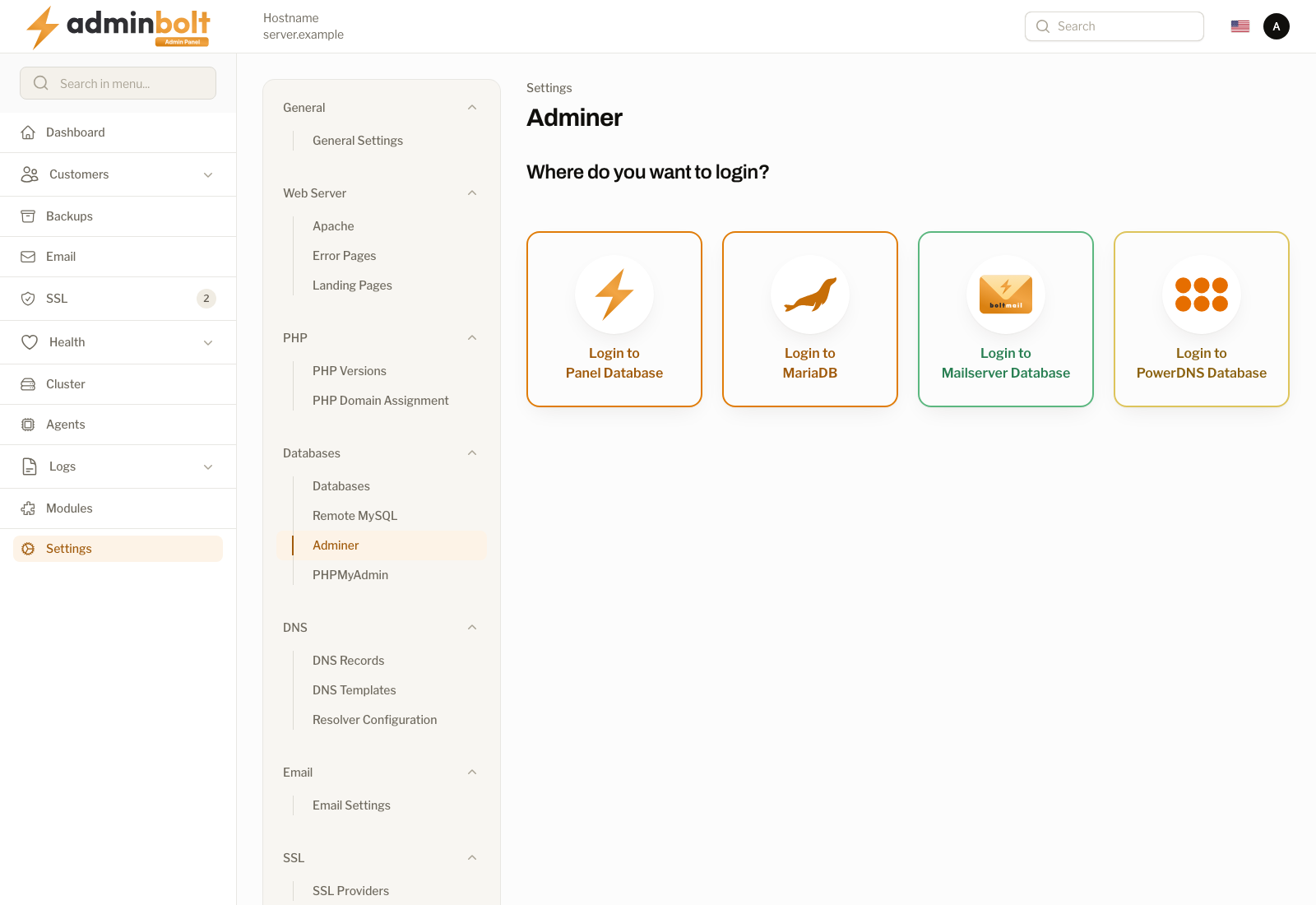
The Adminer page serves as a gateway to the Adminer database management interface. It presents four login options, each connecting to a different database on your server.
Login Options
The page displays the question "Where do you want to login?" followed by four cards:
| Option | Description |
|---|---|
| Login to Panel Database | Connects to the AdminBolt panel's own database. Use this to inspect or manage the panel's internal data. |
| Login to MariaDB | Connects to the main MariaDB server. Use this to manage hosting account databases and other user databases. |
| Login to Mailserver Database | Connects to the mail server database. Use this to inspect or manage email-related data (accounts, domains, etc.). |
| Login to PowerDNS Database | Connects to the PowerDNS database. Use this to inspect or manage DNS zone data and records. |
Clicking any of the cards opens the Adminer interface in a new tab, automatically authenticated with the appropriate database credentials.
Usage
Once logged in through one of the four options, you have access to Adminer's full functionality including:
- Browsing database tables and their structure
- Running SQL queries
- Viewing and editing table data
- Exporting and importing databases
- Managing database users and privileges
Note: Adminer replaces the previously used phpMyAdmin. If you have existing documentation or bookmarks referencing phpMyAdmin, update them to use the Adminer page instead.