

Password & Security
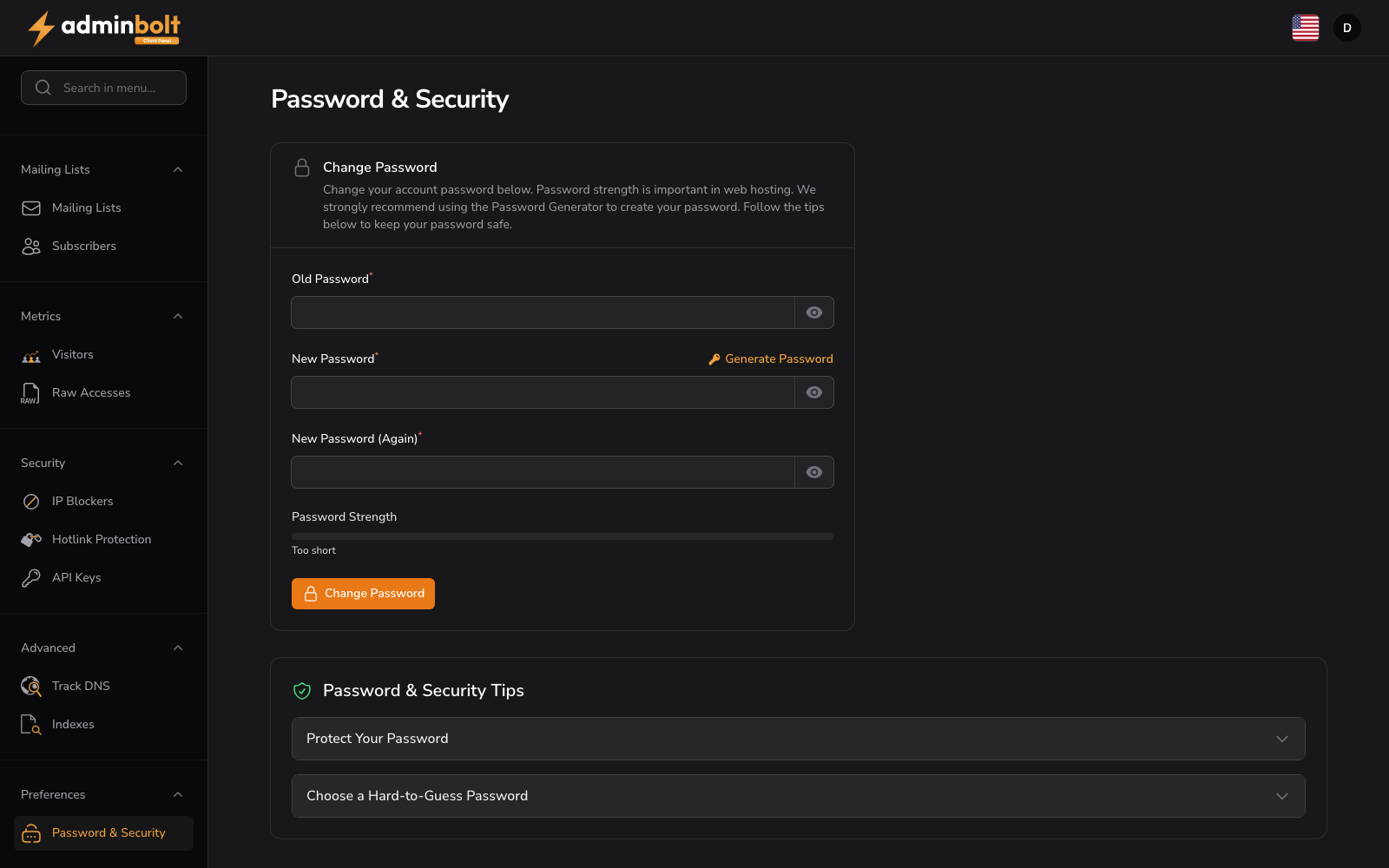
URL: /client/password-and-security
Change your account password and review security best practices.
Change Password
Enter and confirm your new password:
- Old Password (password, required) - Enter your current account password
- New Password (password, required) - Enter your new password. Click the "Generate" button to create a strong password automatically. Use the visibility toggle to show or hide the password
- New Password (Again) (password, required) - Re-enter the new password to confirm
- Password Strength - A visual indicator shows the strength of your chosen password in real time
Form button: Change Password
Password & Security Tips
Expand the collapsible tips for guidance:
- Protect Your Password: Never reuse passwords across platforms, don't share your password, use a password manager
- Choose a Hard-to-Guess Password: Use a mix of letters, numbers, and symbols; avoid personal information like birth dates or names
Password Generator
A Generate Password button creates a strong random password for the new password field.
Active Sessions
Active Sessions lists every device currently signed in to your account, with its IP address, the browser or device it reports, and when it was last active. The session you are using is marked This device.
- Revoke signs out one other device immediately.
- Log out all other sessions ends every session except this one, and invalidates remembered logins on those devices as well. The browser you asked from stays signed in.

Sign other devices out after using a shared computer, and again right after changing your password if you suspect someone else knew it.
Login History
Login History shows the most recent login attempts for your account, newest first:
| Column | Meaning |
|---|---|
| Date | When the attempt happened. |
| IP Address | Where it came from. |
| Device | The browser or client that made the attempt. |
| Result | Success or Failed. |
Failed attempts from unfamiliar addresses are common on any server reachable from the internet. Repeated failures followed by a success are the pattern worth acting on: revoke the sessions, then change your password.
The section shows the 20 most recent attempts. How long attempts are kept at all is configured by the server administrator and defaults to 90 days, so an older attempt can be gone even when fewer than 20 are listed.