

Changelog
ℹ️ Not in the sidebar - this screen keeps its own address and still answers at it, but none of the twelve groups links to it. Open it from the panel instead of typing the address.
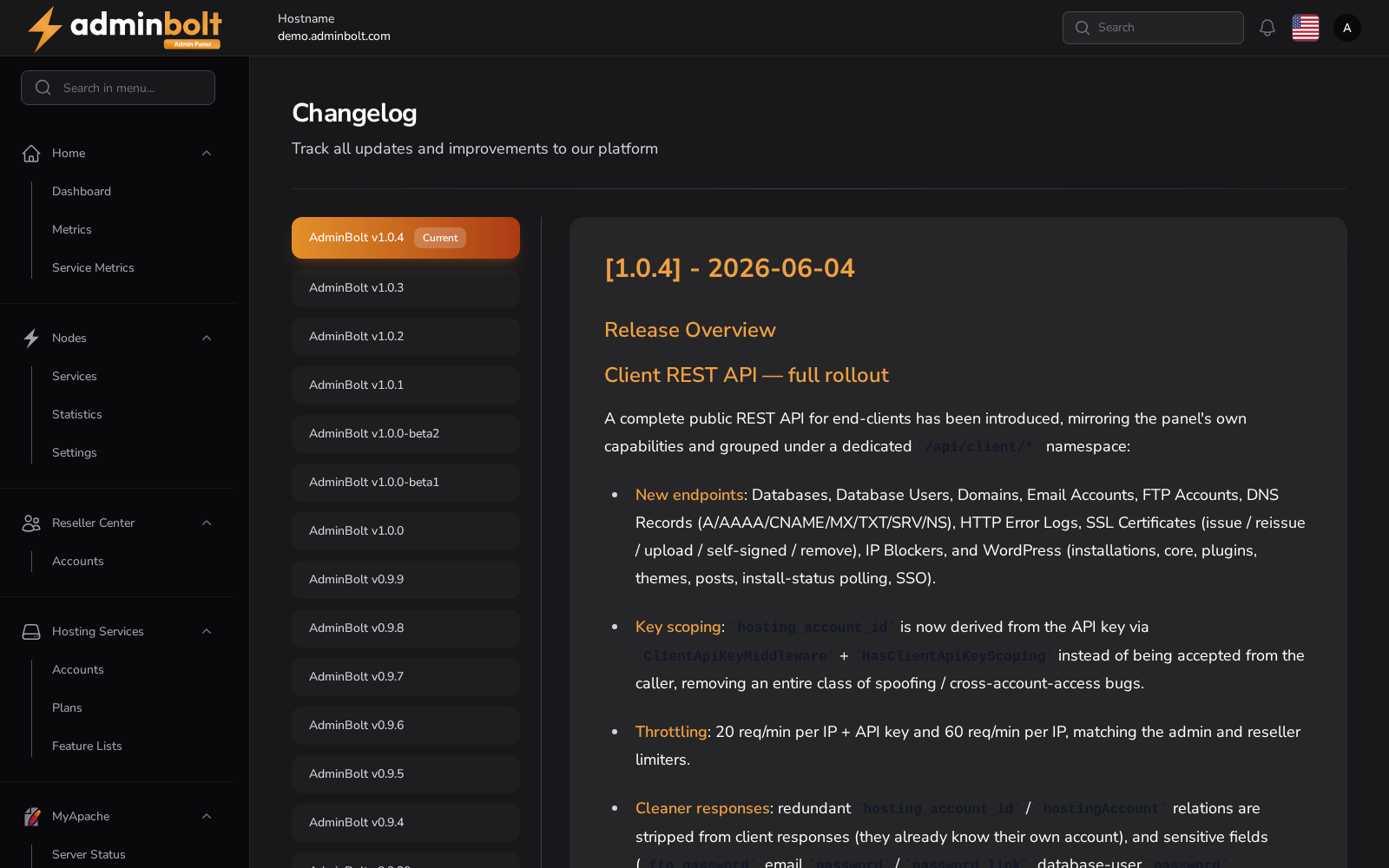
Displays the panel's release changelog, version by version. Use it to review what changed before or after an update (see System Updates).
Where to find it
Every page of the admin panel shows the version it is running at the bottom. That version number is the link: click it to open the changelog.
The address is /admin/change-log.
Overview
URL: /admin/change-log
The page lists the releases newest first, with the one you are running marked as Current. Selecting a release shows its notes.