

Banned IPs
Bans lists the addresses Fail2Ban is currently blocking, and which jail blocked each one.
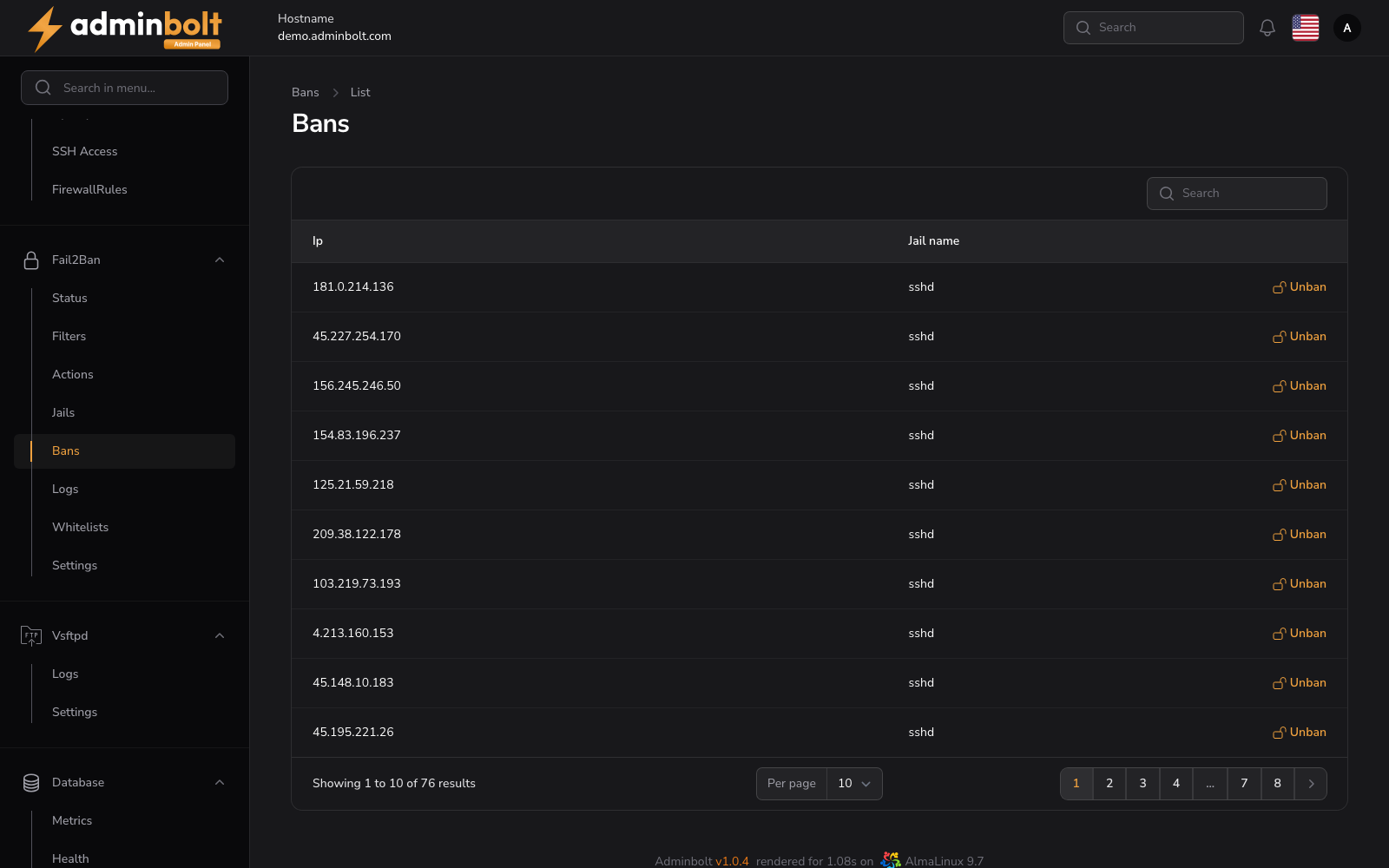
Overview
URL: /admin/settings/fail2ban-bans
Open it from Settings > Security > Fail2Ban in the sidebar, then pick the Bans tab.
The list reflects the running service rather than a stored history, so an address leaves it on its own when its ban time expires. An empty list means nothing is banned right now.
The list
| Column | Meaning |
|---|---|
| Ip | The banned address. |
| Jail name | The jail that issued the ban, which also tells you what the address was doing. |
The search box filters by address, and the page size can be set to 5, 10, 25, 50, or All.
Banning an address
Ban IP address in the header adds a ban by hand, so an address you already know about does not have to earn one first.
- IP Address - a single address or a CIDR range.
- Jail - the jail the ban is added to.
The address is banned right away in the jail you pick. The ban expires after that jail's ban time, unless you lift it here first.
Unbanning an address
Unban on a row lifts that ban immediately. The address can be banned again as soon as it repeats the behaviour, so for an address that should never be blocked, add it under Whitelist IPs instead.