

Whitelist IPs
Whitelists holds the addresses Fail2Ban never bans. Put your own office or VPN address here before you tighten any thresholds, so a mistyped password cannot lock you out of your own server.
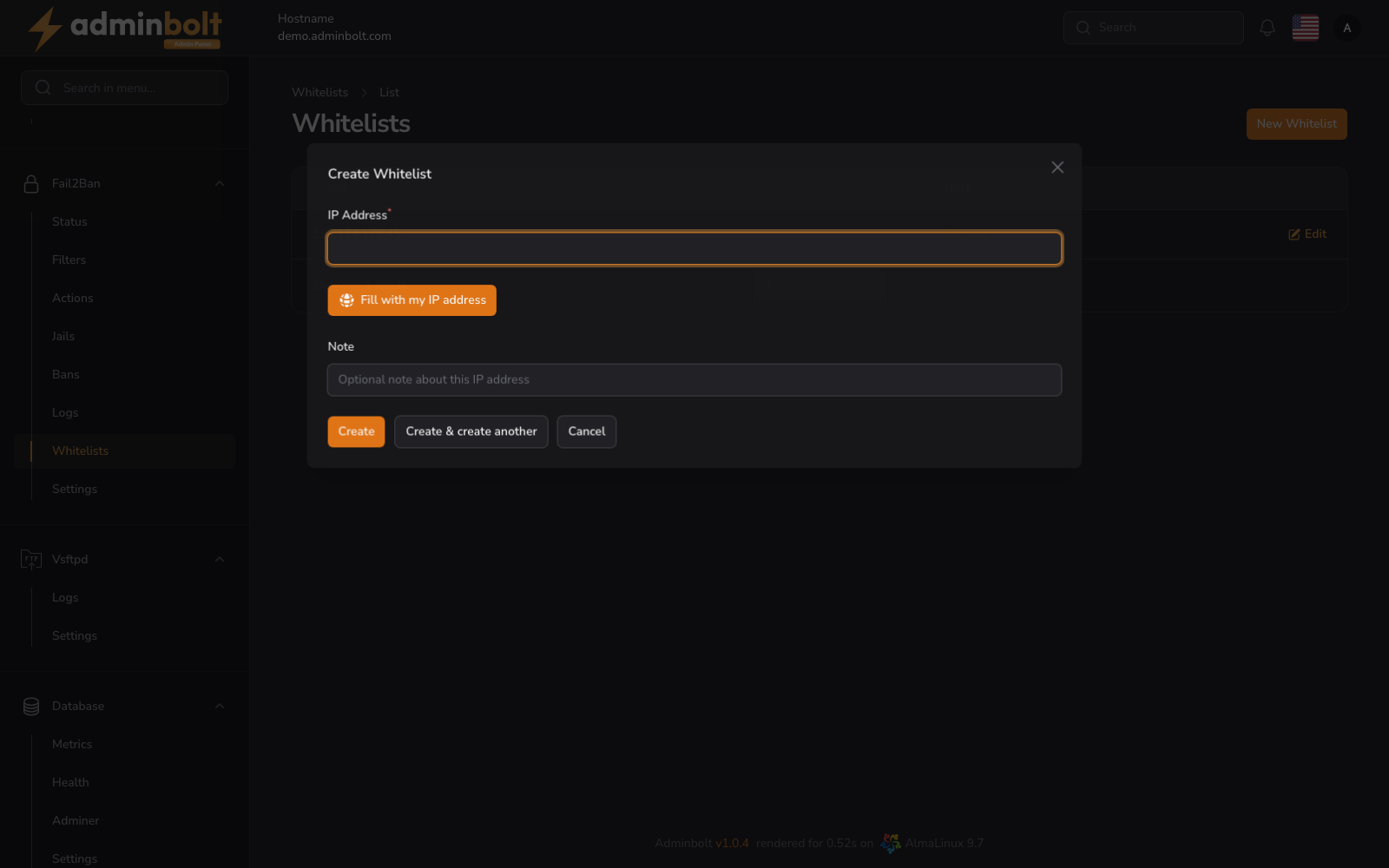
Overview
URL: /admin/settings/fail2ban-whitelist
Open it from Settings > Security > Fail2Ban in the sidebar, then pick the Whitelists tab. The tab carries a counter showing how many entries exist, and a fresh server starts with none.
Each entry has an address and an optional note. Entries can be edited and removed at any time. The page size can be set to 5, 10, 25, 50, or All.
Adding an address
New Whitelist opens a form.
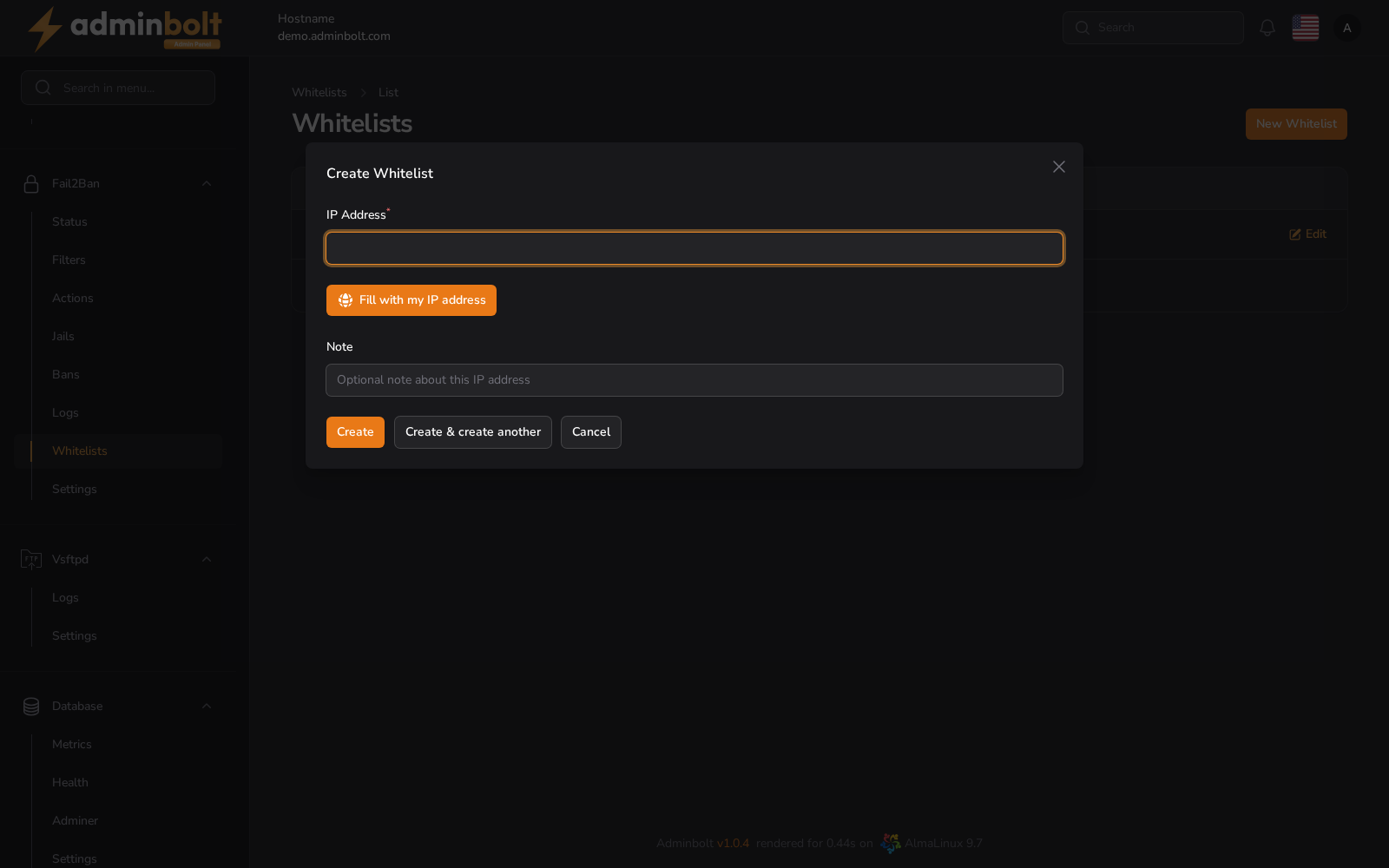
- IP Address (required) - the IPv4 or IPv6 address to exempt. Fill with my IP address enters the address you are connecting from, which is the safe way to whitelist yourself without copying it by hand.
- Note - free text describing whose address it is, for example
office VPN.
Available actions:
- Create - save the entry.
- Create & create another - save it and keep the form open for the next one.
- Cancel - close the form without saving.
Editing an entry
Edit on a row reopens the same two fields, so you can correct an address or change its note. Save changes applies the change; Cancel discards it.
Whitelisting an address does not lift a ban that is already in place. If the address is currently blocked, unban it under Banned IPs as well.