

Private Directories
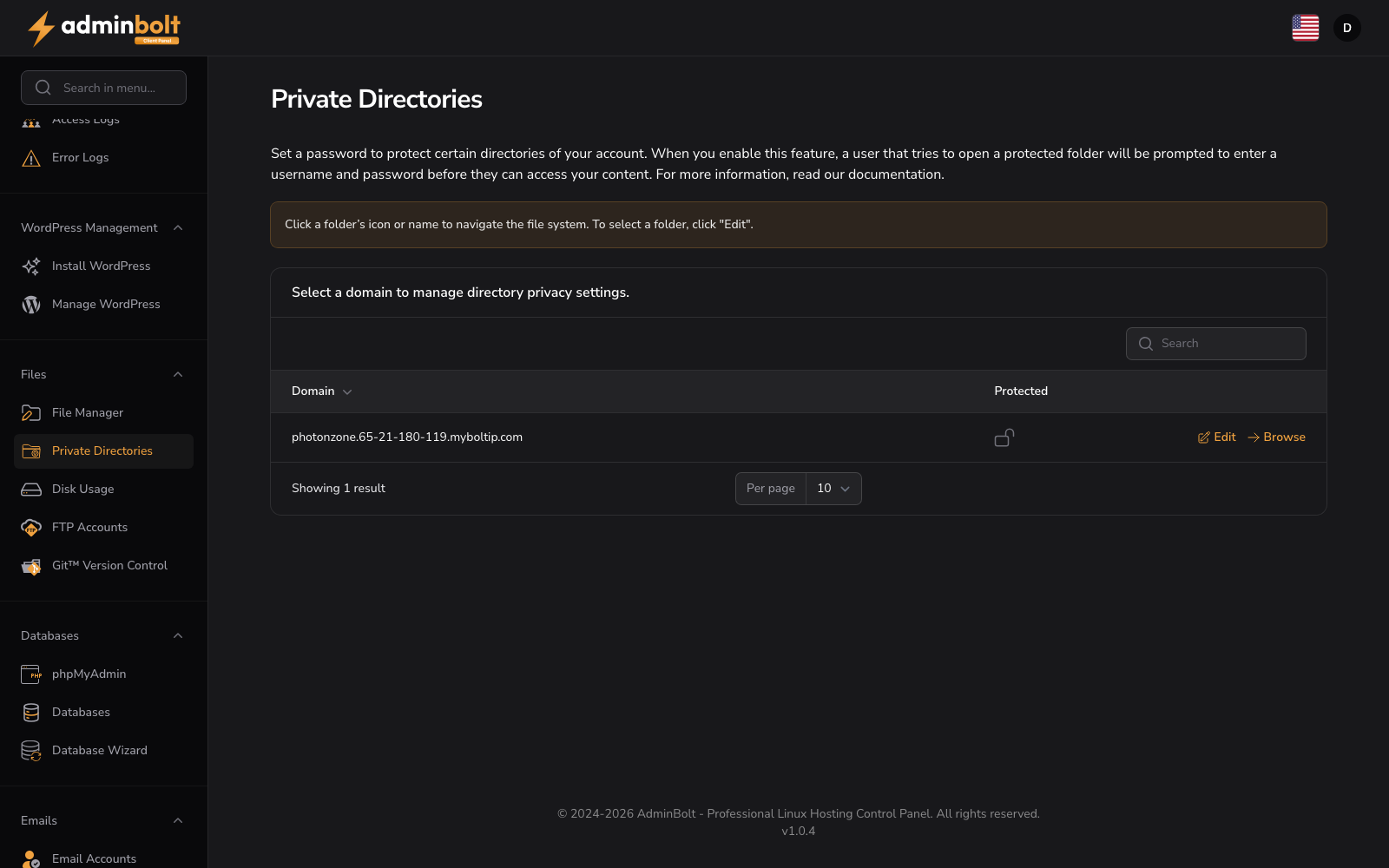
URL: /client/private-directories-page
Set a password to protect certain directories of your account. When you enable this feature, a user accessing the directory will be prompted to enter credentials.
Getting Started
Click a folder icon or name to navigate the file system. To select a folder, click Edit.
Select Domain
Select a domain to manage directory privacy settings.
Directory List
A table displays all directories with columns: Domain (sortable), Protected, Actions.
- Domain - The directory path
- Protected - Whether the directory has password protection enabled
- Edit - Configure protection settings for the directory (see below)
- Browse - View the directory contents
Edit Directory Protection
When you click Edit for a directory, a form appears with the following option:
- Password protect this directory (checkbox) - Enable or disable password protection for the selected directory
Form buttons: Save, Cancel
Pagination
Select how many directories to display per page: 5, 10, 25, 50, or All.
Search
Use the search bar to filter directories by name.