

phpMyAdmin
URL: /client/phpMyAdmin/login
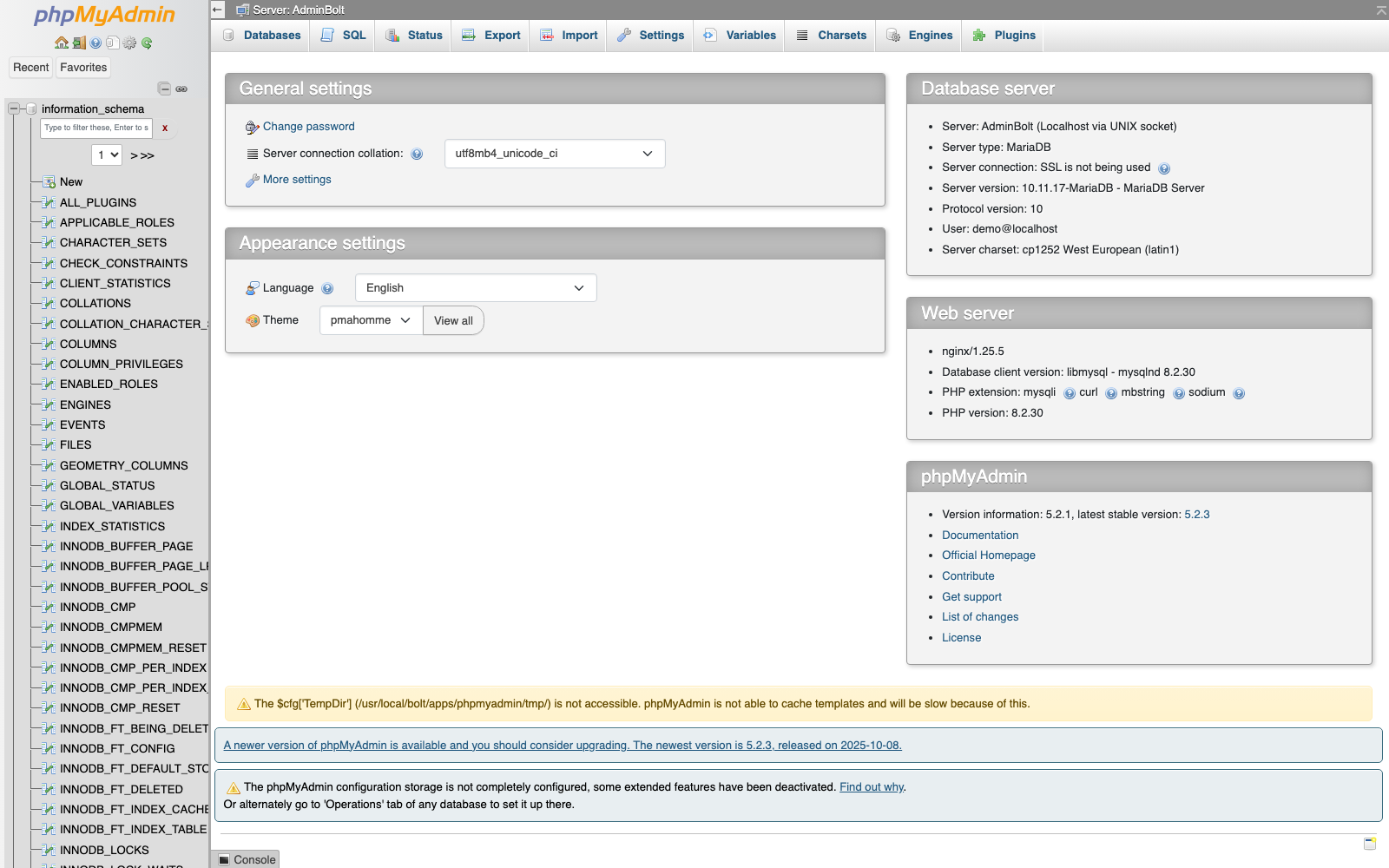
phpMyAdmin is an external web-based database management tool that provides comprehensive control over your MariaDB and MySQL databases.
Overview
Accessing phpMyAdmin opens in a new browser tab, giving you direct access to your database infrastructure. This is the standard phpMyAdmin interface with no custom AdminBolt modifications.
Features
- Full database management and administration
- User account creation and privilege management
- Table structure viewing and modification
- SQL query execution and testing
- Database import and export capabilities
- Real-time database monitoring
Accessing phpMyAdmin
- Log in to your AdminBolt client panel
- Click the phpMyAdmin link in the sidebar
- The phpMyAdmin interface will open in a new browser tab
- You are already authenticated and can begin managing your databases
What You Can Do
- Create, modify, and delete databases
- Manage database users and permissions
- Execute custom SQL queries
- Export and backup database data
- Import data from external sources
- Monitor database performance and usage
For advanced database administration tasks, phpMyAdmin provides the full feature set of a professional database management tool.