

Nameserver Selection
Nameserver Selection decides whether this server answers DNS queries itself, or leaves DNS to someone else.
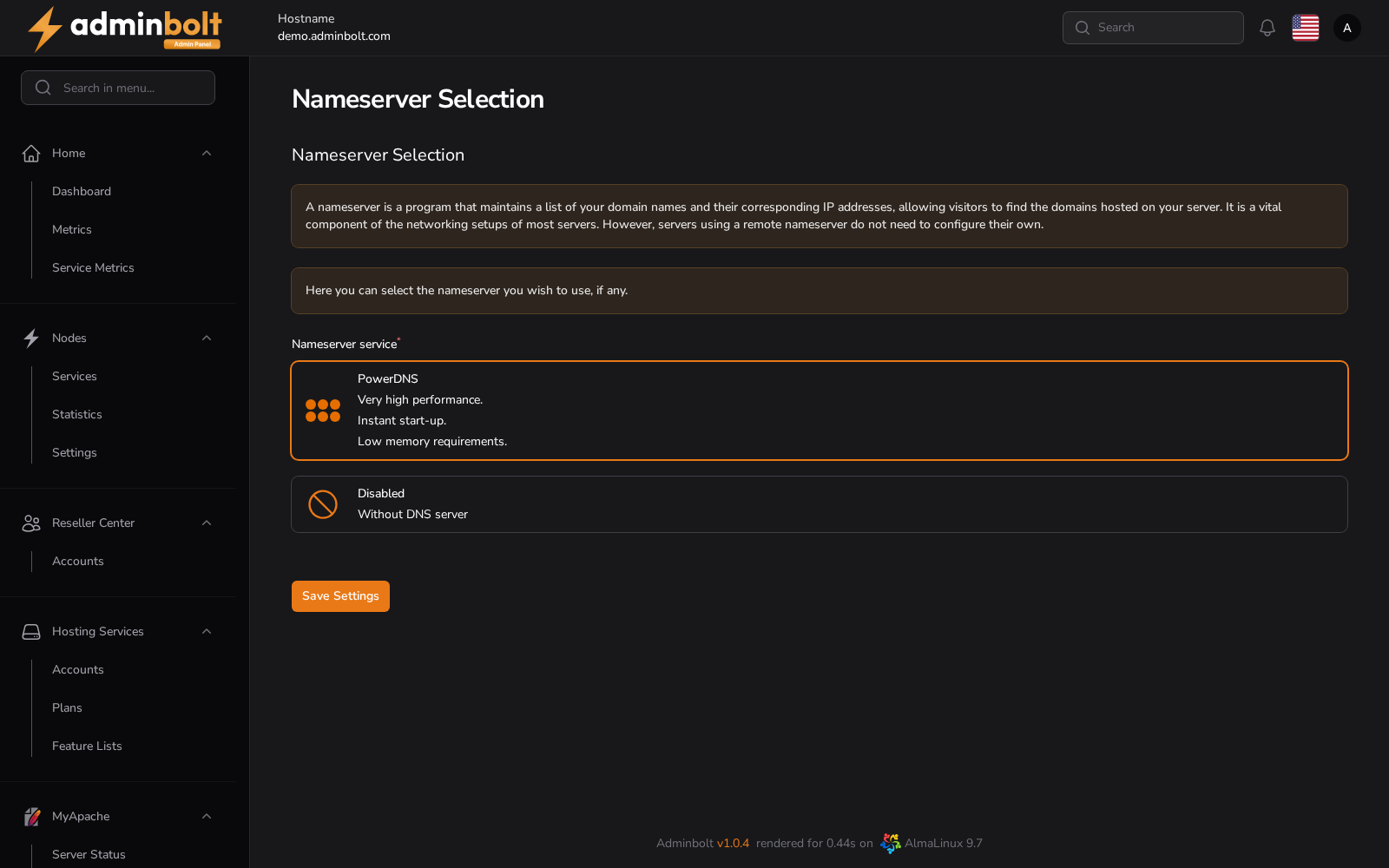
Overview
URL: /admin/settings/nameserver-selection
The page is reached by its address; it is not listed in the sidebar.
A nameserver maps domain names to addresses. Without one answering for a domain, nothing that depends on that name works: no website, no mail delivery, no certificate issuance.
Nameserver service
The single field, Nameserver service, has two options.
PowerDNS
Runs DNS on this server. The option describes it as offering very high performance, instant start-up, and low memory requirements.
Choosing it starts PowerDNS on this server, or restarts it when it already runs. This is the option to pick when you want the panel to manage zones for the domains it hosts.
Disabled
Runs no DNS server here. Pick this when DNS is handled elsewhere, for example at a registrar or an external provider. AdminBolt then serves no zones locally, and the records shown for a domain are not authoritative for it.
Save Settings applies the choice: PowerDNS is started for PowerDNS and stopped for Disabled.
Since panel 1.9.4 the choice is stored only once the server has applied it. When the server refuses, the previous choice stays saved, the page shows it again, and the notification gives the reason and the next step. Before 1.9.4 the new choice was stored first, so the page could show a nameserver the server did not run, and a failed start of PowerDNS set the choice to Disabled instead of keeping the previous one.
What saving reports
Since panel 1.9.3 a notification titled Change nameserver says whether the change worked on the server:
- Success - "Nameserver changed to PowerDNS." or "Nameserver changed to Disabled."
- PowerDNS could not start - "PowerDNS could not be started on the server. The saved nameserver choice was not changed. Check the PowerDNS configuration and service log, then save again." When the previous choice was Disabled, PowerDNS is stopped again, so the server matches the saved choice. When PowerDNS was already the saved choice, it is not stopped.
- PowerDNS could not stop - "PowerDNS could not be stopped on the server. The saved nameserver choice was not changed. Check the PowerDNS service status on the server, then save again."
- The panel could not reach the server's agent - the message gives the reason and the next step, and the previous choice stays saved, since nothing was changed on the server.
- The server applied the choice, but the panel could not store it - since panel 1.9.4, the next step reads "The server already runs the new nameserver choice, but the panel could not store it. Save the same choice again."
A failure stays on screen until you close it, and most failures end with a Correlation ID, which leads to the details in the logs. Quote it when you contact support.
One nameserver change runs at a time. If you save while another change is still running, the panel waits briefly, then refuses with "Another nameserver change is in progress. Nothing was changed. Try again in a moment."
Warning: Switching to Disabled on a server that currently answers for hosted domains takes those domains offline unless another nameserver is already authoritative for them and the delegation points there.
Related pages
- Change Nameservers - the nameserver names handed to new domains.
- DNS Records - the zones this server serves.
- DNS Domains Health - which hosted domains resolve correctly.