

API Keys
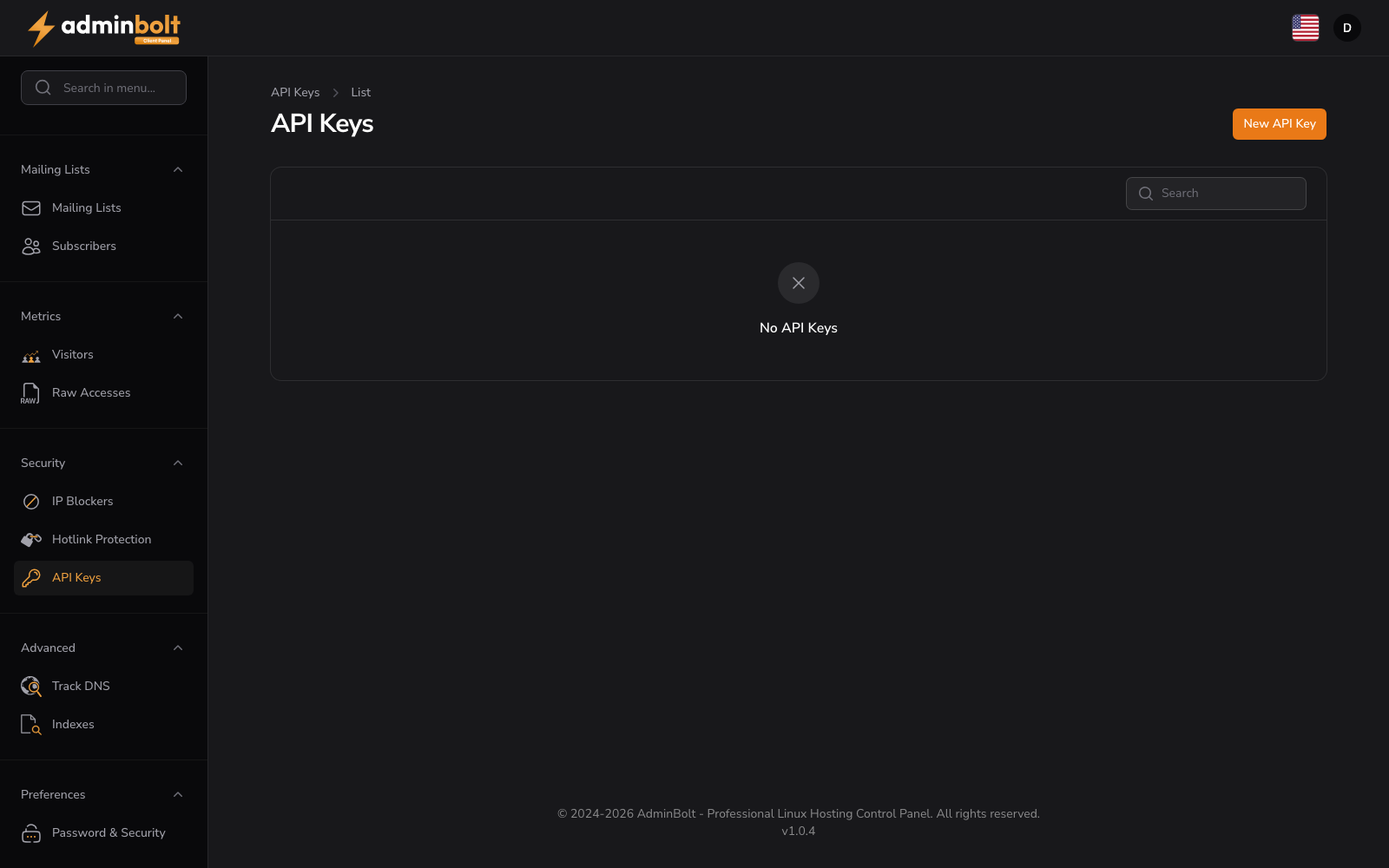
URL: /client/api-keys
Generate and manage personal API keys to access the AdminBolt API programmatically.
Overview
The API Keys interface lets you create authentication tokens for the AdminBolt API. Each key can be used by scripts, automation tools, or third-party applications to perform actions on your behalf without sharing your panel password.
For detailed documentation, visit docs.adminbolt.com.
Create API Key
Click the New API Key button to open the create form (/client/api-keys/create). The form includes:
API Key Details
- Key Name (text, required) - A friendly identifier used to recognize the key later (e.g.,
Deployment script,Backup tool).
Form buttons: Create, Create & create another, Cancel
After the key is created, the secret token is shown once. Copy and store it securely - for security reasons it cannot be retrieved again from the panel.
Find Keys
Use the search bar to quickly locate keys by name.
Key Management
When API keys exist, the table lists them with the following information:
- Name - The key's friendly identifier.
- Created - Timestamp of key creation.
- Last Used - Most recent time the key was used to authenticate an API request.
- Actions - Revoke / delete the key.
Empty State
If no API keys have been created, the interface displays No API Keys to indicate the empty state.
Security Tips
- Treat API keys like passwords - never commit them to public repositories.
- Use a separate key for each application or environment so you can revoke them independently.
- Revoke any key that may have been exposed and create a new one.
Getting Started
Create your first API key by clicking the New API Key button, giving it a recognizable name, and storing the generated token in a secure location.