

Create API Key
Creates an administrator API key for the panel's REST API (see the API Reference). The key and the secret are generated for you; copy the secret when the key is created, because it is shown only then.
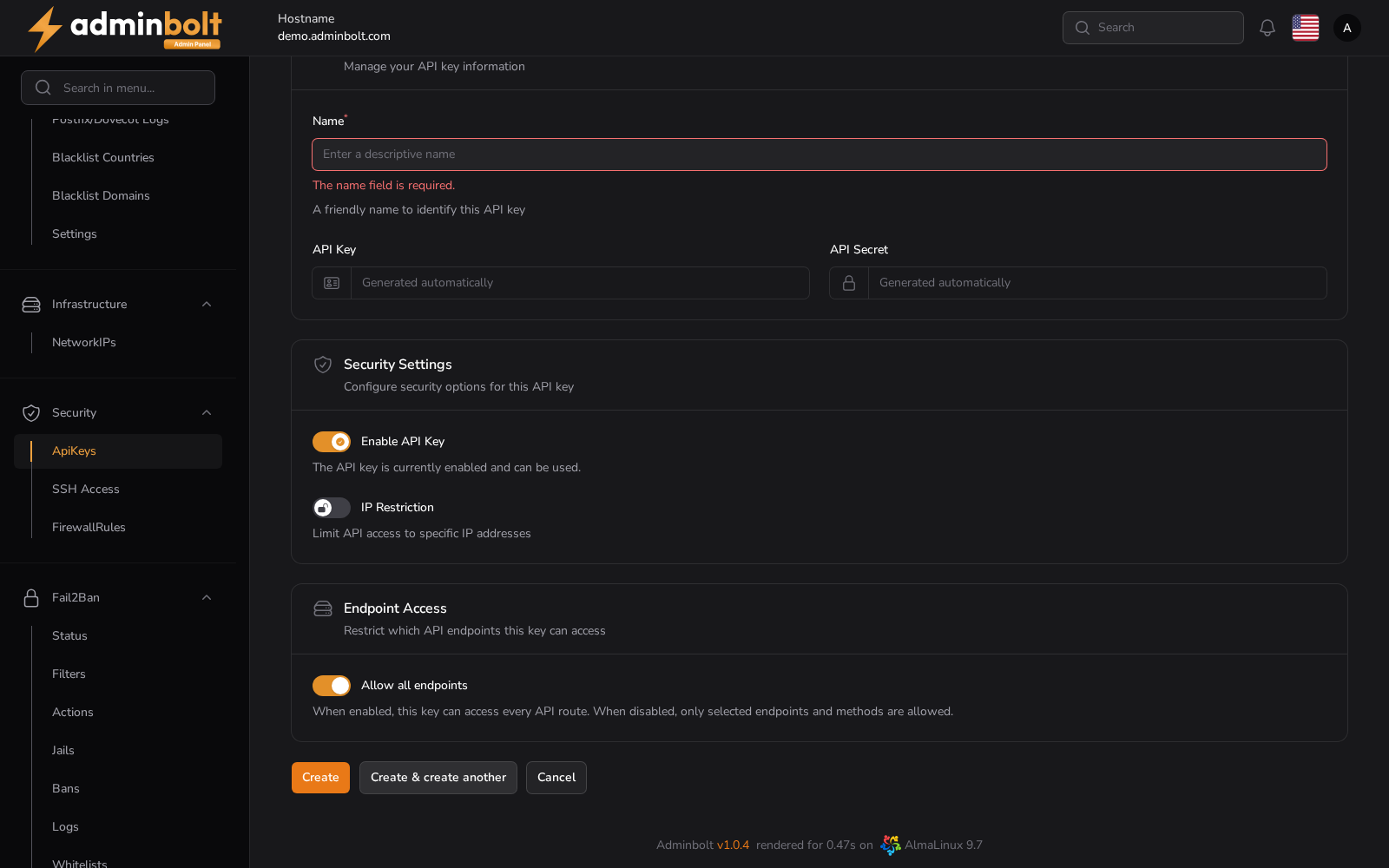
Overview
URL: /admin/settings/api-keys/create
Reached from Settings > Security > API Keys, then Create API Key. The breadcrumb reads Settings > API Keys > Create.
API Key Details
- Name (required) - a friendly name that identifies this key. Name it after the integration that will use it, so a key can be revoked without guessing what it was for.
- API Key - generated automatically.
- API Secret - generated automatically.
Security Settings
- Enable API Key - on by default. A disabled key is refused without being deleted.
- IP Restriction - turn it on to list the addresses requests may come from.
Endpoint Access
- Allow all endpoints - on by default, which lets the key reach every API route except those that need an explicit grant. Turn it off to pick the endpoints and methods the key is allowed to use.
- Endpoints that need an explicit grant - shown while Allow all endpoints is on, since panel 1.9.4. These endpoints run commands on the server as any user, root included, such as the server's cron jobs, so Allow all endpoints leaves them out. Select each one the key may use. See API Keys.
Actions
- Create - save the key.
- Create & create another - save it and reopen an empty form.
- Cancel - return to the list without saving.