

ModSecurity Vendors
ModSecurity Vendors manages the rule sets ModSecurity loads. A vendor is one rule set, fetched from an archive URL and kept on the server under its own name, so several rule sets can run side by side and each one can be updated or switched off without touching the others.
Since panel 1.9.2, the ModSecurity Vendors tab is shown with every web server except OpenLiteSpeed, which does not enforce ModSecurity rule vendors.
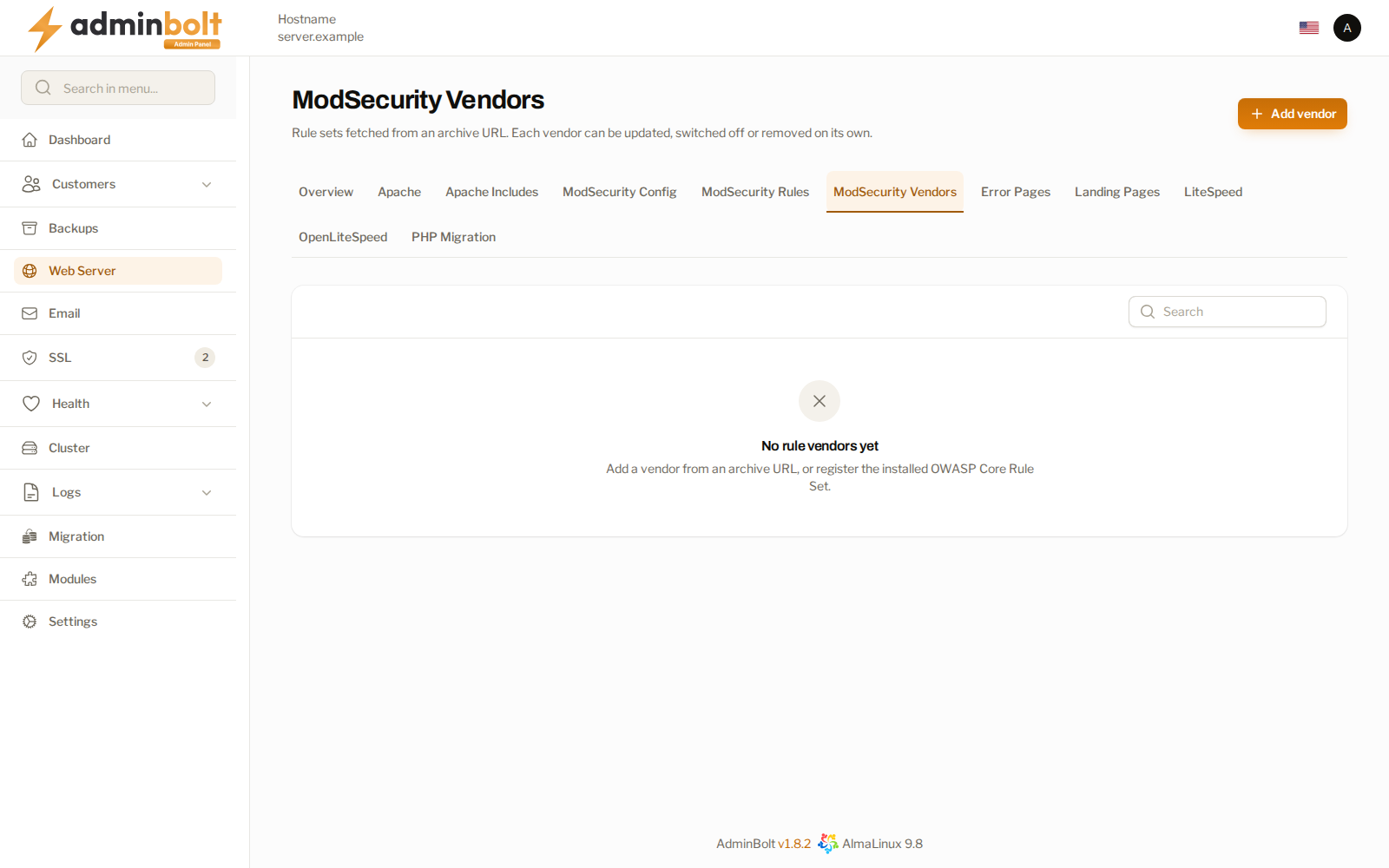
Overview
URL: /admin/web-server/modsecurity-vendors
Open Web Server in the sidebar, then the ModSecurity Vendors tab. Two neighbouring tabs complete the picture: ModSecurity Config holds the engine settings, and ModSecurity Rules lists the individual rule files of every installed vendor.
The vendor table
| Column | What it shows |
|---|---|
| Vendor | The vendor name, with its slug underneath. The rule set AdminBolt installs is marked system. |
| Version | The version you recorded when adding the vendor. |
| Enabled | Whether the vendor's rules are loaded. |
| Rule files | The rule files included from the vendor's archive. |
| Last update | When the archive was last downloaded, or never. |
| Error | The last error reported for this vendor, if any. |
An error stays on the row of the vendor it belongs to. One vendor that fails to install or refresh does not stop the others from loading.
Adding a vendor
Add vendor opens a form:
- Name - the display name of the rule set.
- Slug - the directory name the rule set is stored under. Lowercase letters, digits, and hyphens.
- Archive URL - a
tar.gzorziparchive of the rule set, for example a release tarball published by the rule set's authors. - Version - kept for your own reference. The panel does not read a version out of the archive.
- Rule files to include - paths or globs, relative to the unpacked archive, included in the order you list them. The defaults cover a setup file followed by a rules directory, which is how most rule sets are laid out.
- Description - free text.
The server downloads the archive, unpacks it, and includes the rule files. Apache validates the result before it goes live. A vendor whose rules Apache refuses stays on the list, switched off, with the reason in its Error column.
Row actions
- Enable - load the vendor's rules.
- Disable - stop loading them on the next reload. The rule files stay on the server, so the vendor can be enabled again.
- Update - download the archive again from its URL and replace the installed rule files.
- Remove - delete the vendor and its rule files. Not offered for the system vendor.
The OWASP Core Rule Set
The OWASP Core Rule Set that AdminBolt installs is the system vendor. It can be disabled, updated, and inspected like any other, but it cannot be removed.
On a server where the Core Rule Set is installed but not yet listed here, the header carries Manage the OWASP Core Rule Set as a vendor. It registers the existing installation on this page without changing how it loads, and reloads Apache once.
Since panel 1.9.3, a new installation gets Core Rule Set 4.29.0 with ModSecurity switched on, together with the official CRS WordPress rule exclusions, so the WordPress block editor saves normally. See ModSecurity on new installations. Servers installed earlier keep the Core Rule Set they run; updating the panel does not replace it. When the rule set is registered here, its Version is the version found in the installed rule files, so a server installed earlier is listed with the version it actually runs.
Related pages
- ModSecurity Config - the engine settings the rules run under.
- ModSecurity Rules - enable or disable individual rule files per vendor.
- ModSecurity Audit Logs - what the rules matched.