

Applications
Applications runs a Node.js, Python, or Ruby application on one of your domains. The wizard ships a starter page that serves immediately, so you can confirm the application is running before you put your own code there.
Overview
URL: /client/applications
The page sits under Domains in the client navigation. It is there only when your hosting plan includes applications and the server can run them. If it is missing, ask your hosting provider.
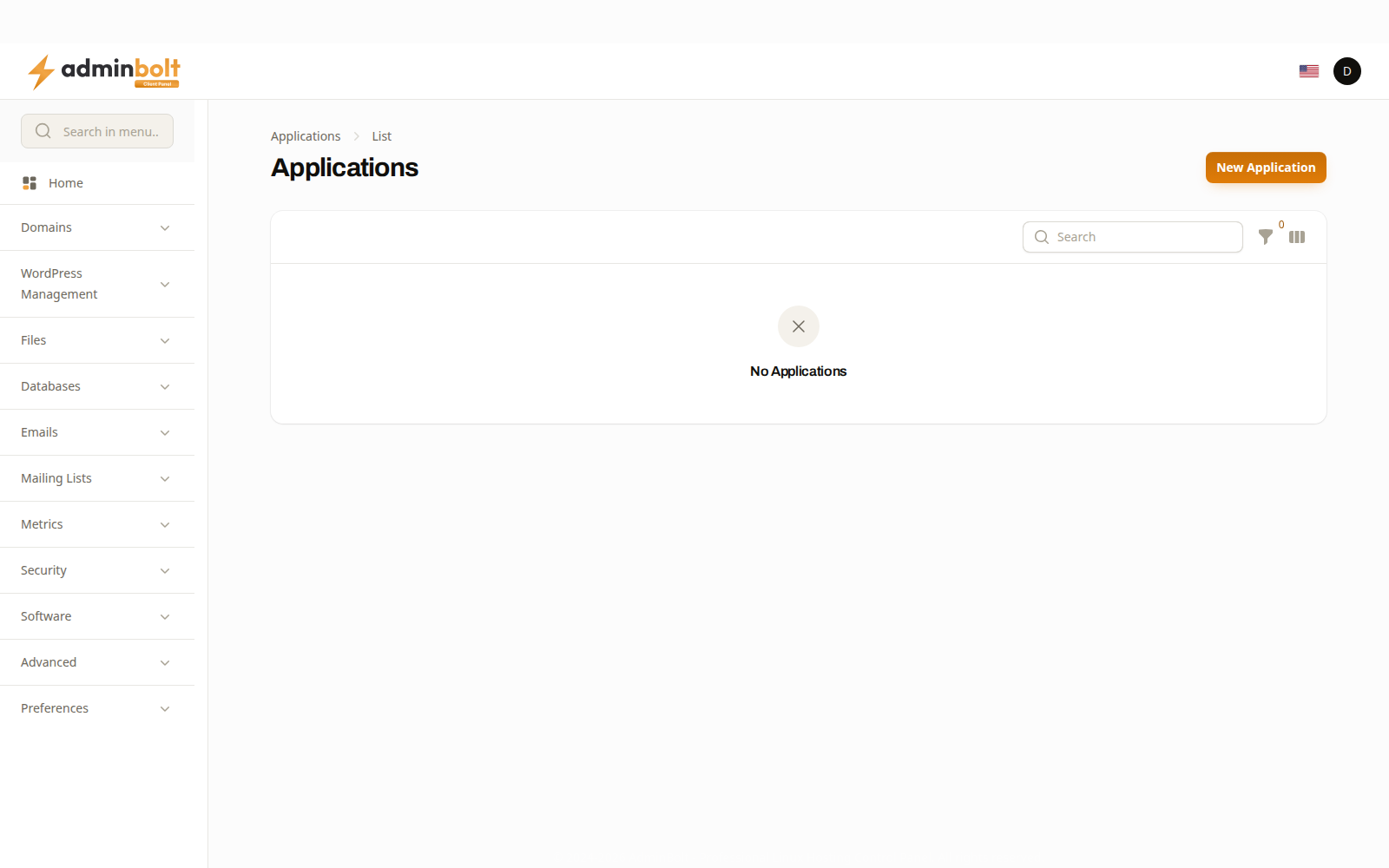
Each application belongs to one domain. A domain that already runs an application is not offered again.
Creating an application
New Application opens a four-step wizard.
1. Runtime
| Field | What to choose |
|---|---|
| Domain | The domain the application will serve. Only domains not already running one are listed. |
| Application Name | A name for the application. |
| Runtime | Node.js, Python, or Ruby. |
| Runtime Version | A version your server has installed, or the server default. |
The runtime list says what each option can actually do on this server. A runtime marked cannot be served on this server is one the web server does not support; a runtime marked needs setup by your administrator is one the server can serve once your administrator finishes setting it up; a runtime marked not installed on this server has no version installed yet. The version field names the versions this server has.
If every runtime is marked that way, ask your hosting provider before going further. Applications run on Apache with Phusion Passenger, on OpenLiteSpeed, and on LiteSpeed Enterprise, in native mode and, since panel 1.9.3, in Apache drop-in mode as well. On a server that cannot run any application, for example Apache without Passenger, Applications is not shown at all, so you cannot build something that would not start.
On LiteSpeed Enterprise in Apache drop-in mode
Since panel 1.9.3, LiteSpeed Enterprise in Apache drop-in mode serves Node.js, Python, and Ruby applications, and they run as your account.
- Node.js works without further setup.
- Python and Ruby each need a LiteSpeed runner that your hosting provider sets up on the server. Until then the runtime is marked as needing setup or as not servable, with the reason, and the panel refuses to create such an application.
- While an application is stopped, visitors see a page that says This application is stopped.
2. Location
Where the code lives and how it starts. The application root is taken relative to your domain's folder, so you give a path inside your own space rather than a full server path.
3. Environment
The variables passed to the application, one Name and Value per row; Add variable adds a row. This is where configuration such as connection strings and API keys belongs, rather than in the code. Edit opens with the variables you saved.
4. Starter application
A minimal application that serves a page as soon as it is created. Keep it for the first run: if the starter page loads, the domain, runtime, and startup are all correct, and anything that breaks afterwards is your own code.
Running an application
The Status column reads running or stopped. Since panel 1.9.3, it reads Needs attention when the server did not confirm the last change to the application, for example because it did not answer in time, so it is not known whether the change took effect. A change the server refused is undone instead: a new application is not created, and an existing one keeps its previous settings.
Each application in the list has these actions:
| Action | What it does |
|---|---|
| Edit | Change the application's settings. |
| Apply again | Shown on an application that Needs attention. Writes the application's settings to the server again; once the server confirms them, the status goes back to normal. |
| Restart | Restart the running application. Restart after changing code or environment variables; the running process does not pick either up on its own. |
| Stop / Start | Stop the application, or start it again. While it is stopped, visitors see an error page. |
| Install Dependencies | Install the packages your application needs. See Installing dependencies. |
| Logs | Since panel 1.9.3, the recent lines of the domain's web server error log and the application's own error output, such as the errors it printed while starting. No log output yet. when there is nothing to show. The error output is read with your account's own permissions, so a file your account cannot read is named with a note and a correlation ID to give your hosting provider, and none of its content is shown. |
| Remove | The domain goes back to being served by PHP. Your files are left untouched. |
Restart, Install Dependencies, and Remove are also at the top of the application's edit page.
When the server changes around it
Since panel 1.9.3, applications carry over when the server changes around them:
- When your hosting provider switches the web server, the panel sets your applications up again for the new one in the background. An application can be unavailable for a short while after the switch.
- On LiteSpeed Enterprise in Apache drop-in mode, renaming the domain and restoring the account from a backup keep the application. When its settings cannot be written again, the rename or the restore report says so and tells you how to write them again from Applications.
Installing dependencies
Install Dependencies runs the runtime's package manager as your account, in the application folder. The confirmation names the command:
| Runtime | Command |
|---|---|
| Node.js | npm install --omit=dev |
| Python | python3 -m pip install --user -r requirements.txt |
| Ruby | bundle config set --local path 'vendor/bundle' && bundle install |
Since panel 1.9.2, for Node.js the panel runs the npm that belongs to the Node.js version selected for the application, the same version the application runs on, rather than whichever npm the server finds first. Change the version, and the next install uses the new one's npm. If that Node.js version, or its npm, is not installed on the server, nothing runs and the message asks you to contact your hosting provider.
The result comes back as a notification:
- Dependencies installed. when the command succeeded, with what it printed.
- Dependencies were not installed. when it failed. Since panel 1.9.2 the notification shows what the command printed, so you can see why, for example a package that could not be found. When the output is long, the end is kept and marked (output shortened).
- An install that runs longer than 10 minutes is stopped, and the message says so. Try again, or install the dependencies over SSH.
Node.js over SSH
Since panel 1.9.3, on a CloudLinux server, Edit Application of a Node.js application has a Node.js over SSH section. An SSH session, including the SSH Terminal, does not switch to the application's Node.js version by itself, so the section gives you:
- a command to copy, which changes to the application folder and makes
node,npm, andnpxuse the application's Node.js version. Run it in each new session; - the alternative of running
source ./activatein the application folder, which does the same through theactivatefile the panel keeps there.
The section follows the version you saved, not one you have selected but not saved yet. When the server has that Node.js version but not its npm, the section offers no command and asks you to contact your hosting provider. A file of your own named activate in the application folder is left as it is.
Over the API
Applications are fully covered by the client REST API: listing, creating, updating, deleting, reading the log, restarting, and installing dependencies. That is what makes a deployment script possible without a panel session.
POST /api/client/applications/{domain_id}/dependenciesinstalls the dependencies the same way Install Dependencies does, and returns what the package manager printed. A failed install answers422with amessageand theoutput.- Since panel 1.9.2, creating an application on a server that cannot run applications yet answers
422and creates nothing. Themessagesays what is missing and who can fix it, andproblemnames it:not_installedornot_enabledfor Phusion Passenger on Apache. Since panel 1.9.3 LiteSpeed Enterprise in Apache drop-in mode serves applications, so it no longer answerslitespeed_drop_in. Applications that already exist stay manageable. - Since panel 1.9.3, the application that
GET /api/client/applications/{domain_id}, creating, and updating return carriesstate_unknown, which istruewhile the application Needs attention, andPOST /api/client/applications/{domain_id}/reapplydoes what Apply again does. - Since panel 1.9.3, a Node.js application on CloudLinux carries
ssh, with thecommandand theactivate_filethat Node.js over SSH shows, or amessagewhen there is no command.sshisnullfor other runtimes and on servers without CloudLinux Node.js builds. GET /api/client/applications/{domain_id}/logsreturns what Logs shows.
Related pages
- Domains - the domains an application can be attached to.
- File Manager - where the application's code lives.
- Error Logs - the domain's web server errors, separate from the application's own log.
- Databases - the databases an application connects to.