

IP Assignments
The IP Assignments page allows resellers to view and manage IP address assignments for their hosting accounts. An assignment gives the account a dedicated IP address: the account's sites answer on that address, and the {{DELEGATED_IP}} placeholder in the DNS template resolves to it.
Note: An assignment does not take effect on its own, and applying it needs admin access. The full procedure is in Dedicated IP for a Hosting Account.
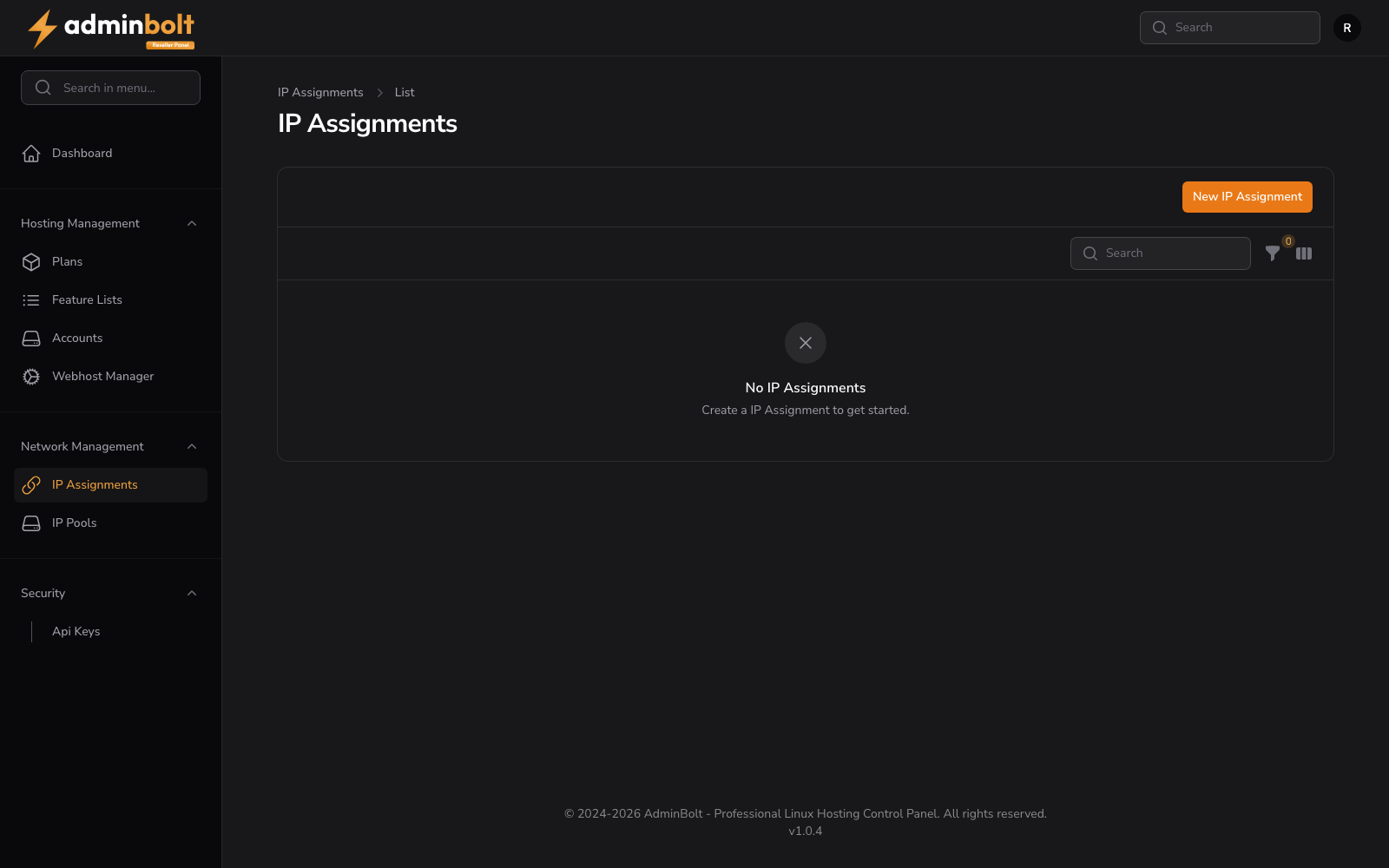
Overview
URL: /reseller/network-i-p-assignments
The page header reads: "IP Assignments" with a breadcrumb "IP Assignments > List".
A New IP Assignment button links to the assignment creation form.
IP Assignments Table
The table displays all IP assignments for the reseller's accounts.
Search and Filter
A search bar filters assignments. Click the Filter button to apply advanced filters:
- IP Type - Filter by IP type (All, IPv4, IPv6).
- IP Active - Filter by active status (All, Active only, Inactive only).
A Reset button clears all filters.
Toggle Columns
Click the Toggle columns button to show or hide optional columns: Notes, Updated.
Table Columns
- IP Address - The assigned IP address
- Hosting Account - The account the IP is assigned to
- Actions - Edit or Delete options
Optional columns (via Toggle columns): Notes, Updated.
Empty State
When no assignments exist, the page shows "No IP Assignments" with the message "Create a IP Assignment to get started."
Creating an IP Assignment
URL: /reseller/network-i-p-assignments/create
Clicking New IP Assignment opens the creation form with the following fields:
- IP Address (required) - Select an IP address from the available pool (searchable dropdown)
- Hosting Account (required) - Select the hosting account to assign the IP to (searchable dropdown)
- Notes - Optional notes about this assignment
Both lists are already filtered to valid choices. IP Address offers only active addresses from your IP Pools that are not assigned to a hosting account yet, and Hosting Account offers only your accounts that do not have an address yet. A pair that breaks either rule is rejected on save with "This IP address is already assigned to a hosting account." or "This hosting account already has an IP address assigned."
Form Actions
- Create - Save the assignment
- Create & create another - Save and reset the form for a new assignment
- Cancel - Return to the list without saving