

Not Found URLs
ℹ️ Opened from Visitors - this page is reached from the Not Found URLs card on Visitors or on View Stats; it has no dedicated sidebar link.
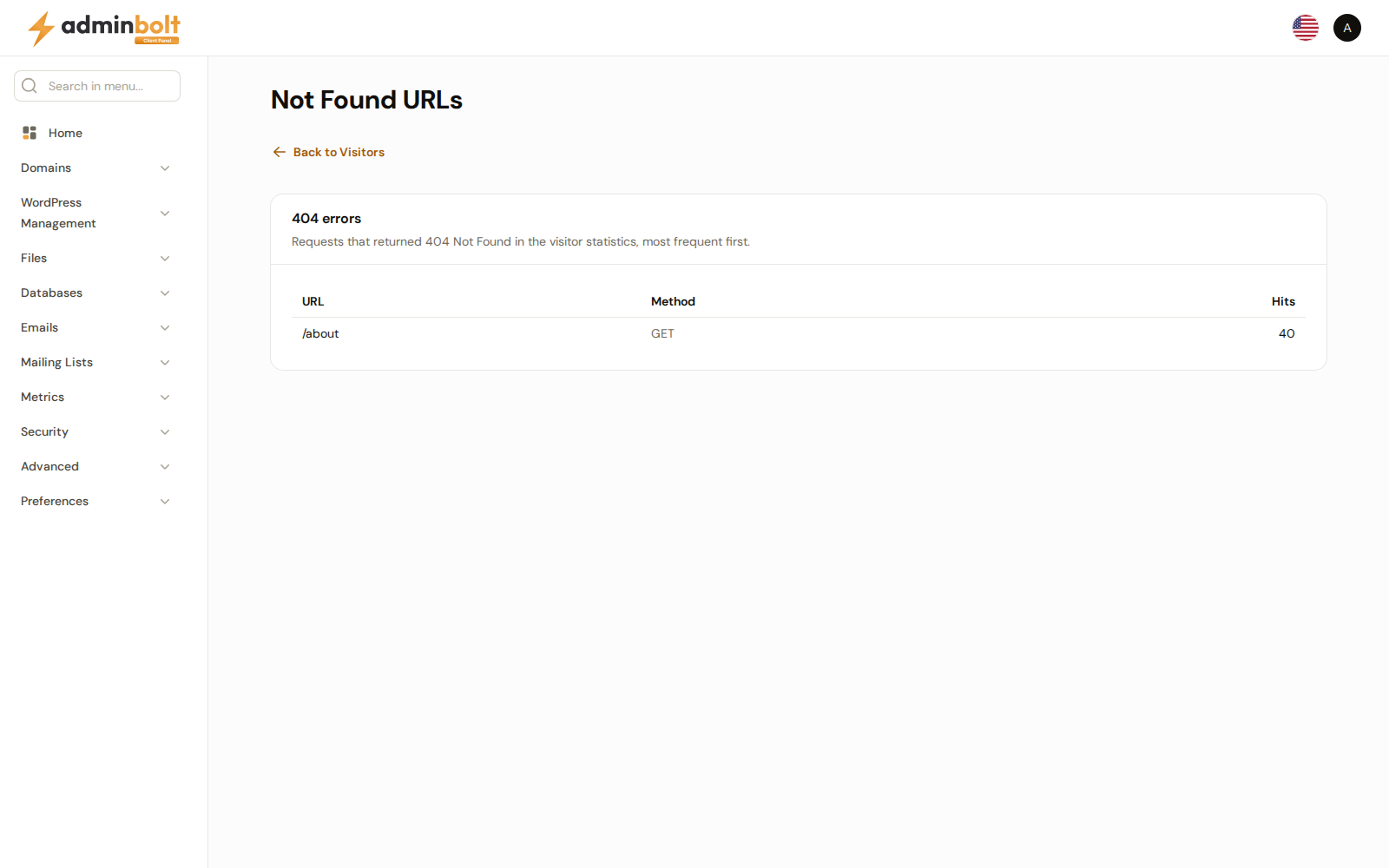
The Not Found URLs page lists the requests behind the Not Found URLs count: the addresses of your websites that returned 404 Not Found, most frequent first. Available since panel 1.9.4.
Overview
URL: /client/visitors/not-found-urls
Open it by clicking the Not Found URLs card. On Visitors the card reads "404 errors, click to see the URLs" and the list covers all your domains. On View Stats of a domain it reads "404 errors on example.com, click to see the URLs" and the list covers that domain only, with Back to Domain Statistics at the top. From the Visitors card, the link at the top is Back to Visitors.
The list comes from the same visitor statistics as the count on the card, so it covers the same period and the same domains, and the hits add up to the card's number.
The list
The section heading is 404 errors, or 404 errors on followed by the domain, with "Requests that returned 404 Not Found in the visitor statistics, most frequent first." below it.
| Column | What it shows |
|---|---|
| URL | The address that was requested. Long addresses wrap. |
| Method | The HTTP method of the request, for example GET or POST. |
| Hits | How many times it was requested. |
When no request returned 404 in the period, the page says "No 404 errors were recorded in this period." When the statistics cannot be read, or the domain is not one of your account's domains, it says No Data Available.
Who can open it
The page belongs to Visitors: it opens exactly when your hosting plan includes Visitors. Without it, the card shows the count without a link, and the page's address answers 403 Forbidden.
Related pages
- Visitors - the visitor statistics of all your domains.
- View Stats - the visitor statistics of one domain.
- Error Pages - set the page visitors see when an address is not found.