

Install
ℹ️ Opened from Application Modules - this module page is reached from the Module Manager grid (
/admin/modules), not from a dedicated sidebar item.
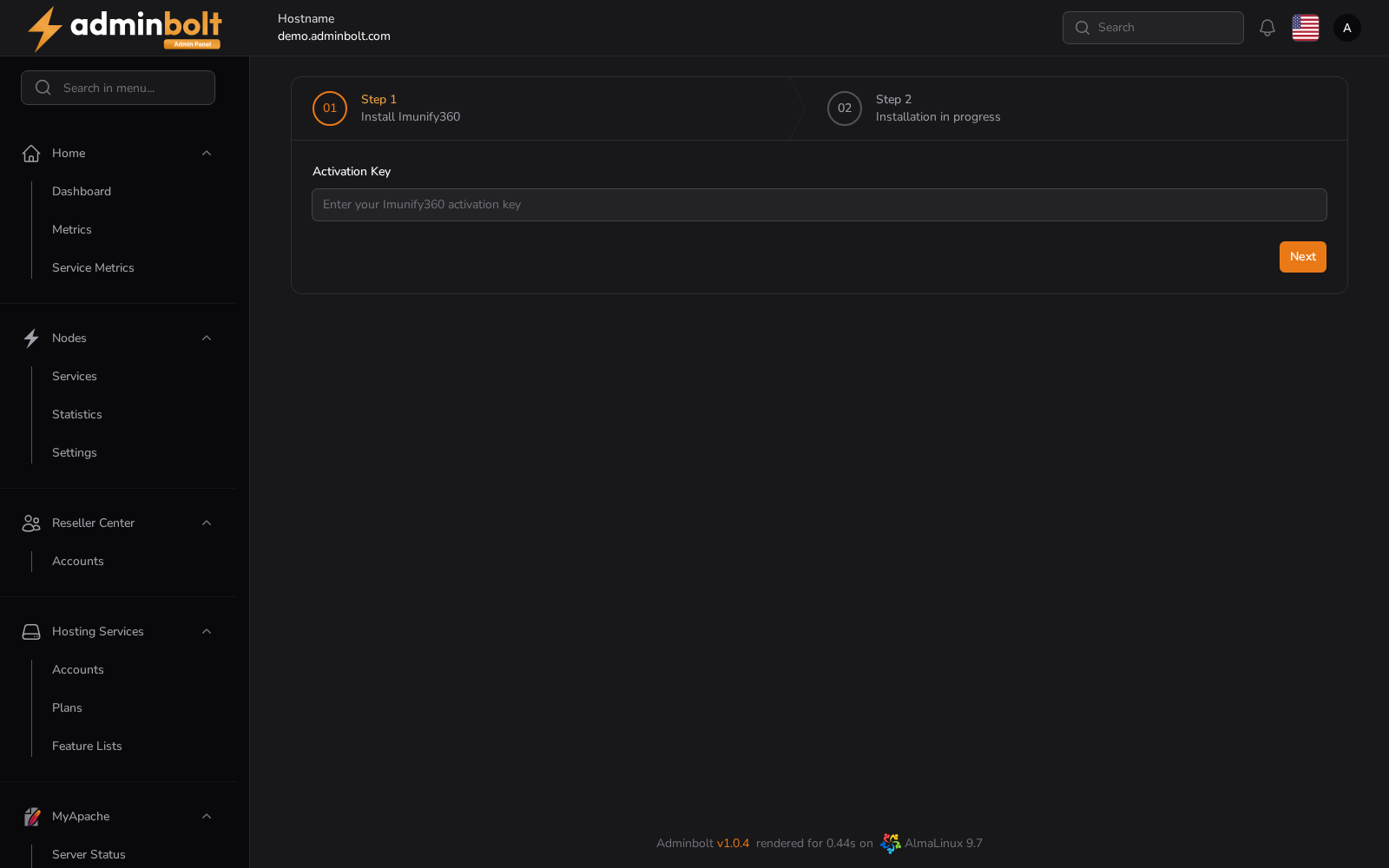
Installation wizard for Imunify360, the server security platform. Provide your activation key and start the installation; progress is reported on this page. After completion the module is managed from /admin/modules/imunify360.
Overview
URL: /admin/imunify360-installer
Opened from: admin.module-manager view.
Menu: Aplications Applications → Install
Available Actions
- 01 Step 1 Install Imunify360
- 02 Step 2 Installation in progress
- Back
- Next
Client access
Customers open Imunify360 under Security > Imunify360 in the client panel while Imunify360 is installed. Since panel 1.9.4, the page also needs the Imunify360 feature in the account's hosting plan Feature List. Updating turns the feature on in every existing feature list, so customers keep the page until you untick it for a plan.