

Activity Log
Activity Log answers who changed what, and when. It includes actions taken while impersonating a client, so work done on a customer's behalf is attributed to the administrator who did it.
Overview
URL: /admin/activity-logs
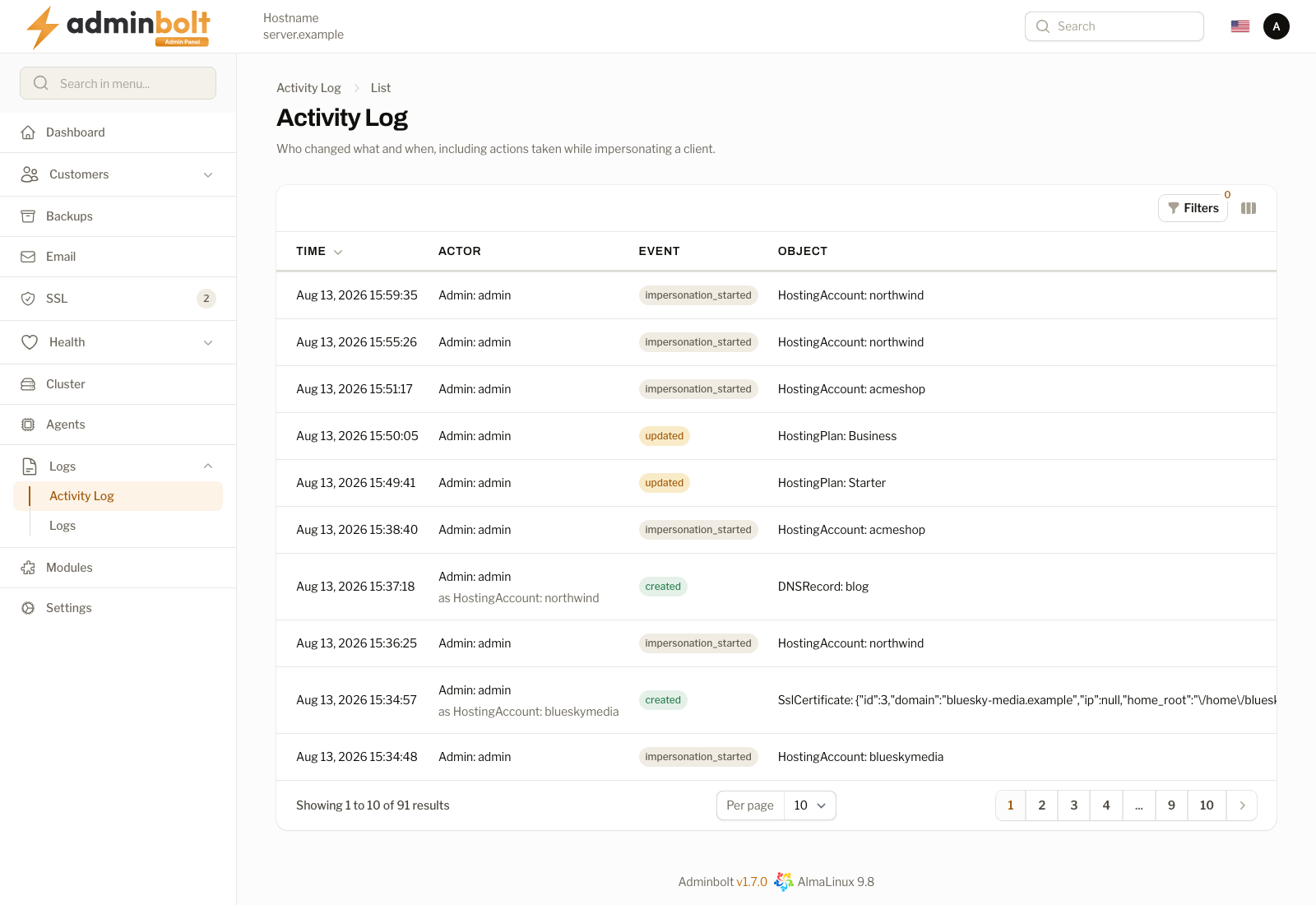
Find it under Logs > Activity Log in the sidebar.
| Column | Meaning |
|---|---|
| Time | When the action happened. |
| Actor | Who did it. |
| Event | What kind of change it was, for example created, updated, or deleted. |
| Object | What was changed. |
| Description | The detail of the change. |
| Reseller | The reseller the change belongs to, when it applies to one. |
Activity Log or Logs?
The two pages answer different questions and it is worth keeping them apart:
- Activity Log is about people. Someone changed a setting, created an account, or deleted a domain.
- Logs is about the server. An action ran, a service wrote to its log file, a certificate was requested.
If you are investigating "why did this setting change", start here. If you are investigating "why did this action fail", start in Logs.
Impersonation
When an administrator signs in to a client account to help with something, the entries stay attributed to the administrator. The client's own record does not absorb changes an administrator made.