

LSAPI Engine (mod_proxy_lsapi)
The LSAPI Engine module serves PHP through persistent per-account LSPHP workers on plain Apache. It brings LSPHP to servers that have neither a CloudLinux nor a LiteSpeed license.
Installing
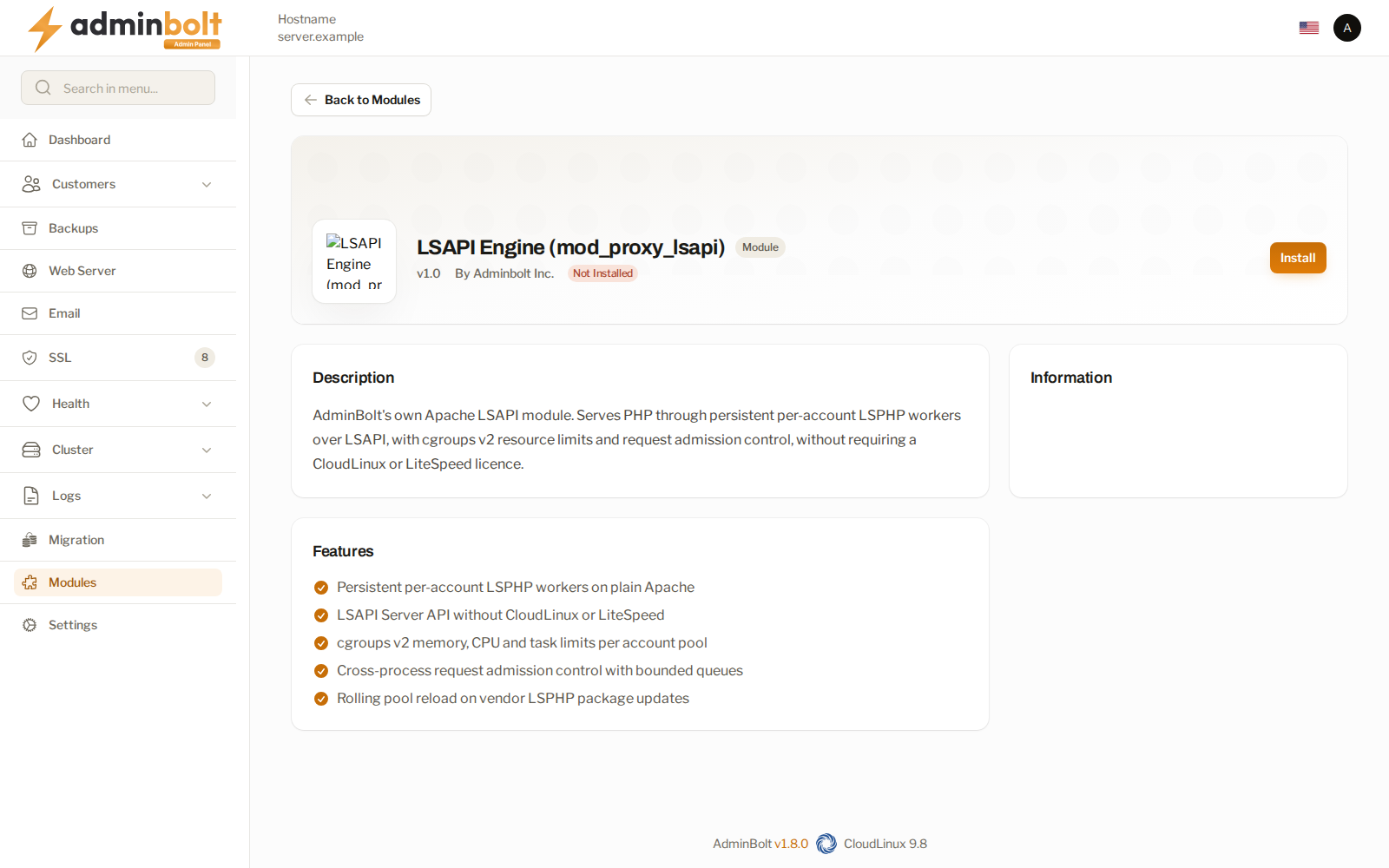
The module page is at /admin/modules/mod-proxy-lsapi, in the Module Manager.
The install sets up the matching LSPHP version for every Remi PHP version installed on the server, so each site has an LSPHP version to move to. Its progress log, the Provision Log, lists each version as it goes.
- Since panel 1.9.2 the panel first reads the installed PHP versions from the server, so a PHP version installed outside the panel, for example on the server's command line, gets its LSPHP version too. If the server cannot confirm the list, the install goes on with the versions the panel knows and ends with a warning: check that the server agent is running, open PHP Versions to refresh the list, then install any missing LSPHP version there.
- Since panel 1.9.2, when an LSPHP version cannot be installed because a package it needs is in no enabled package repository, its step, for example LSPHP 8.3 installation failed., names the package and the next step. See When the install fails.
- On CloudLinux the install is refused, because CloudLinux provides mod_lsapi with the same capability. Since panel 1.9.3 the refusal points you to the CloudLinux
lsapi_moduleinstead. - While LiteSpeed Enterprise or OpenLiteSpeed is the web server, the install is refused, because those servers run LSPHP natively. Switch the web server to Apache first.
- Since panel 1.9.3 a failed install names its cause, including a package that no enabled repository provides. See When an install fails.
What it gives you
- LSPHP on plain Apache, for each hosting account.
- The hosting plan's memory, CPU, and process limits apply to each account's PHP.
- LSPHP package updates do not interrupt websites.
Once it is installed, LSPHP appears next to the other PHP providers on the domain and hosting plan screens and on PHP Engine Migration.
Removing it
The module refuses to uninstall while a domain still uses LSPHP, and points you at the LiteSpeed PHP migration page. Move those domains back to another PHP provider first; the refusal is what stops an uninstall taking their sites down.
Related pages
- PHP Engine Migration - moving domains between PHP providers.
- PHP Versions - the versions available to sites.
- Module Manager - where modules are installed.
- Apache Settings - the web server this module extends.