

Terminal
The Terminal module provides the browser terminal that account owners open from Security > SSH Terminal in the client panel on a CloudLinux server. On a server without CloudLinux, the SecureBox service provides that terminal instead, and this module is not used.
The module does not give administrators a terminal. The admin panel has no shell of its own: to run commands on the server, connect with an SSH client. SSH Access controls the server's SSH port, the addresses allowed to reach it, and whether root may sign in.
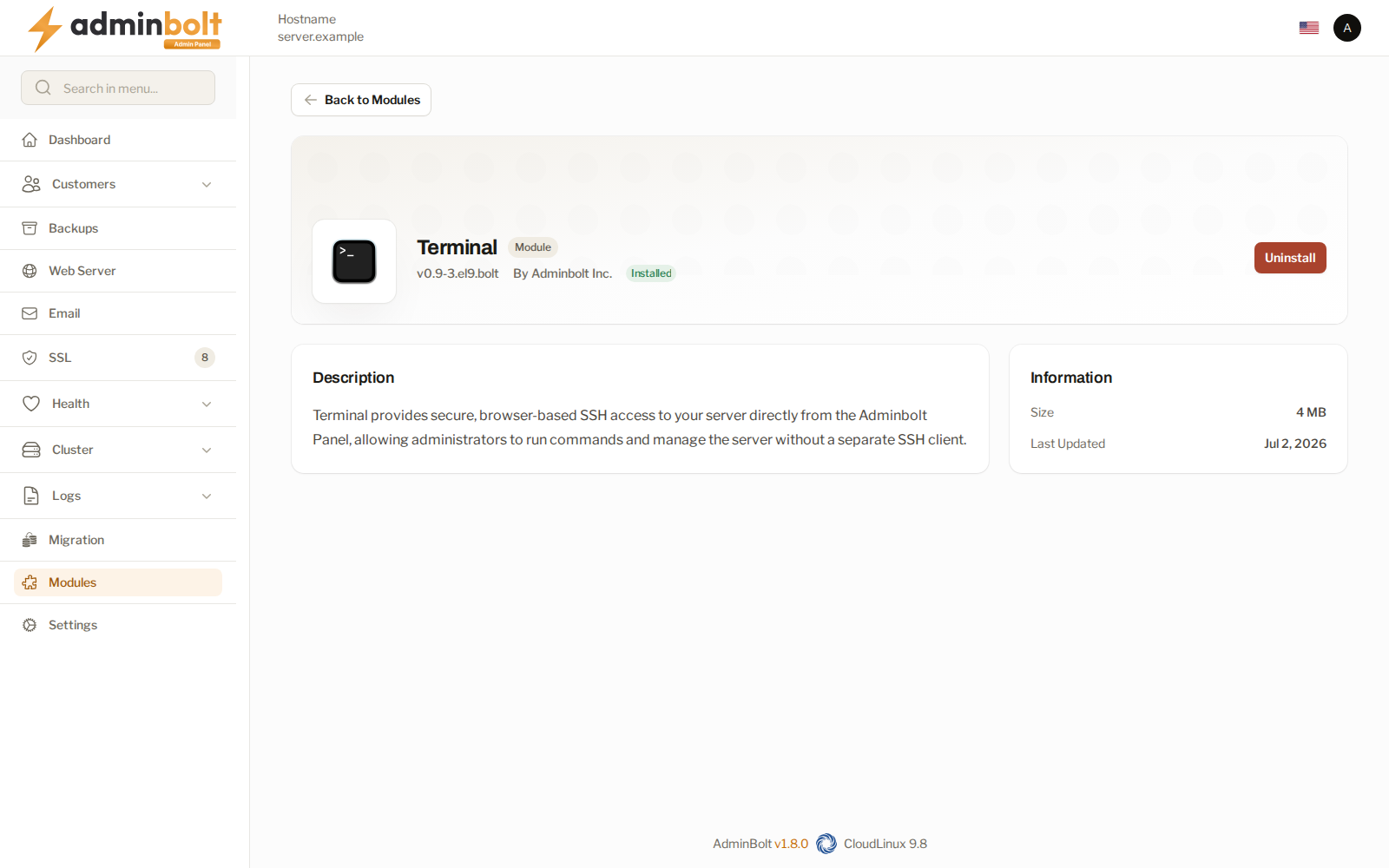
Note: The module's description in Modules says that it lets administrators run commands on the server. It does not: the module serves the account owners' SSH Terminal only.
Requirements
- CloudLinux. On a server without CloudLinux the install stops with a message that Terminal requires CloudLinux and that SecureBox provides SSH access there.
- No running SecureBox. Terminal and SecureBox cannot run side by side. When SecureBox is installed and running, the install stops and asks you to stop or uninstall SecureBox first. SecureBox is listed under Manage services on the Health page.
Installing
The module page is at /admin/modules/bolt-terminal, in the Module Manager. The install runs in the background, like every module install.
After installing
- The Enable SSH Access switch appears in the Edit Account form on Accounts. It is hidden on a server that has neither this module nor SecureBox installed.
- An account owner sees Security > SSH Terminal once the account's plan and SSH access are set up as well. The full list is in Giving an account owner the SSH Terminal.
Related pages
- Accounts - what to set up so an account owner sees the SSH Terminal.
- Client SSH Terminal - the terminal this module provides, as account owners see it.
- SSH Access - the server's SSH settings.
- Module Manager - where modules are installed.