

Indexes
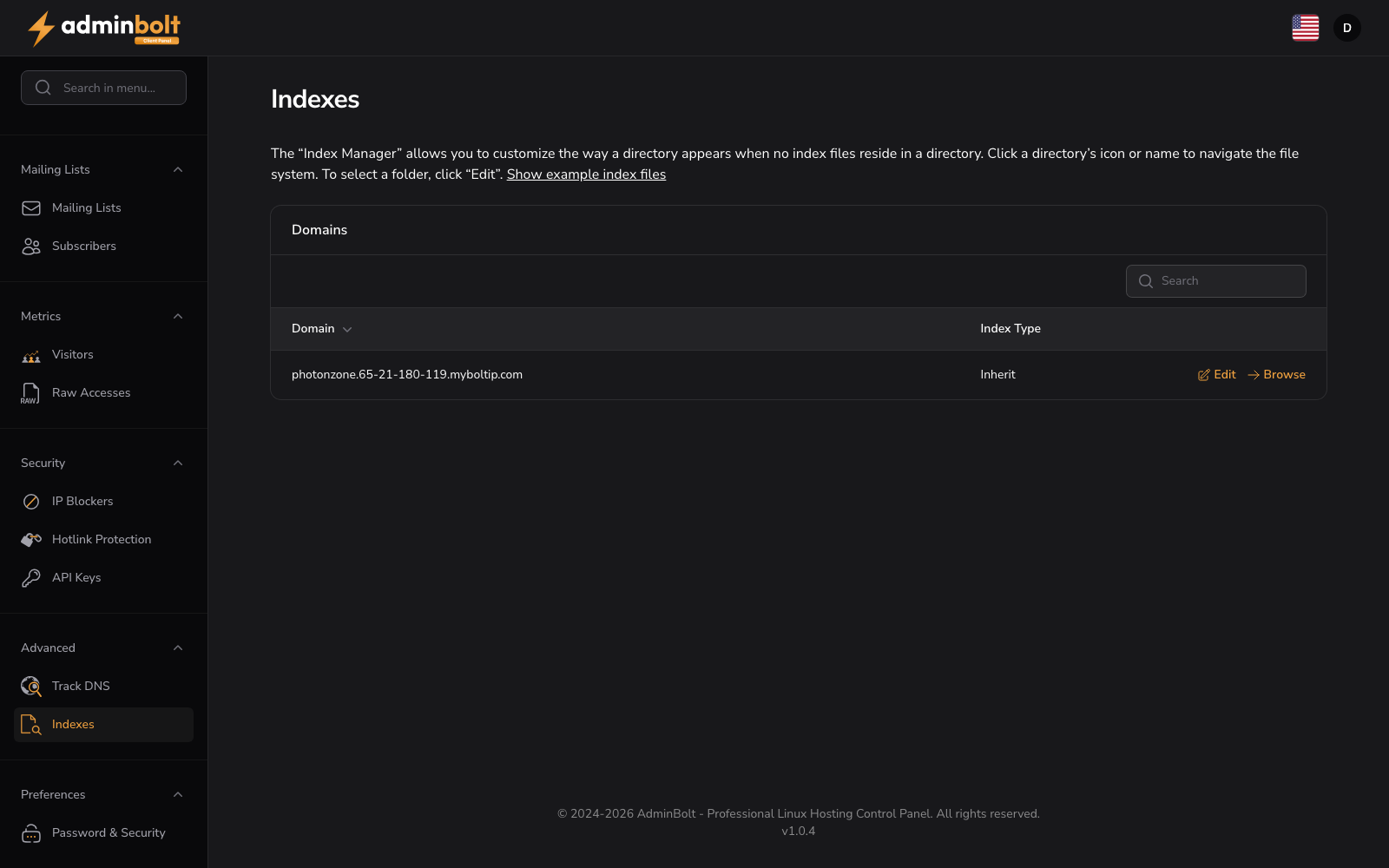
URL: /client/indexes-page - in the sidebar under Advanced.
The Index Manager allows you to customize the way a directory appears when no index files reside in it.
Show example index files
Expand this section to view example index file names that the server looks for in directories.
Domains
Manage index behavior for your domains and directories. Use the search bar to find specific domains.
The table displays:
- Domain: Your domain name
- Action: Edit and Browse buttons for the domain
- Edit - Configure directory index settings
- Browse - Open the index browser to navigate the domain's directories
Click Manage Indexes to open a directory browser where you can navigate through your file system and set index behavior (Inherit, No Indexing, Fancy Listing, or Simple Listing) for each directory independently.
Table Columns
- Index Type - The directory indexing mode applied to the folder.
When a change is refused
Since panel 1.9.3, saving the index behaviour of the website folder or of a folder inside it first checks where that folder and its .htaccess file really lead. If the folder, a folder above it, or the .htaccess file has been replaced with a symbolic link that leads outside your home directory, the change is refused and the setting is not stored:
The folder this change writes to, or a file in it, leads outside your hosting account, for example through a symbolic link. Nothing was changed.
Replace the link with a real folder or file, or point it inside your own home directory, then try again. A link that stays inside your home directory is accepted, also when it points outside the website folder.
If the panel cannot complete this check because the server agent does not answer, the change is refused with "Check that the agent is running, then try again." and nothing is changed. If the message persists, contact your hosting provider.
When the setting is stored but the web server rules could not be written, the panel says "The indexing setting was saved, but the web server rules were not applied." The folder keeps its previous indexing behaviour; save it again once the reported cause is cleared.
Over the API
Since panel 1.9.4, GET /api/client/domains/{domain_id}/indexes on the client REST API reads a domain's directory listing settings, and PUT sets the listing of the main directory or of a sub-directory. path is relative to the document root, and / or no path is the main directory. A sub-directory must exist. When the change is stored but the web server rules cannot be rebuilt, the answer carries status: partial with the reason and the next step, as When a change is refused describes for this page. The endpoints need this page's feature in your hosting plan; see API Keys.