

Email Catch All
URL: /client/email-catch-alls
Forward any message sent to a non-existent recipient on your domain to a chosen email address.
Overview
An email catch-all is a fallback rule for a domain: when a message is sent to an address that does not have a real mailbox (for example, [email protected]), the catch-all forwards that message to a predefined address instead of bouncing it. This is useful for catching typos and for legacy aliases that should not be created individually.
For detailed documentation, visit docs.adminbolt.com.
Requirement
To create a catch-all for a domain, at least one mailbox must already exist on that domain.
Create Email Catch All
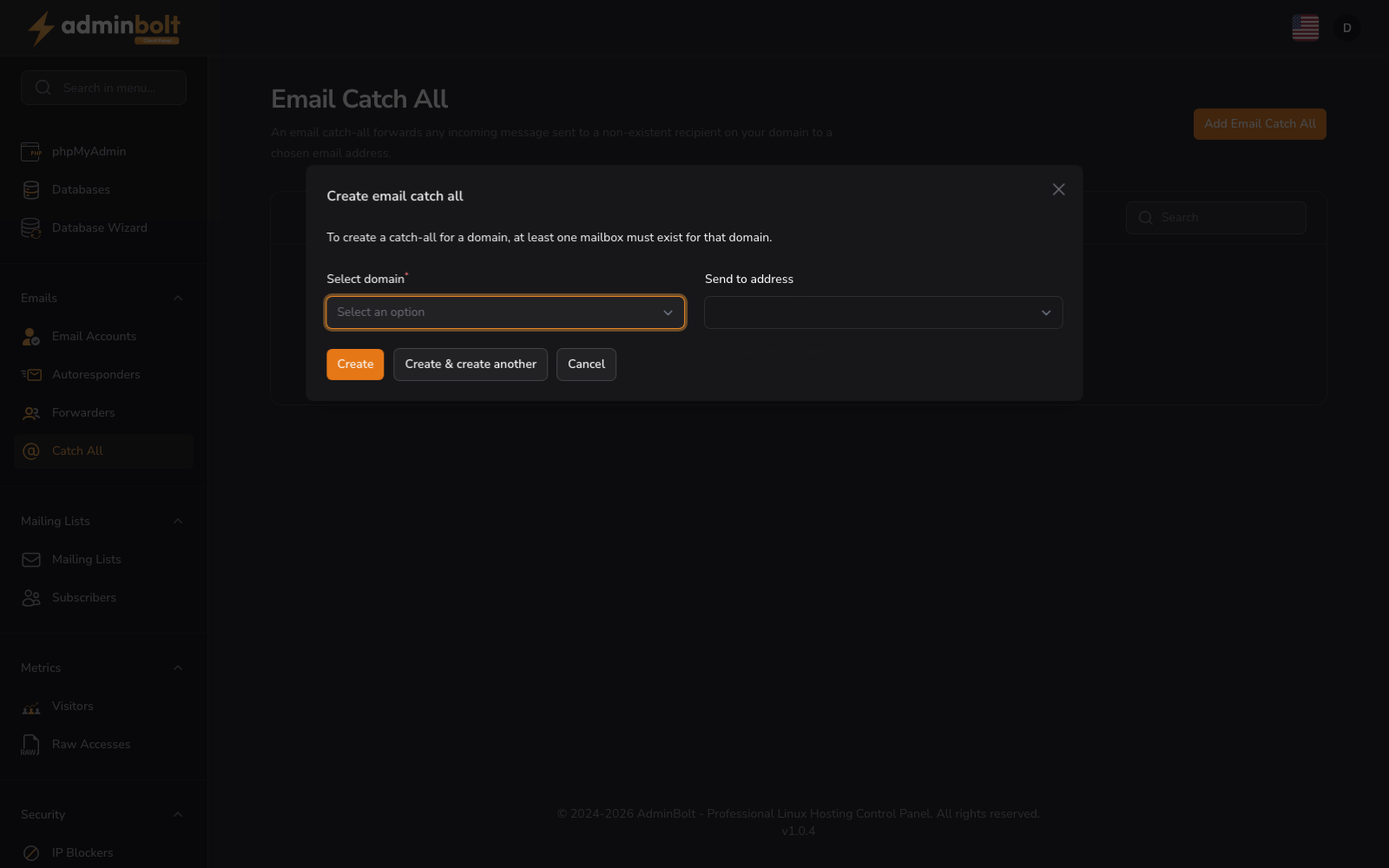
Click the Add Email Catch All button to open the create modal. The form includes:
Create email catch all
- Select domain (dropdown, required) - Choose which domain the catch-all rule applies to. Only domains with at least one existing mailbox are listed.
- Send to address (dropdown) - Choose the destination mailbox that will receive forwarded messages.
Form buttons: Create, Create & create another, Cancel
Find Catch-Alls
Use the search bar to quickly locate existing rules.
Catch-All Management
When catch-all rules exist, the table displays:
- Domain - The domain the rule applies to.
- Send to - The destination mailbox that receives forwarded messages.
- Actions - Edit or delete the catch-all rule.
Empty State
If no catch-all rules have been configured, the interface displays No email catch alls.
How It Works
When the catch-all is active for a domain:
- Mail sent to a recipient that matches an existing mailbox is delivered to that mailbox as usual.
- Mail sent to any other address on the domain is forwarded to the configured "Send to" mailbox.
Disable or remove the catch-all to restore the default behaviour, where mail to non-existent addresses bounces back to the sender.