

Hosting Accounts (AutoSSL Management)
ℹ️ Legacy / hidden from navigation - this page works by direct URL but is intentionally not shown in the panel sidebar. Treat it as a legacy or rarely used screen.
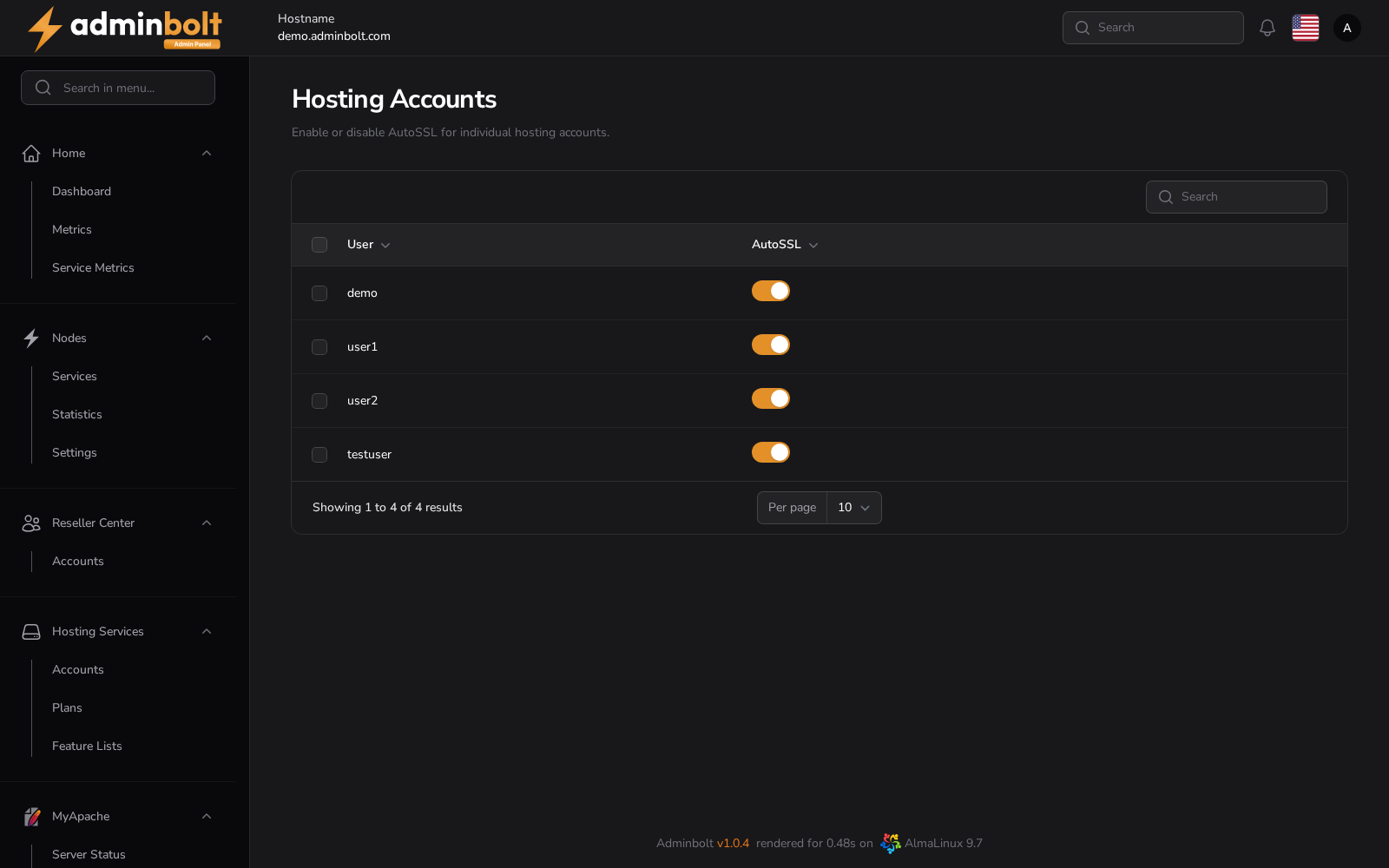
The Hosting Accounts page allows administrators to enable or disable the AutoSSL feature for individual hosting accounts in the system.
Overview
AutoSSL is used to automatically issue and install SSL/TLS certificates for hosted domains. On this page, you can manage AutoSSL status per account, giving you granular control over which accounts benefit from automatic certificate management.
URL
/admin/auto-ssl-hosting-accounts
The screen is the AutoSSL tab of the SSL area, beside Certificates and Issuance History, so it is reachable from the panel rather than by its address alone.
Description
Each row in the table represents a hosting account. Select accounts using the checkboxes and use the bulk Enable AutoSSL / Disable AutoSSL buttons to control which accounts are included in the AutoSSL issuance process.
This can be useful in scenarios where:
- You want to disable AutoSSL for accounts that use custom certificates.
- You need to troubleshoot certificate issues per account.
- A customer explicitly disables automatic SSL provisioning.
Interface Elements
| Element | Description |
|---|---|
| User | The username of the hosting account. |
| Selection | Checkbox used to select accounts for bulk actions. |
| Search Bar | Allows you to search accounts by username. |
| Per Page | Sets how many accounts to display per page (pagination control). |
Actions
- Enable AutoSSL / Disable AutoSSL - Bulk actions applied to the selected accounts.
- Search - Filter accounts by name to quickly locate the one you want to manage.
Enabling AutoSSL
Use the Enable AutoSSL action to turn on automatic certificate issuance for the selected hosting account.
What the switch covers
The per-account switch is honoured everywhere AutoSSL runs: the nightly sweep, the runs started for a single domain, and the health check all skip an account it is switched off for. Naming a domain of such an account explicitly reports that the account has AutoSSL off, instead of returning what looks like a success.
Automatic SSL for hosting domains
Beyond per-account control, AdminBolt issues and renews certificates for hosting domains automatically. A scheduled job runs bolt-cli run-auto-ssl once a day at 02:30 and does two things:
- Issues certificates for active hosting domains that do not have one yet, using the certificate provider set in General Settings (Let's Encrypt by default).
- Renews certificates that have auto-renew enabled and have 7 days or less remaining before they expire.
The job is installed by bolt-cli setup-cron-jobs. When you update the panel, the entry is added automatically if it is missing, so existing servers pick up automatic issuance without any manual step.
You can also run it on demand:
bolt-cli run-auto-sslUse --domain=<domain> to limit the run to a single domain, or --force to renew every auto-renew certificate regardless of its expiration date. See the CLI reference for details.
New domains are picked up hourly
A domain created before its DNS pointed here does not have to wait for the next nightly run. An hourly pass issues certificates for active domains that do not have one yet. A domain that is not pointed at this server is skipped before any certificate authority is contacted, which keeps the account clear of a provider's validation limits.
Note: This job covers certificates for hosting domains. The panel's own hostname certificate is handled separately by
bolt-cli run-hostname-auto-ssl, which runs daily at 03:00.