

Restore Jobs
Restore Jobs records every restore on this server: the ones you started, the ones a reseller started, and the ones account owners started for themselves.
Overview
URL: /admin/backups/restores
The page is the Restores tab of Backups.
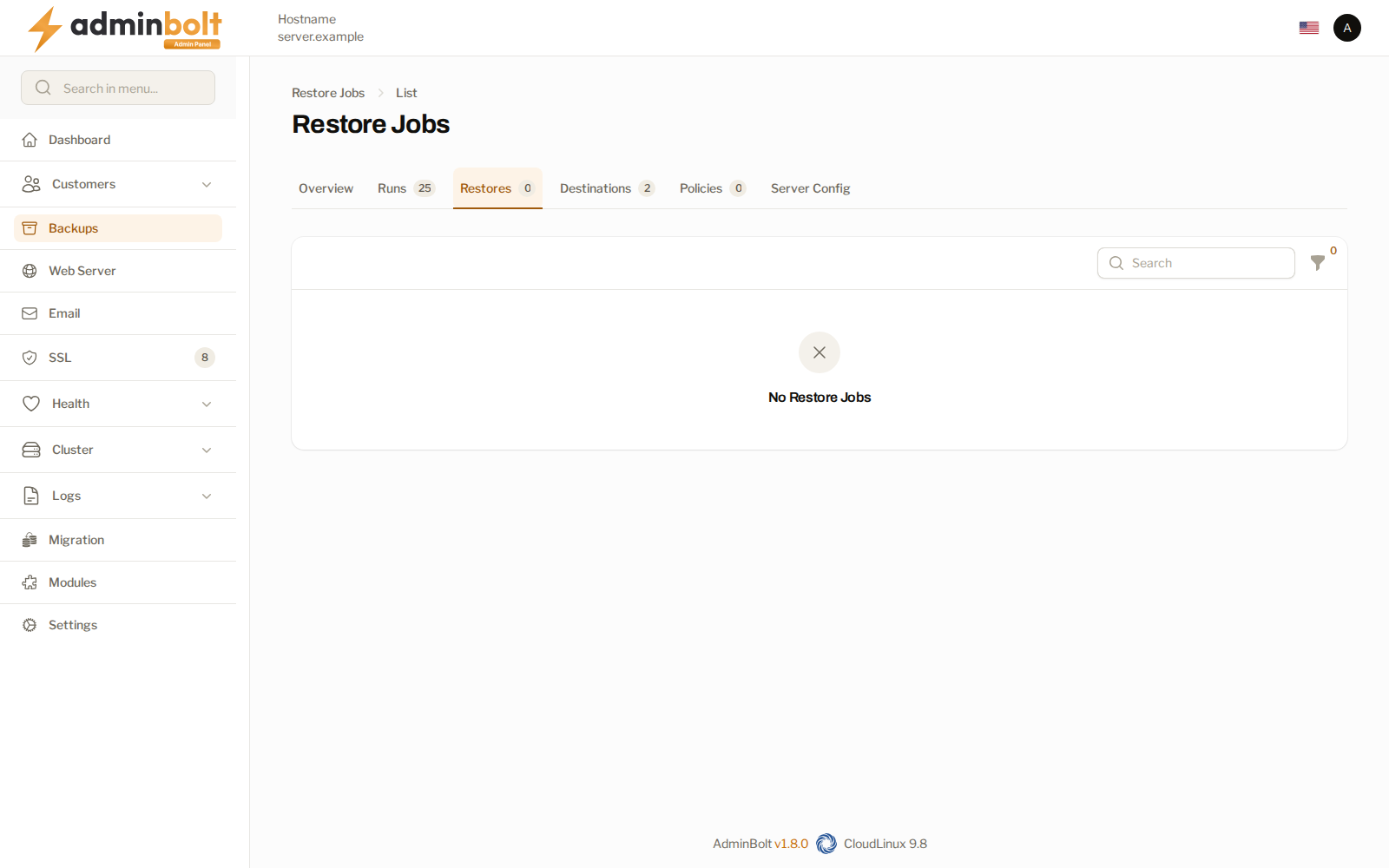
Every restore records who asked for it, so a restore that surprises you can be traced to the person who started it. A restore an account owner started is attributed to that account, and one an administrator started while impersonating names both.
Starting a restore
Restores are started from where the data is, not from this page:
- For a whole account, use Restore on the Backups overview or on the account's row. Choose Whole account (files, mailboxes, databases and users) to bring back the mailboxes, databases, and database users together with the files (see Restoring a whole account).
- Account owners restore from their own Backups page, when the policy covering them allows self-restore.
A restore can put the files back in place or drop them alongside the live ones as a copy, which leaves the running site untouched while you compare.
Whole-account restore reports
A whole-account restore job carries a report with one row per mailbox, database, database user, and grant, and the outcome of each. Open it with Report on the job's row. The outcomes are explained on Backups.
Concurrency
How many restores may run at once is a server-wide setting under Limits on the Backups page, together with the waiting time an account must observe between its own restores. Restores are heavy on disk and network; the limit is what keeps one recovery from starving the rest of the server.
Related pages
- Backups - the overview and its other tabs.
- Backup Runs - the backups a restore draws from.
- Client Backups - the account owner's own view of the same backups.
- Activity Log - the wider record of who changed what.