

Network IP Settings
Network IP Settings chooses which of your network IPs new hosting accounts get by default.
Overview
URL: /reseller/network-ip-settings
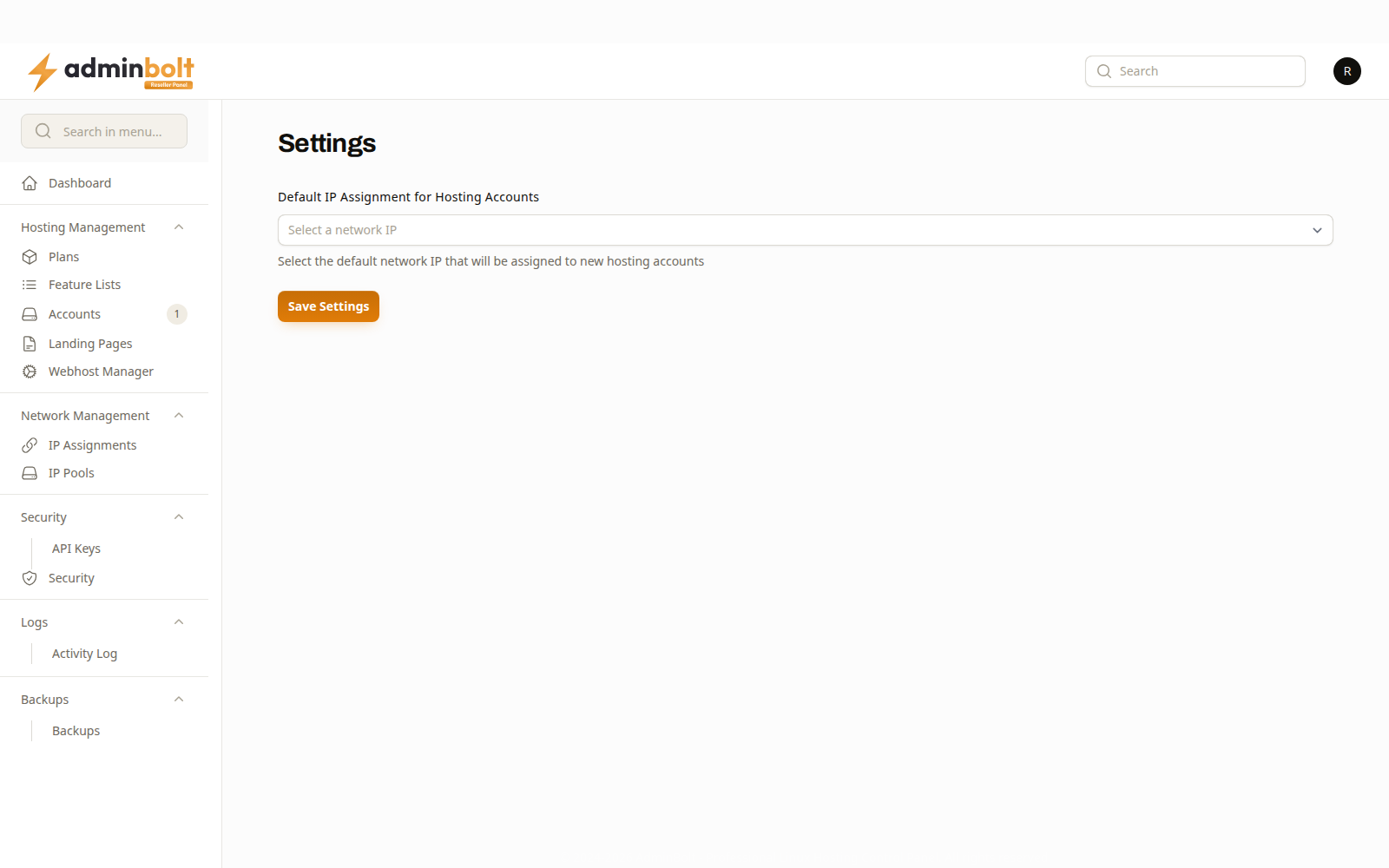
Select a network IP picks the address assigned to hosting accounts you create from now on. Save Settings stores it.
The setting applies to accounts created after the change. Accounts that already exist keep the address they have; change one of those on the account itself.
The addresses offered are the ones assigned to you. See IP Pools for what you have, and IP Assignments for which account holds which.
Related pages
- IP Pools - the addresses available to you.
- IP Assignments - the addresses in use.
- Hosting Accounts - where an individual account's address is changed.