

Remote PostgreSQL
Remote PostgreSQL holds the server-wide policy for reaching PostgreSQL databases from other hosts. Accounts allow individual addresses themselves, per database and role; this page limits what they are allowed to allow.
Overview
URL: /admin/settings/remote-postgresql
The page appears under Settings > Databases once the PostgreSQL module is installed.
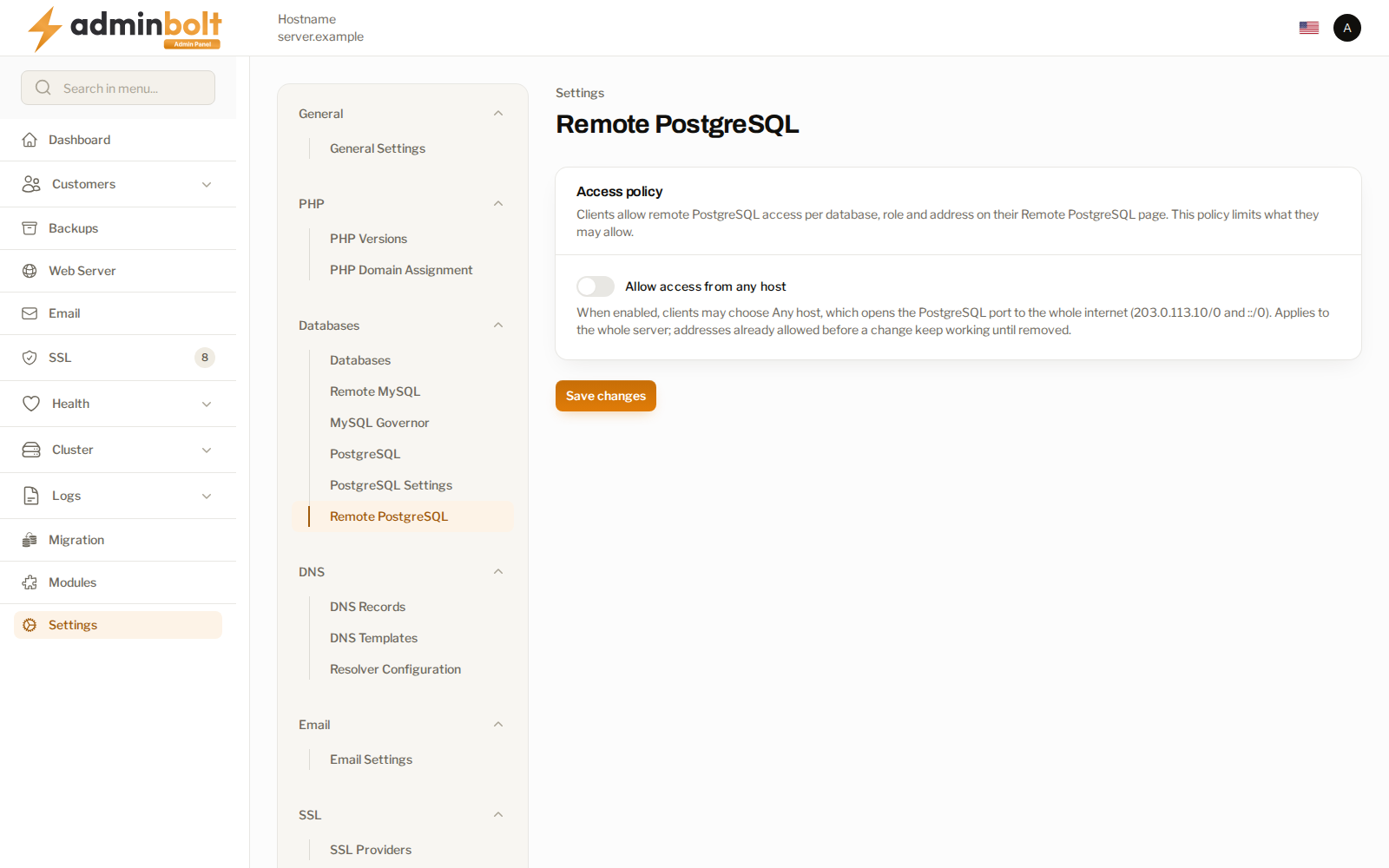
Access policy
Allow access from any host decides whether accounts may choose Any host, which opens the PostgreSQL port to every address on the internet.
- Off - accounts may only allow specific addresses and ranges.
- On - accounts may additionally allow any host.
The policy applies to the whole server. Addresses allowed before you turn the policy off keep working until they are removed, so switching it off is not retroactive.
Warning: Leave this off unless you have a concrete reason. Allowing any host exposes a customer's databases to every address on the internet, and the role password becomes the only thing protecting them.
Related pages
- PostgreSQL - the engine and its installation state.
- Remote MySQL Settings - the same policy for MariaDB.
- Hosting Plans - where remote PostgreSQL access is allowed per plan.