

Backup Policies
A backup policy decides which accounts are backed up, to which destination, how often, how much history is kept, and whether the account owner may restore without asking you.
Overview
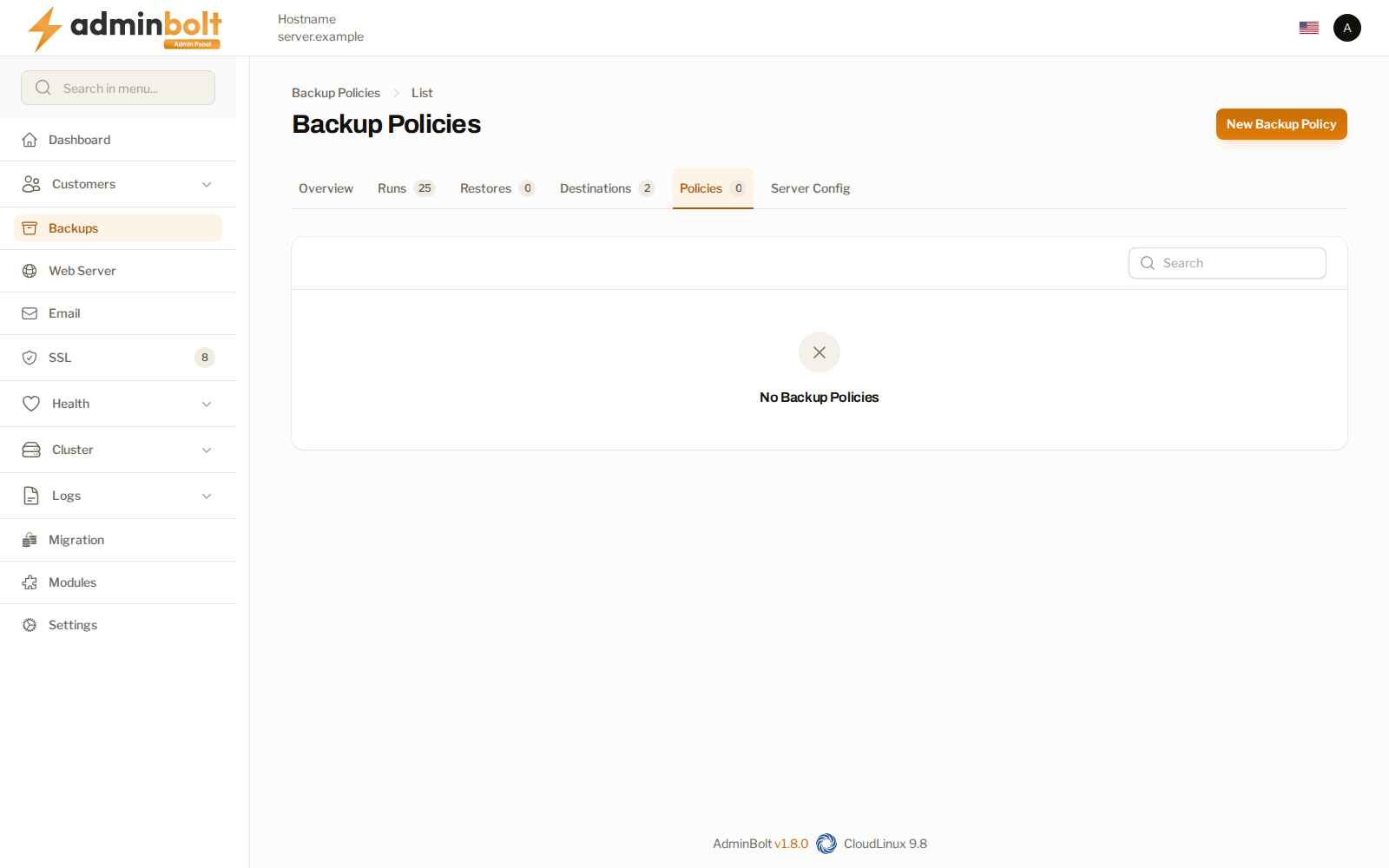
URL: /admin/backups/policies
The page is the Policies tab of Backups.
What a policy covers
The create form is at /admin/backups/policies/create. Applies to sets the scope:
| Scope | Covers |
|---|---|
| Hosting plan | Every account on that plan. |
| Reseller (all their accounts) | Every account the reseller owns. |
| Single account (override) | One account, overriding whatever else would apply. |
| All accounts (server-wide default) | Every account that nothing more specific claims. |
Where more than one policy could apply, the panel resolves in this order: account, then reseller, then plan, then the server-wide default. The most specific one wins.
The server-wide default is the safety net. With one in place, a hosting plan added later is never left without backups, and you do not need a separate policy per plan. The list names that row All accounts.
Plans without a policy
A hosting plan whose feature list includes Backups only gets backups for the accounts a policy reaches. Since panel 1.9.0 the page lists Plans that grant Backups without full backup policy coverage, with how many of each plan's accounts are not backed up. The hosting plan form shows the same warning under Feature List when you pick a list that includes Backups for a plan no policy covers. In the reseller panel, the plan form shows it too, counts only that reseller's accounts, and points the reseller to the server administrator.
Customers on such a plan still see their Backups page, with a notice that backups are not set up for their account. Add a policy for the plan, for its reseller, or a server-wide default to cover them.
Schedule
Schedule offers daily at 01:30, every 6 hours, every 12 hours, weekly on Sunday at 02:30, or a custom cron expression. Since panel 1.9.1, a due backup starts when a backup slot is free, so a run begins at or shortly after its scheduled time rather than exactly on it. When every slot is in use, a due backup waits for one.
Back up home directory and Back up databases decide what a run collects. Turning both off leaves the policy with nothing to do.
Retention
Keep daily, Keep weekly, and Keep monthly set how many snapshots of each kind survive. Older snapshots are removed off-peak, so a retention change is not reflected in the stored size immediately.
Set retention to what you can afford to store and are willing to restore from. Every kept snapshot occupies space at the destination.
Limits and self-service
- Upload limit (KB/s) caps how fast a run may push data to the destination. Leave it empty for no limit. Use it where backups compete with customer traffic for the same uplink.
- Allow client self-restore decides whether accounts covered by this policy get the restore actions on their own Backups page. With it off, only you and the reseller can restore.
- Max restore size (GB) caps what a client may restore in one go. Leave it empty for no limit.
The waiting time between client restores and the daily cap on manual backups are server-wide, not per policy. They live under Limits on the Backups page.
Related pages
- Backups - the overview and its other tabs.
- Backup Destinations - where the snapshots go.
- Backup Runs - what each policy actually produced.
- Hosting Plans - the plans a policy can be attached to.