

Redis instances
Redis instances bounds what all account Redis instances on this server may take together. Since panel 1.9.3 it is a page of its own in Settings > Databases. Until 1.9.2 the same form was the Redis instances tab of General Settings.
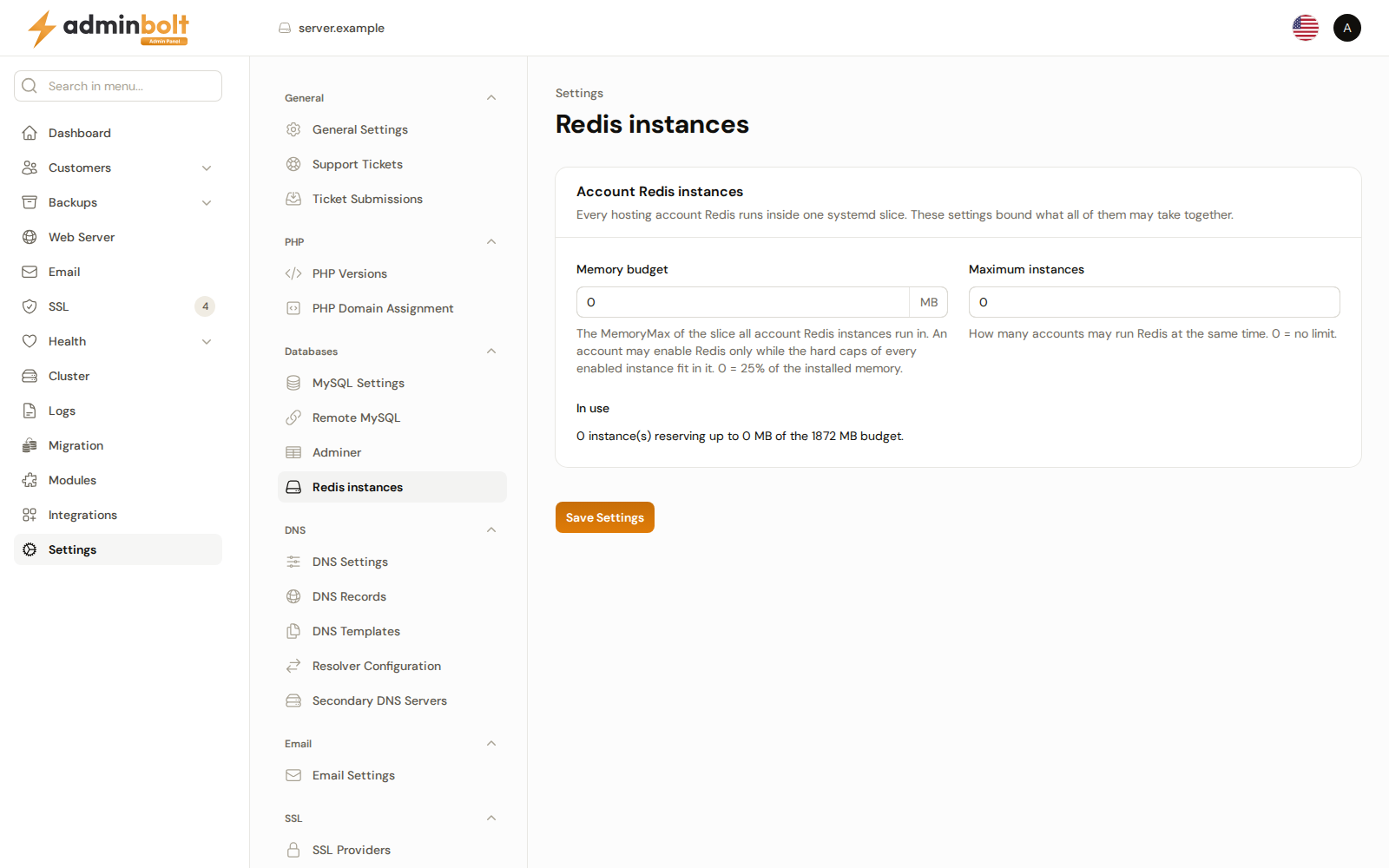
Overview
URL: /admin/settings/redis-settings
Open it from Settings > Databases > Redis instances. An old link to /admin/settings/general-settings?tab=redis opens this page. The settings search still finds its fields.
Each account's own instance is set up under Redis in the client panel, and its per-account memory ceiling comes from the hosting plan; this page is the ceiling above all of them.
Account Redis instances
- Memory budget (MB) - how much memory every enabled account instance may claim between them. An account can turn Redis on only while its ceiling still fits in the budget. Leave it at
0to let the server work the budget out from its own installed memory. - Maximum instances - how many accounts may run an instance at once. An account that would exceed the count is told the server already runs as many instances as its administrator allows.
- In use - read-only, showing how much of the budget the instances enabled today have reserved.
A suspended account's instance stays down until the account is unsuspended, a restart of the server included.
Click Save Settings to apply changes.