

Git Version Control
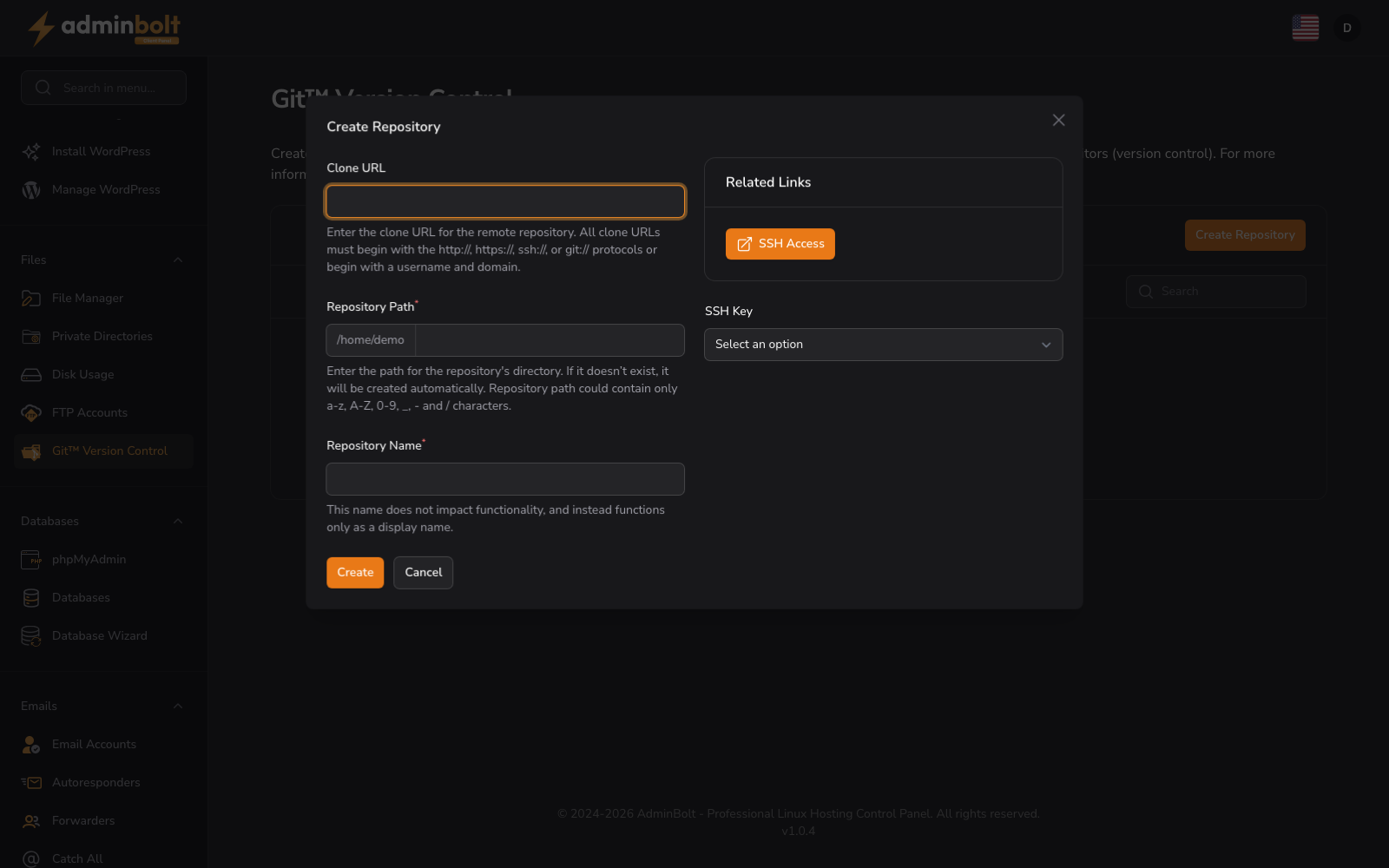
URL: /client/git-version-control-page
Create and manage Git repositories to maintain files and track the history of changes within your hosting account.
Create Repository
Click the “Create Repository” button to initialize a new Git repository. Define the repository name and path.
Creating a Repository
The “Create Repository” form allows you to set up a new Git repository on your hosting account. Complete the following fields:
- Clone URL (text) - Enter the URL of the repository you want to clone
- Repository Path (text) - The path on your server where the repository will be stored. Auto-filled with home directory prefix
- Repository Name (text, required) - Enter the name for your repository
- SSH Key (dropdown) - Select an SSH key for authentication with the remote repository
After completing the form, click “Create” to initialize the repository or “Cancel” to exit the form.
Search
Use the search bar to filter repositories by name or keyword.
Repository List
The interface displays created repositories in a table format. When no repositories exist, you see:
No Git Repositories Create a git repository to get started.