

Create Mailing List
Creates a new mailing list on one of your domains. Give the list a name, pick the domain, and optionally adjust the advanced settings rows. The list name can contain only letters, digits, underscores (_), and hyphens (-); dots and spaces are not allowed. Subscribers are managed afterwards on the Subscribers page.
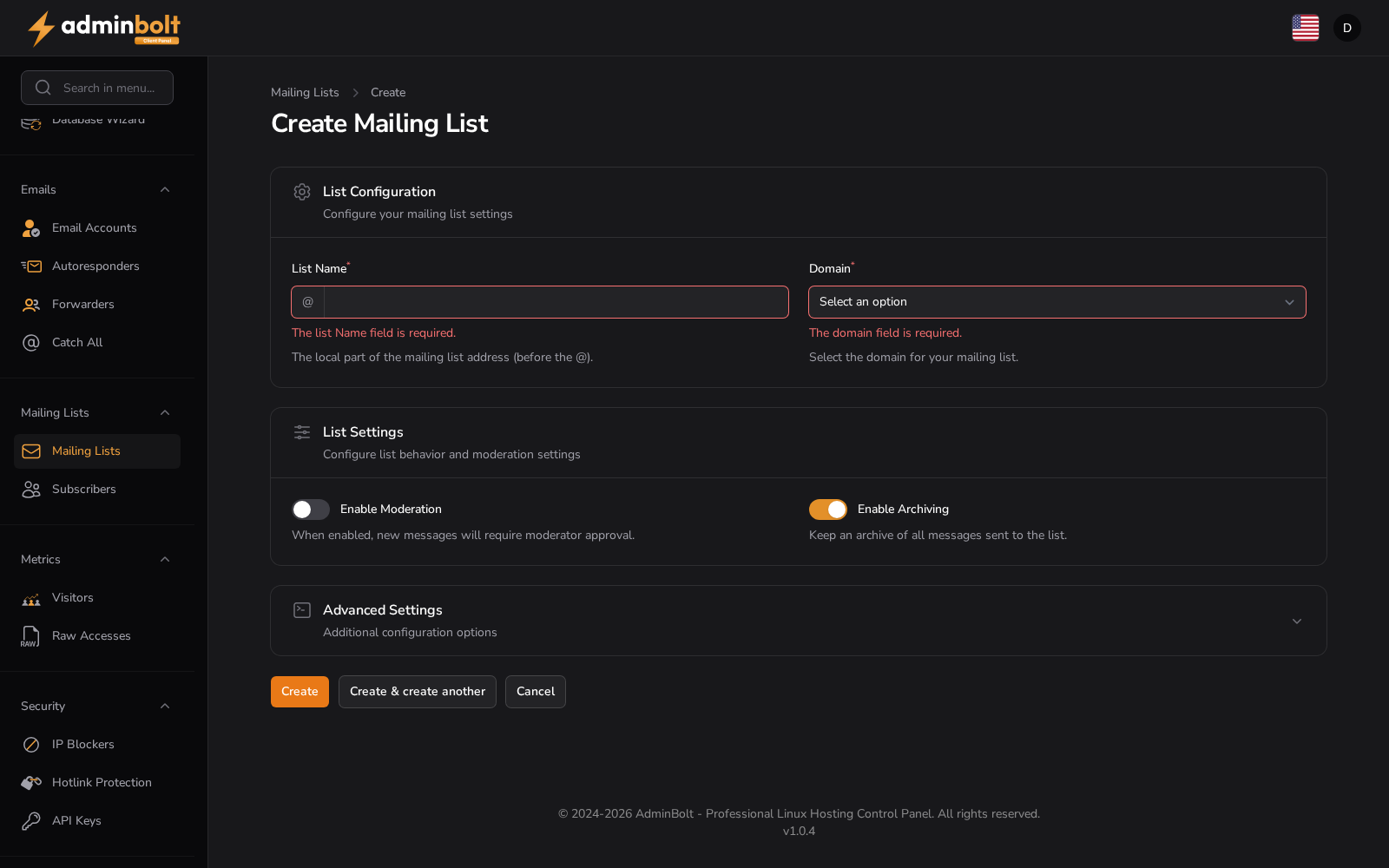
Overview
URL: /client/mailing-lists/create
Opened from: client.mailing-lists view.
Menu: Mailing Lists → Create Mailing List
Breadcrumb: Mailing Lists › Create
Table Columns
- Setting Name
- Value
Available Actions
- Add row
- Create
- Create & create another
- Cancel
Form Fields
- List Name (required) - text
- Domain (required) - select