

System Mailboxes
The Mailboxes tab of the Email area opens the panel's own mailboxes on the server hostname in Roundcube. Use it to read the mail the server itself receives, and the delivery failures of the mail the panel sends.
Overview
URL: /admin/email-system-account-mail-box
Open it from Email in the sidebar, then the Mailboxes tab. Only administrators can open it.
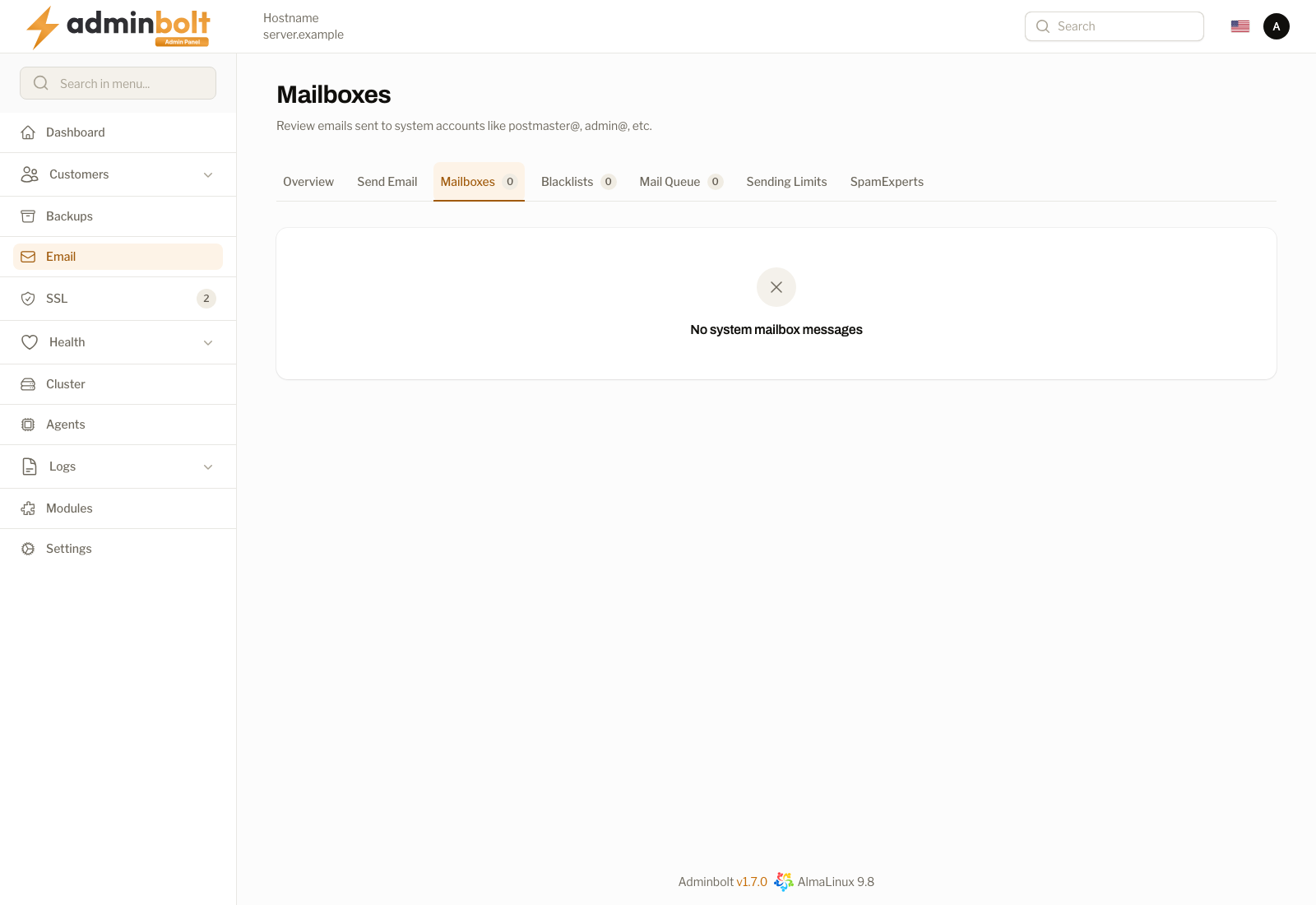
Since panel 1.9.3 the page does not list messages itself, and its tab carries no counter. Each mailbox has a card with an Open in Roundcube button, and you read, answer, and delete its mail in Roundcube.
The mailboxes
The page shows the two mailboxes the panel keeps on the current server hostname:
| Mailbox | What it receives |
|---|---|
system@<hostname> | Mail addressed to this server. |
admin@<hostname> | The address the panel sends its own mail from, such as notifications. Delivery failures of that mail arrive here. |
The subheading names the mailboxes the page offers, for example "Open the [email protected] and [email protected] mailboxes of this server in Roundcube." A mailbox is offered only while the panel holds its address and password. When it holds neither, the page reads "This server has no system mailbox the panel can open."
After a hostname change, the page offers the mailboxes of the new hostname. The ones of the previous hostname are switched off; see System mail of the previous hostname.
Open in Roundcube
Open in Roundcube signs you in to that mailbox in Roundcube, in a new browser tab, without showing or asking for the mailbox password. Where the browser blocks the new tab, Roundcube opens in the same tab instead.
The sign-in link works once and expires after a few minutes. To open the mailbox again, use the button again.
If the panel no longer holds the password of the mailbox, for example because it changed while the page was open, the notification reads "The panel has no stored password for this mailbox." Reload the page and open a mailbox it lists.
The administrator API
The same sign-in is available in the admin REST API, for an admin API key:
POST /api/system-mailboxes/{mailbox}/webmail-sso{mailbox} is system or admin. The request takes no body. The response gives the mailbox, its address, the single-use login_url to open in a browser, and expires_at. The link signs in the first browser that opens it, and the mailbox password is never returned.
- 404 - the panel has no such system mailbox, or no stored password for it. The message lists the mailboxes that are available.
- 422 - the request carried a body field. The message names it.
- 403 - the API key is not an admin key.
See the API reference for authentication.
Related pages
- Email Dashboard - the Overview tab, with mail services and recent activity.
- Send Email - send a message from the system address.
- Change System Hostname - what a hostname change does to these mailboxes.
- Roundcube - the webmail module.