

SSH Access
SSH Access governs the server's own SSH daemon: which port it listens on, which addresses may reach it, and whether root may sign in over it.
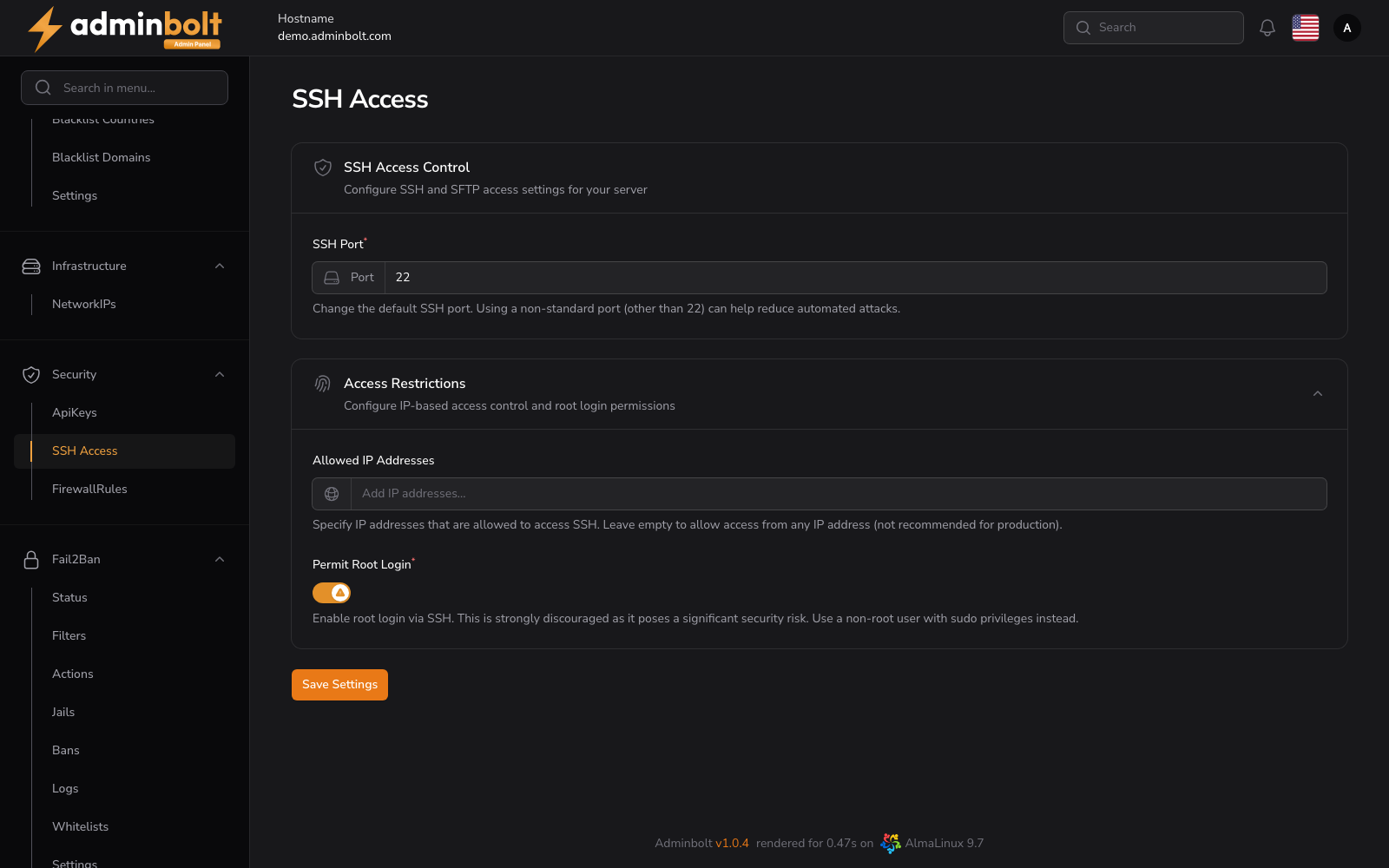
Overview
URL: /admin/settings/ssh-access
Open it from Settings > Security > SSH Access in the sidebar.
Note: These settings control the server's SSH daemon. Isolated per-account shell access, which powers the client-side SSH Terminal, is provided by a separate mechanism. On CloudLinux servers it is handled by the BoltTerminal module (listed as Terminal on the Modules page), which requires CloudLinux and will not install alongside a running SecureBox. On servers without CloudLinux, the SecureBox service provides the isolated SSH environment.
SSH Access Control
- SSH Port (required) - the TCP port the daemon listens on. Default:
22. Moving it off 22 cuts down untargeted scanning, but it is not a substitute for the restrictions below, and everyone who connects has to know the new port.
Access Restrictions
- Allowed IP Addresses - the addresses that may open an SSH session. Several can be added and removed individually. Leaving the field empty allows every address, which is not recommended in production.
- Permit Root Login (required) - whether
rootmay sign in over SSH. Keep it off and sign in as a non-root user withsudoinstead.
Save Settings applies the form.
Warning: Changing the port here does not open it in the firewall. Add a matching rule under Firewall Rules before you save, or the next connection will be refused. The same applies when you restrict Allowed IP Addresses from an address that is not on the list.
Related pages
- Firewall Rules - the ports the server accepts traffic on.
- Fail2Ban Jails - the
sshdjail, which bans addresses after repeated failed sign-ins.