

Create Filter
Defines a custom Fail2Ban filter, that is the pattern that matches offending lines in a log file. A filter does nothing on its own; combine it with thresholds and an action by creating a jail.
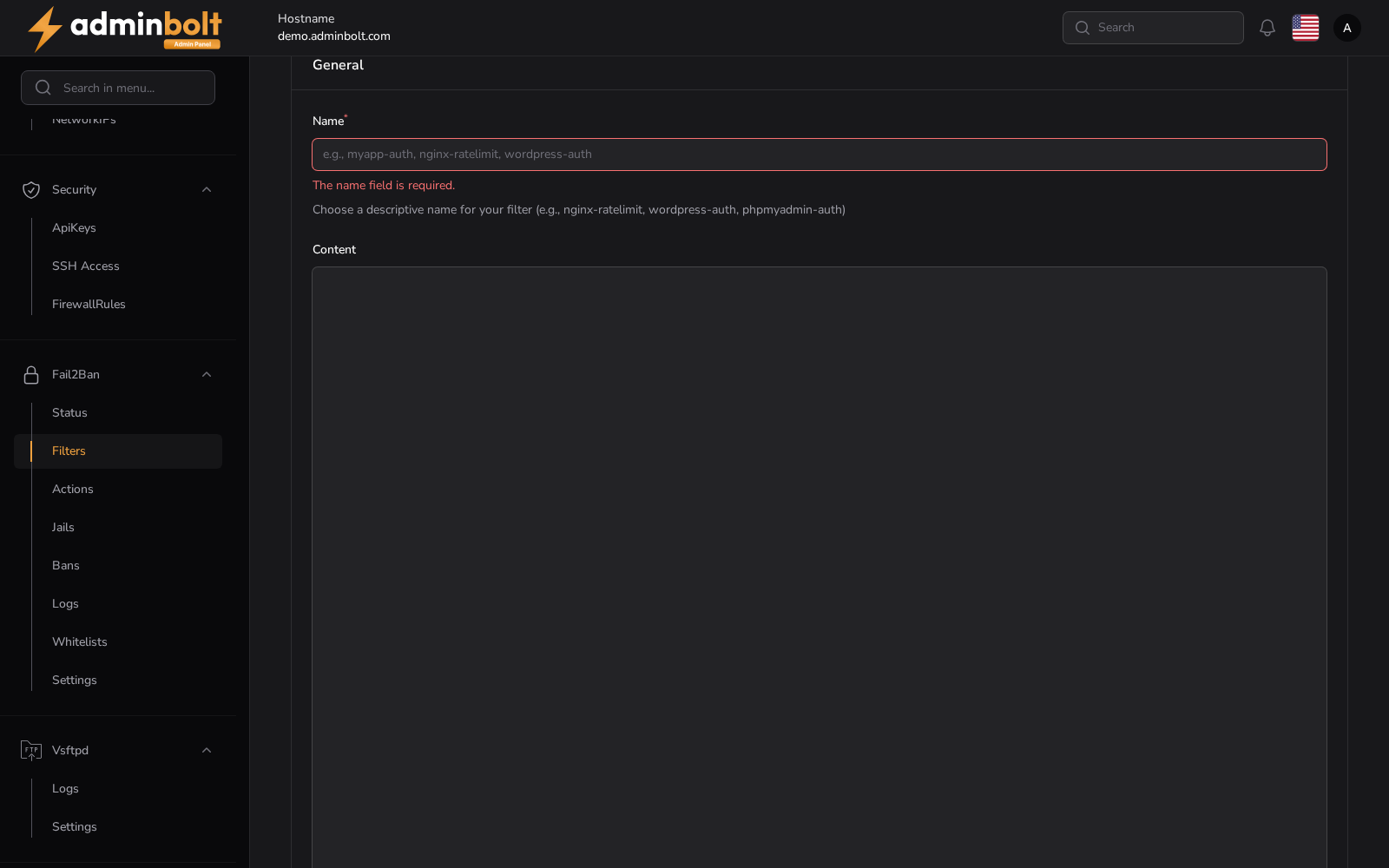
Overview
URL: /admin/settings/fail2ban-filters/create
Reached from Settings > Security > Fail2Ban, the Filters tab, then New Filter. The breadcrumb reads Settings > Filters > Create.
Fields
- Local Filter Profile - pick one of the filters shipped with Fail2Ban to pre-fill the form. The list covers the local filters and the panel's own, so you can start from something close and adjust it.
- Name (required) - a descriptive name, for example
nginx-ratelimitorwordpress-auth. The name is what a jail refers to. - Content - the filter definition, in Fail2Ban's own format. Leave it empty to start from a blank definition.
Actions
- Create - save the filter and return to the list.
- Create & create another - save it and reopen an empty form.
- Cancel - return to the list without saving.
Once saved, the filter appears in the panel filters list, where Test regex lets you check it against sample log lines before a jail depends on it.