

Fail2Ban Filters
A filter is the pattern that recognises an offending line in a log file. On its own a filter does nothing; it becomes active when a jail points at it.
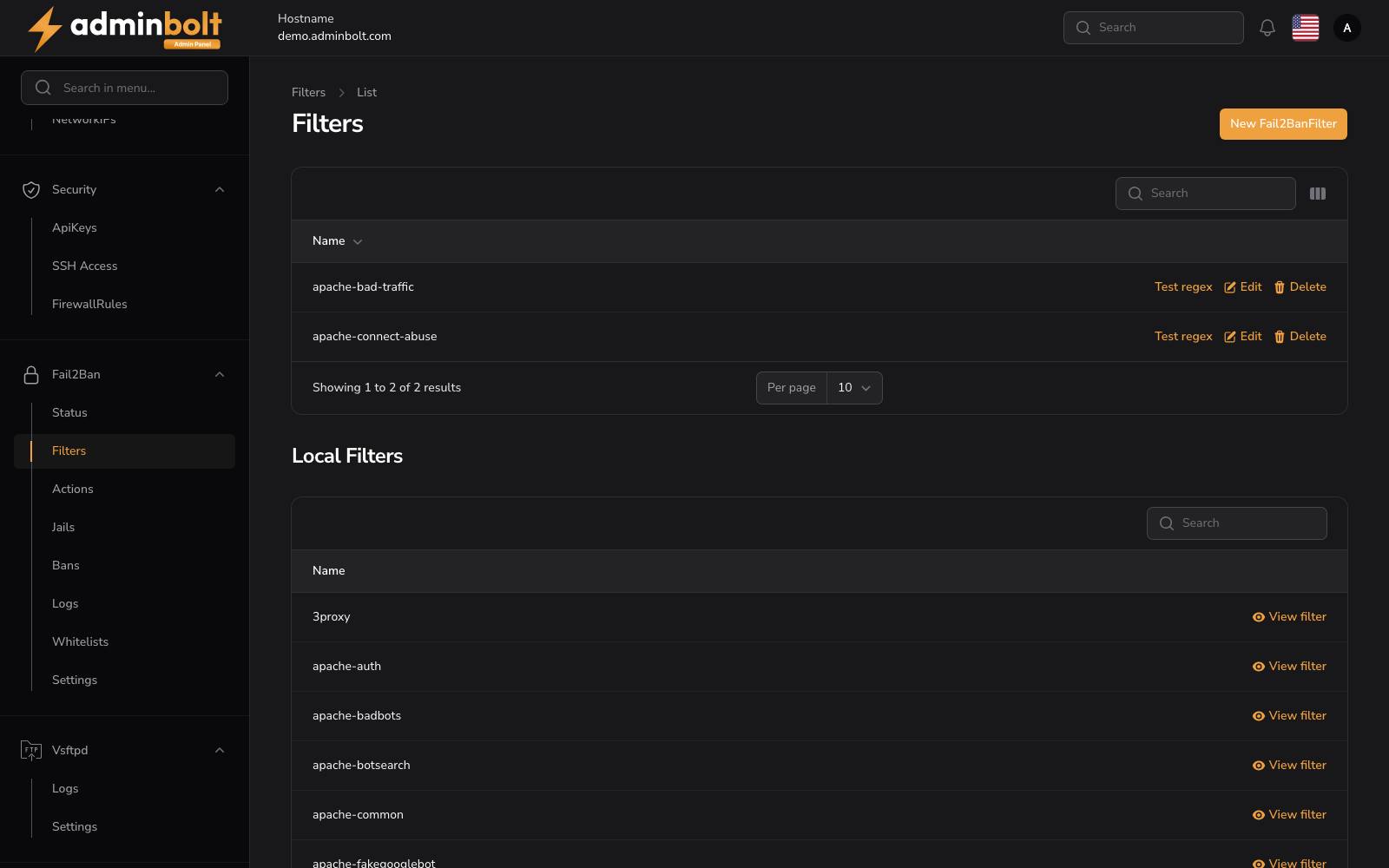
Overview
URL: /admin/settings/fail2ban-filters
Open it from Settings > Security > Fail2Ban in the sidebar, then pick the Filters tab. The tab carries a counter showing how many panel filters exist.
The page has two lists: the filters this panel owns at the top, and the filters shipped with Fail2Ban below.
Panel filters
The upper list holds the filters created here. Each row has one column, Name (sortable), and three actions:
- Test regex - run the filter's patterns against sample log lines before a jail depends on it.
- Edit - change the name or the pattern.
- Delete - remove the filter.
A search box filters by name, Toggle columns shows the Created and Updated columns, and the page size can be set to 5, 10, 25, 50, or All.
AdminBolt ships three of its own filters, including bolt-panel, which recognises failed panel sign-ins.
Local filters
The lower list is the read-only set installed with Fail2Ban itself, over a hundred of them, covering common services (sshd, postfix, dovecot, nginx-http-auth, and so on). View filter opens a definition for reading. These cannot be edited in place; copy one into a filter of your own instead.
The list has its own search box and page size control.
Creating a filter
New Filter opens Create Filter at /admin/settings/fail2ban-filters/create.